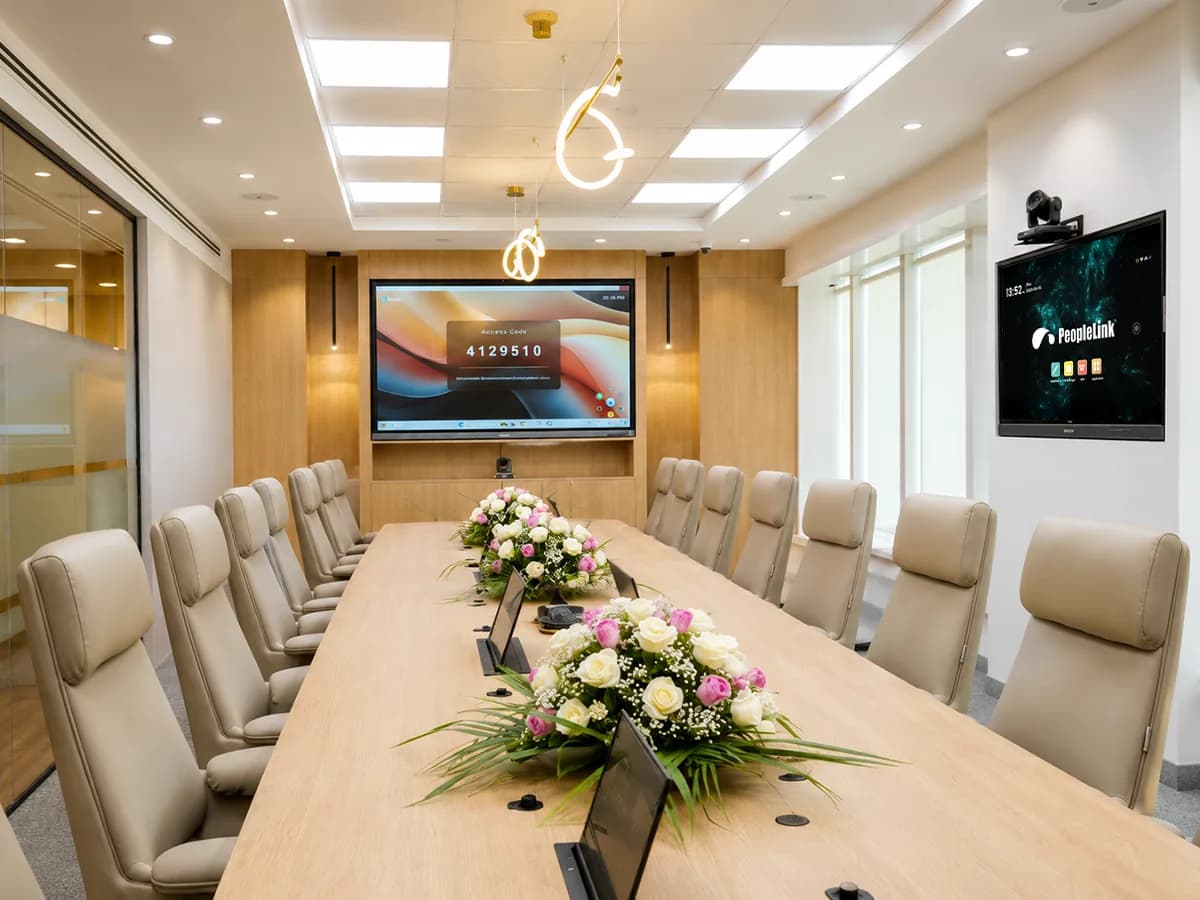
Windows Endpoint

Windows Endpoint

A Windows endpoint from PeopleLink is a video conferencing device that runs on the Windows operating system, pairing a camera and audio with a familiar desktop environment. Built for meeting rooms and offices, it lets teams join calls and share content using the conferencing applications they already use. As a single AV OEM for hardware and software, you get one accountable partner to deploy and support your rooms.

No Products Available

Currently, there are no products available in this category. Please check back later.

Back to Products

Need help finding the right solution?

Contact Sales

Planning a meeting room?

Tell us about your room and we will recommend the right endpoint setup.

Get a recommendation

Frequently Asked Questions

1

What is a Windows endpoint?

A Windows endpoint is a video conferencing device that runs on the Windows operating system, combining a camera, microphone and speaker with a familiar desktop environment for joining and running meetings.

2

Where are Windows endpoints used?

They suit meeting rooms and offices where teams want to run their preferred conferencing applications on a Windows device while sharing content and collaborating in calls.

3

How do I choose the right Windows endpoint?

Consider the room size, the conferencing applications your teams use, the camera and audio coverage you need, and how the device fits with your displays and network. PeopleLink can help match a setup to your room.

Request Demo

Loading reCAPTCHA...

WhatsApp Updates

Get PeopleLink AV and Collaboration Updates on WhatsApp

Product Launches, Datasheets, Solution Guides for Meeting Rooms and Classrooms, Event Invitations and Partner Programme news from PeopleLink, a global AV and Unified Communications OEM. For CIOs, IT Heads, AV Consultants, System Integrators and Channel Partners.

  • Video Conferencing Cameras
  • Interactive Flat Panels
  • LED Video Walls
  • Digital Podiums
  • Audio Conferencing
  • Smart Classroom Solutions
  • Partner Programme
  1. 1. Scan or tapScan the QR Code with your phone camera, or tap the button on mobile.
  2. 2. Send "Hi"The message is prefilled. Send it and you are subscribed.

By sending "Hi" you agree to receive WhatsApp messages from PeopleLink Unified Communications about Products, Solutions, Events and Partner updates. You can opt out at any time.

Scan to join PeopleLink WhatsApp Updates