
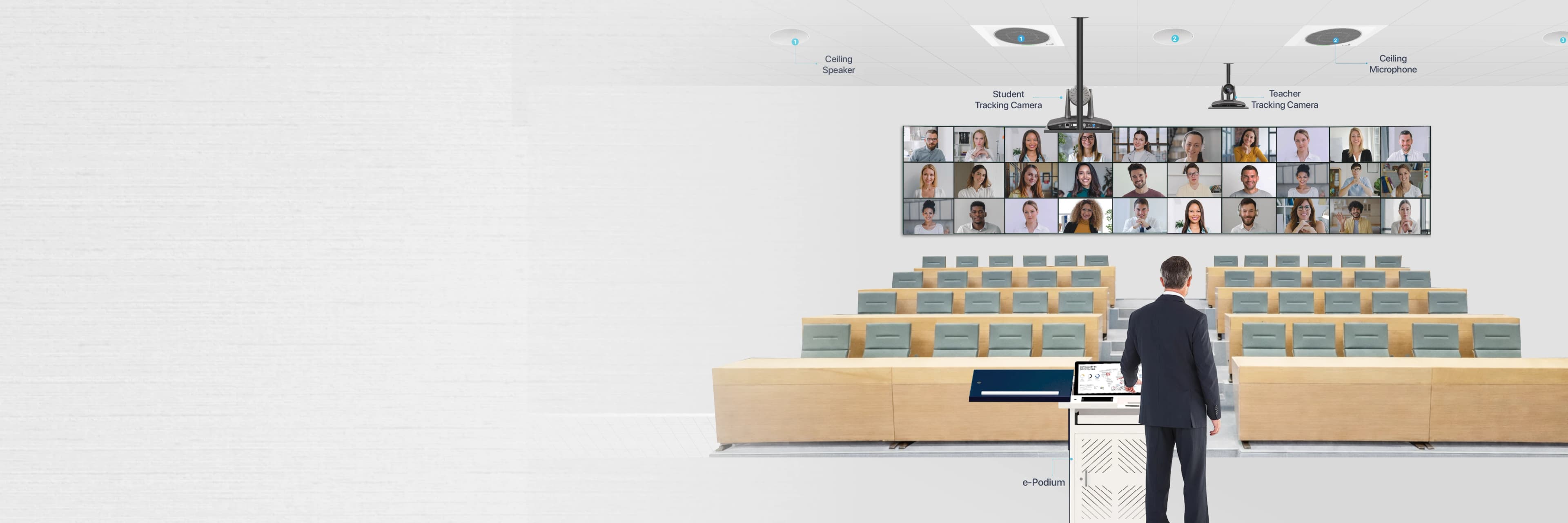
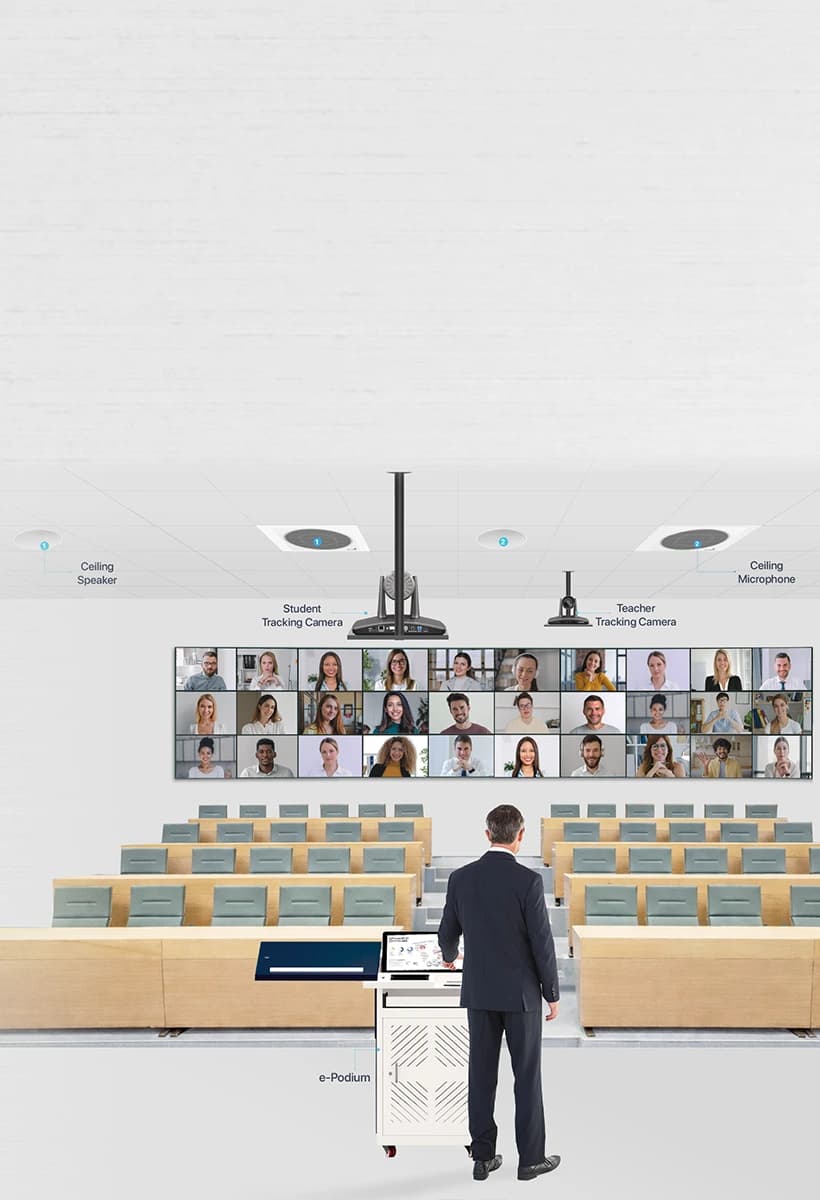
PeopleLink Immersive Telepresence for Corporate Meetings & Classrooms
Powerful, Software-First Telepresence for the Modern Enterprise & Future-Ready Education. Bring remote participants to life-size presence.
Modern Telepresence for Enterprise & Education on-Premise and Cloud
True-to-life remote presence that improves engagement and learning outcomes
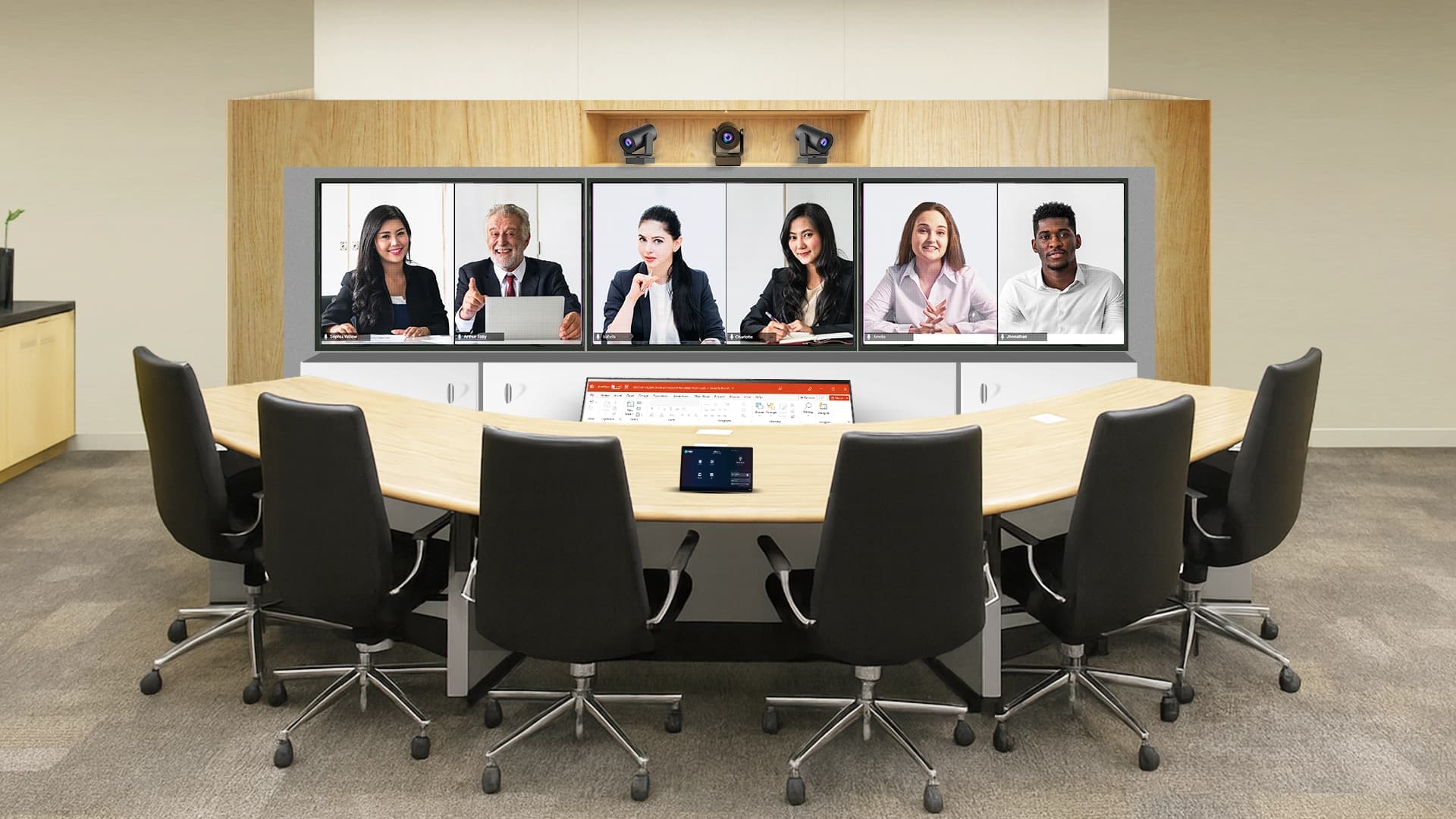
Bring remote participants into the room at life-size scale, enabling natural communication, real eye contact, and immersive collaboration. Designed for modern organizations, PeopleLink Telepresence delivers true-to-life remote presence for boardrooms and classrooms with secure on-premise or cloud deployment. Realistic video, intelligent layouts, and multi-display orchestration enable deeper engagement and faster decisions. Ideal for enterprise IT teams building high-performance hybrid collaboration spaces.
Experience the Difference with Our Telepresence Solutions
Transform your meetings, classrooms, and training sessions with our cutting-edge display technologies
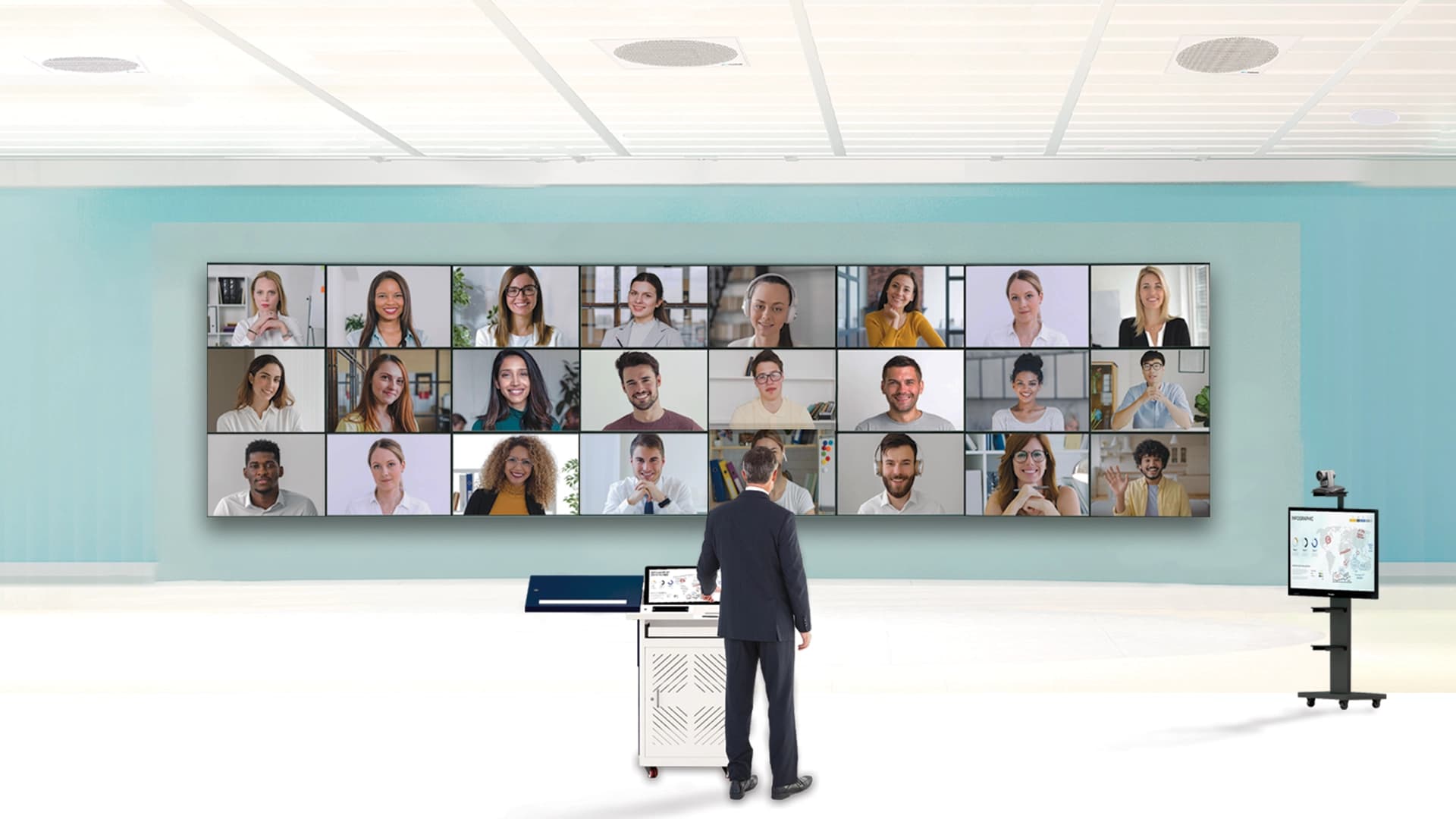
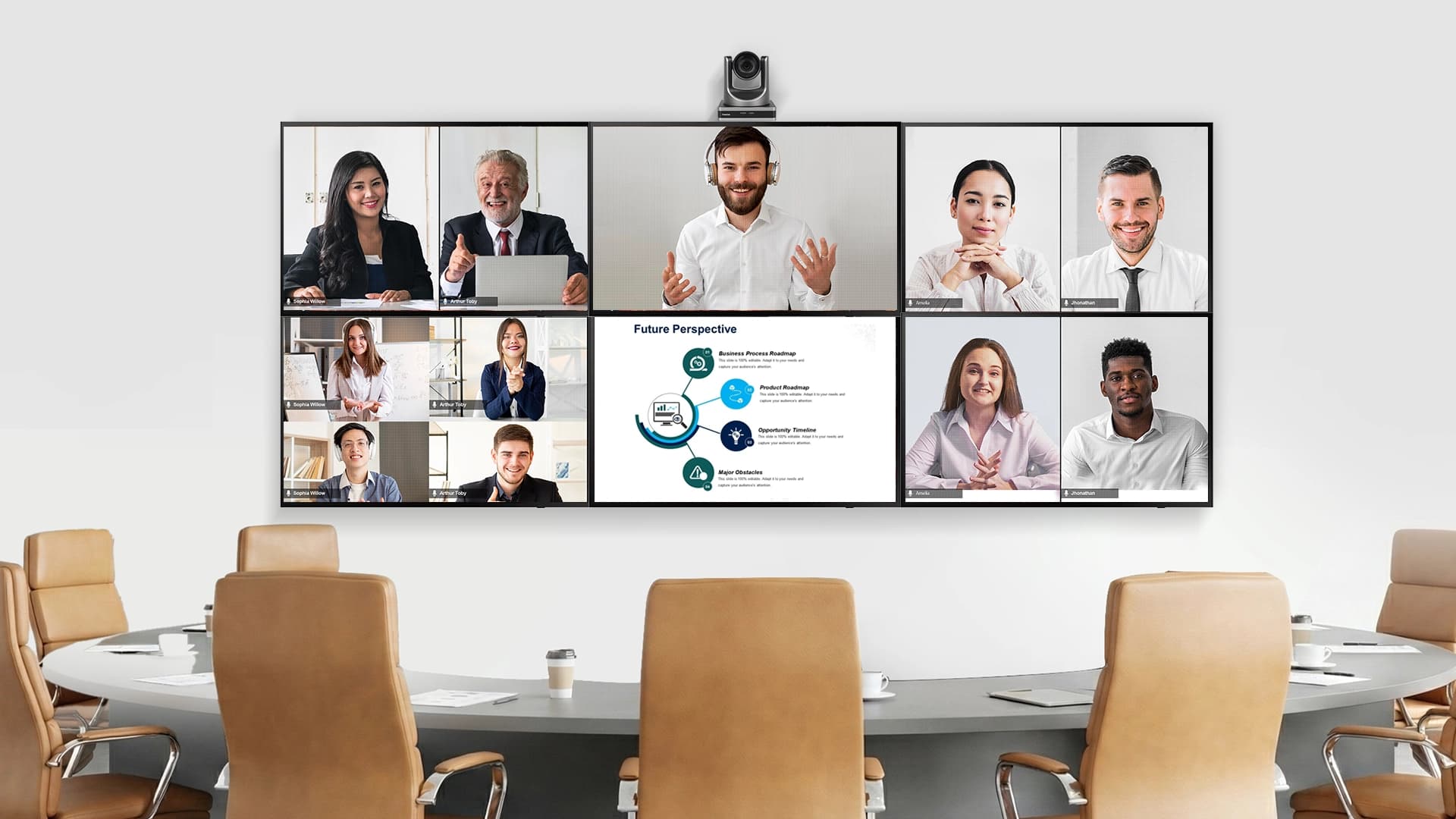
Life size Immersive Participant View
Executives across continents appear at true scale on large displays, essential for high-stakes board discussions. Similarly, Remote students appear as large as in-class students for natural eye contact and engagement.
- ✓Makes remote executives appear in-room for more natural decision-making.
- ✓Helps teachers see remote students clearly for better engagement.
- ✓Enables trainers to read body language and responses in real time.
Multi-Display Telepresence Walls
Run a presentation on one wall, show remote teams on another, keep speaker focus dynamic. Show active speaker, remote classrooms, and content simultaneously.
- ✓Show remote teams and presentations side-by-side for clearer decisions.
- ✓Give classrooms separate screens for content, students, and the instructor.
- ✓Enable training rooms to view multiple data streams at once.
Features and Benefits
PeopleLink solves the limitations of traditional telepresence systems: heavy hardware, rigid layouts, expensive scaling, and lack of education-focused workflows. Our Telepresence solution is software-defined telepresence, allowing you to scale across your offices or campuses-with minimal hardware and maximum impact.
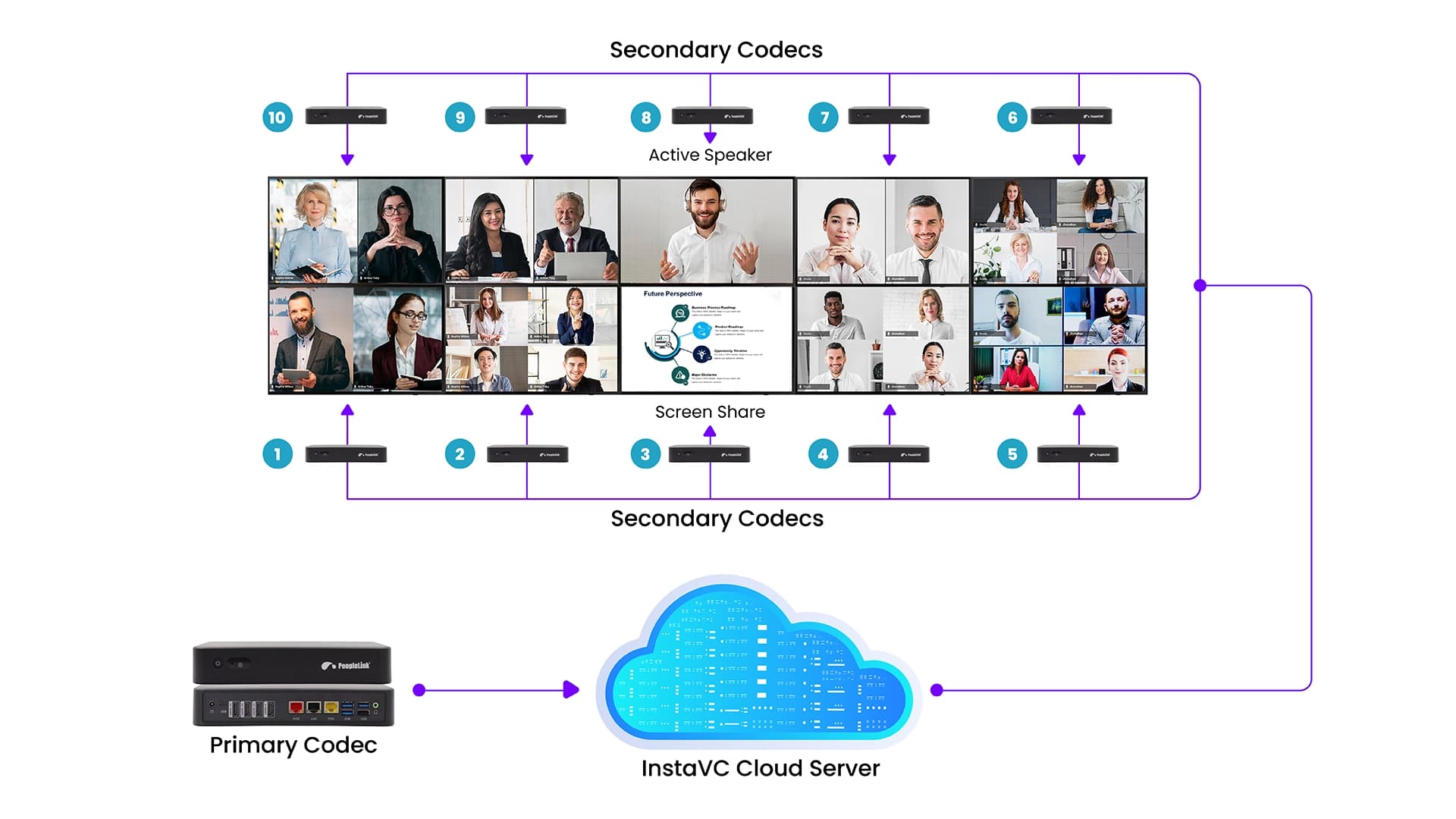
Master Central Codec Orchestration
A central codec starts sessions, syncs all screens, and arranges participants, simplifying the entire process for IT Teams. This ensures consistent meeting layouts across all global rooms and ensures identical learning environments across multiple campuses or corporate offices.
- Multi-room enterprise meetings (HQ + regional offices)
- Multi-campus classrooms needing identical layouts
- Fast, consistent deployment across many rooms
Life-Size Remote Participants
Remote colleagues or students appear at true size, making communication feel natural, not like a grid of tiny faces, giving your video meetings an immersive life like feel.
- ✓High-stakes enterprise meetings.
- ✓Classroom teaching where expressions matter.
- ✓Training, workshops, and remote labs.
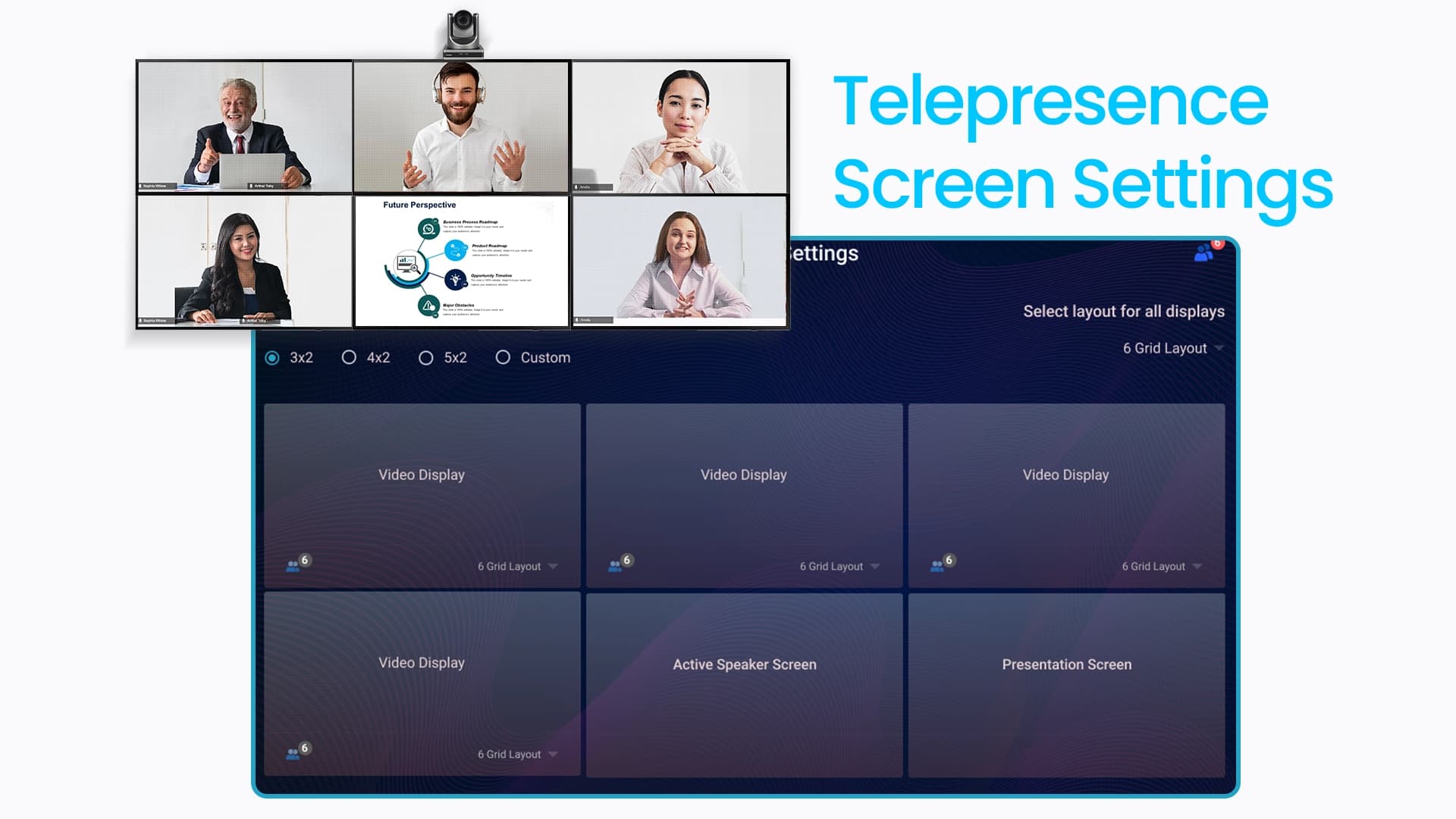
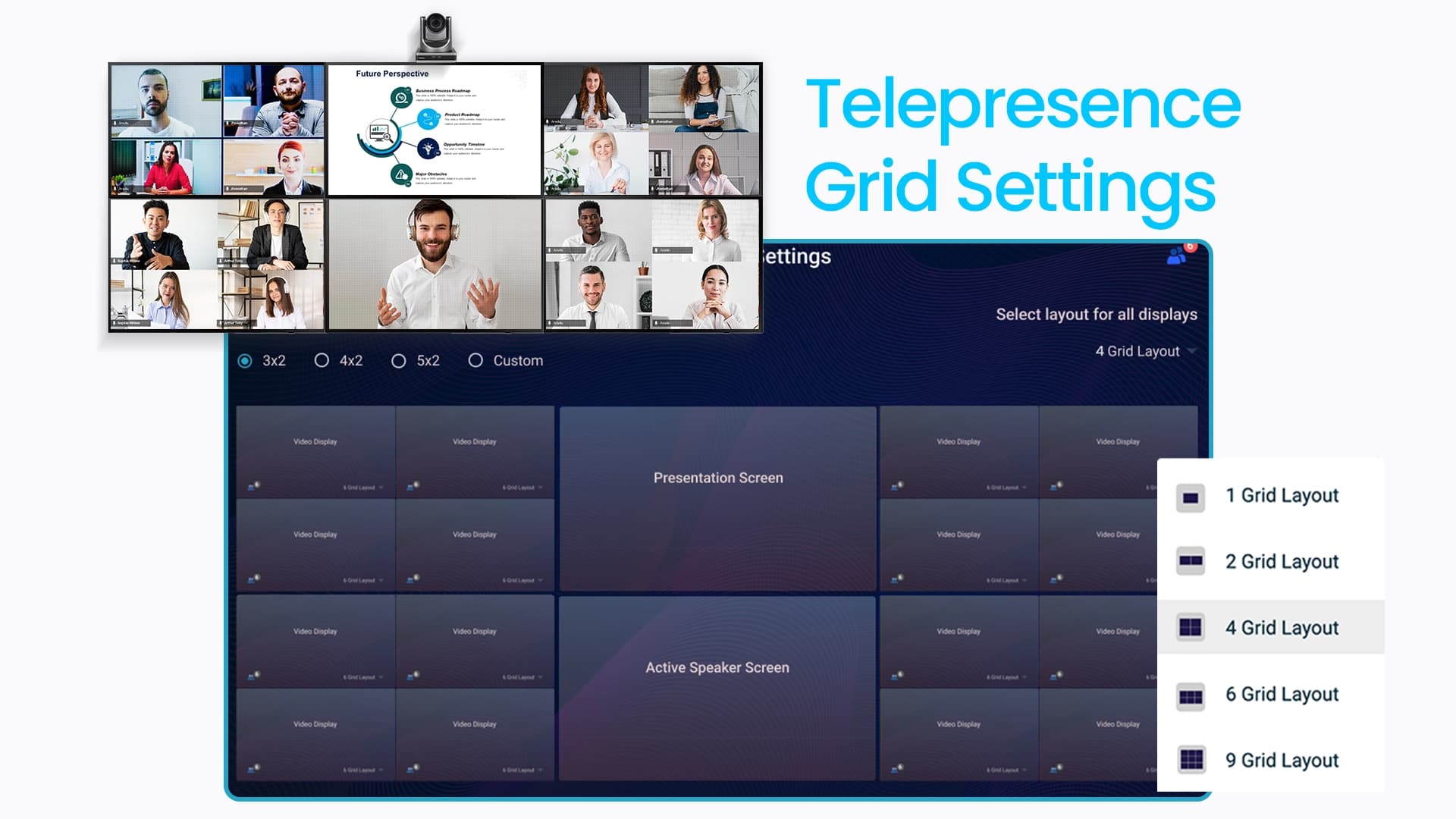
Flexible Multi-Screen Layouts
Drag and drop participants across screens. Choose focus layouts.
- ✓Boardrooms (speaker on one screen, slides on another).
- ✓Classrooms (teacher on main screen, students across panels).
- ✓Training centers (split-site collaboration).
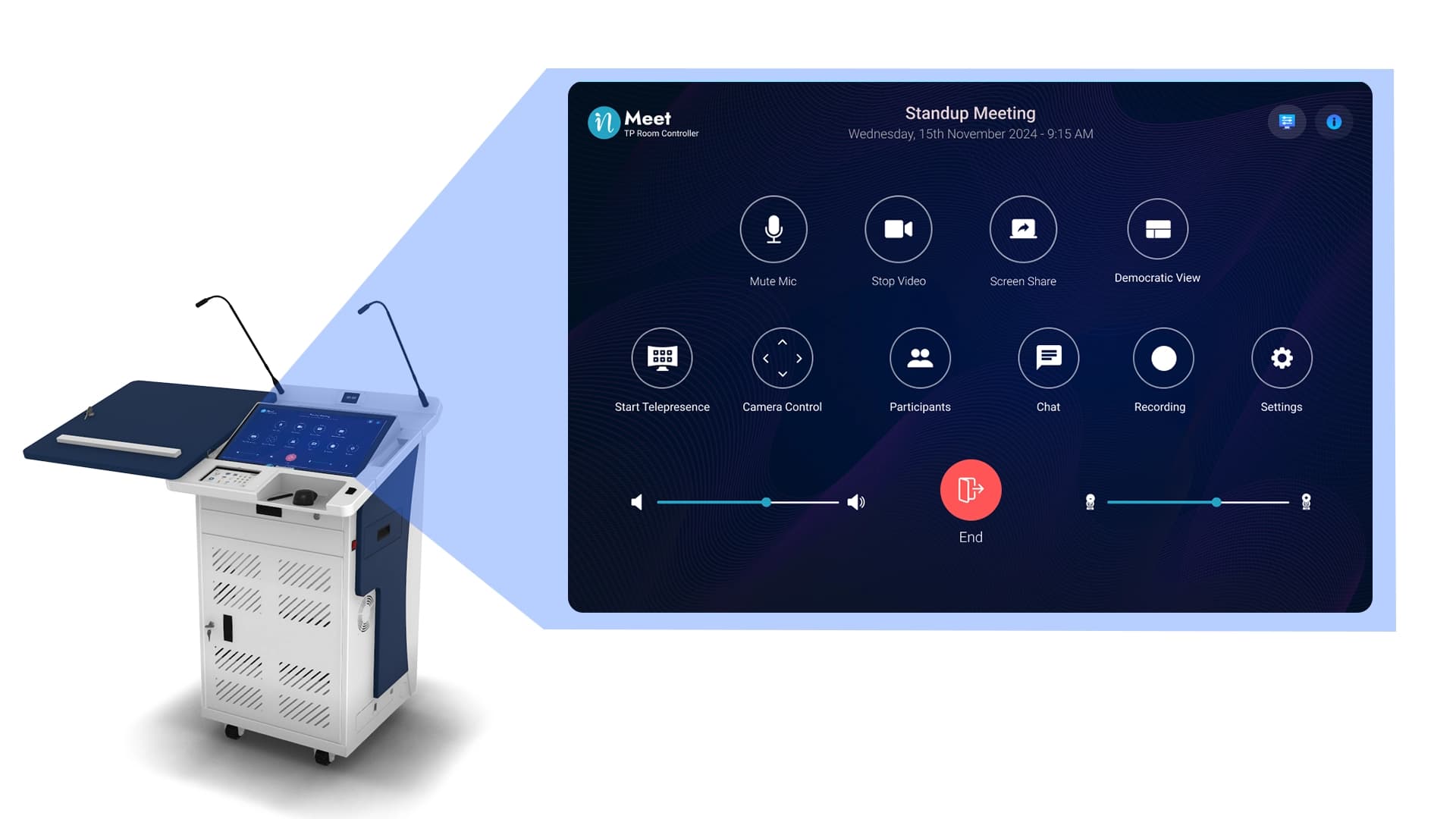
Digital Podium / Host Control Panel
One-touch control to manage the entire session from a single interface.
Layouts
Dashboard

Recording

Presentations
Polls
Breakout Rooms
- ✓Teachers delivering hybrid lectures.
- ✓CXOs leading hybrid meetings.
- ✓L&D teams running training sessions.
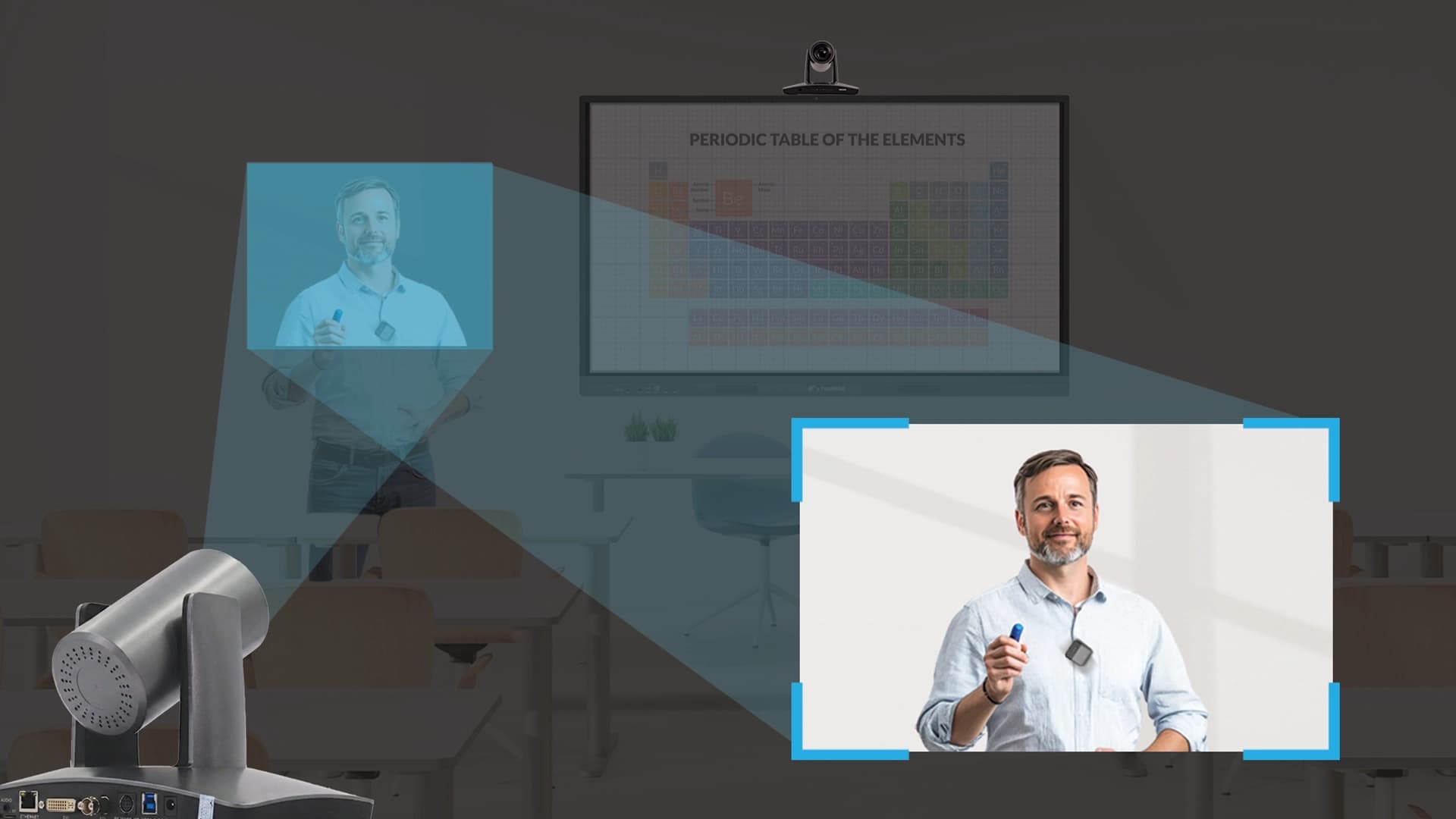
Speaker Tracking and Teacher Tracking PTZ Cameras
Auto-tracking cameras follow the presenter’s movement.
- ✓Instructors who move across the stage.
- ✓Executives presenting at a whiteboard.
- ✓Interactive training & workshops.
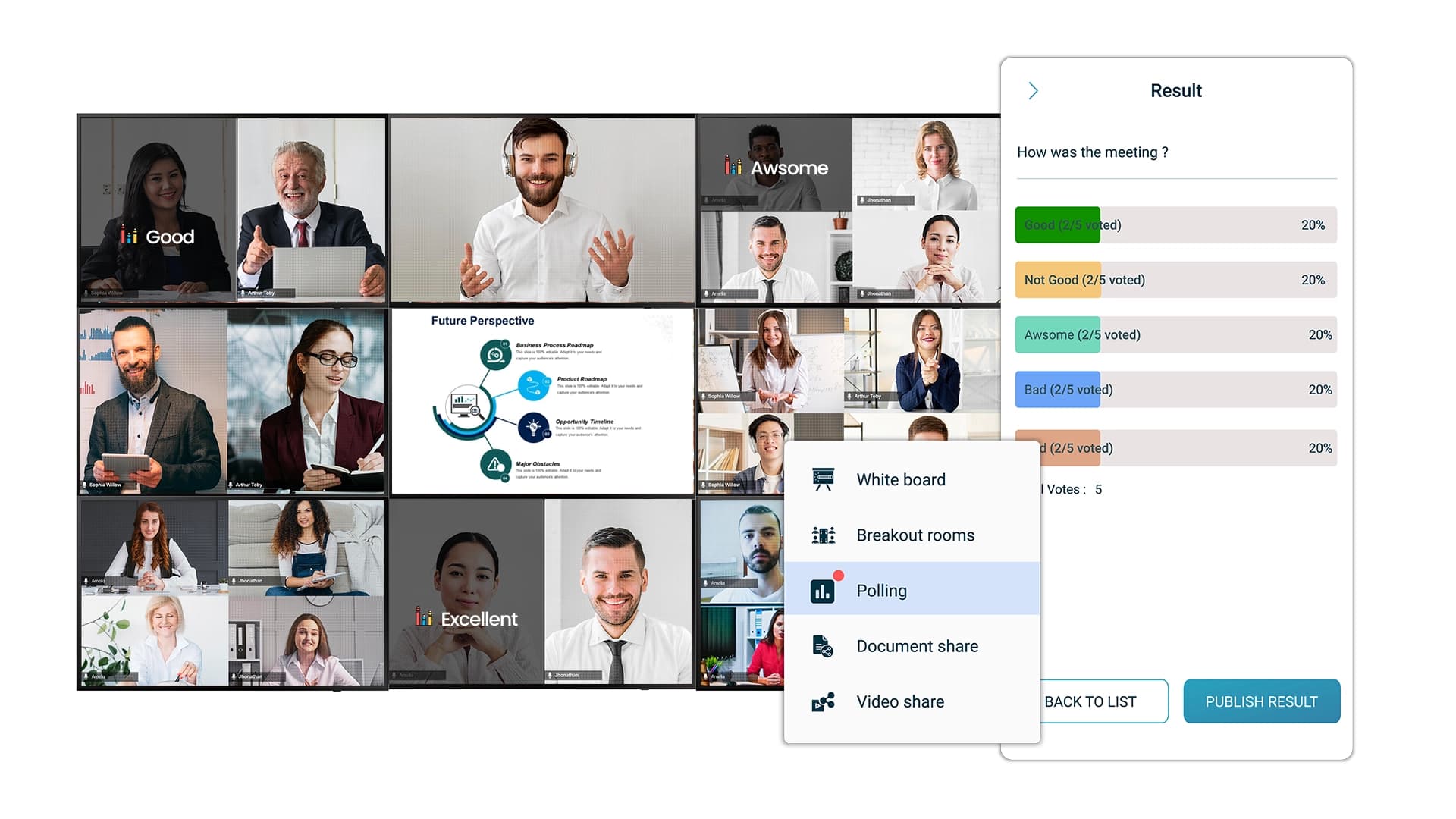
Polling & Tile-Based Results
Run polls and display results directly on participant tiles.
- ✓Instant stakeholder voting in enterprise discussions.
- ✓Classroom comprehension checks.
- ✓Training assessments.
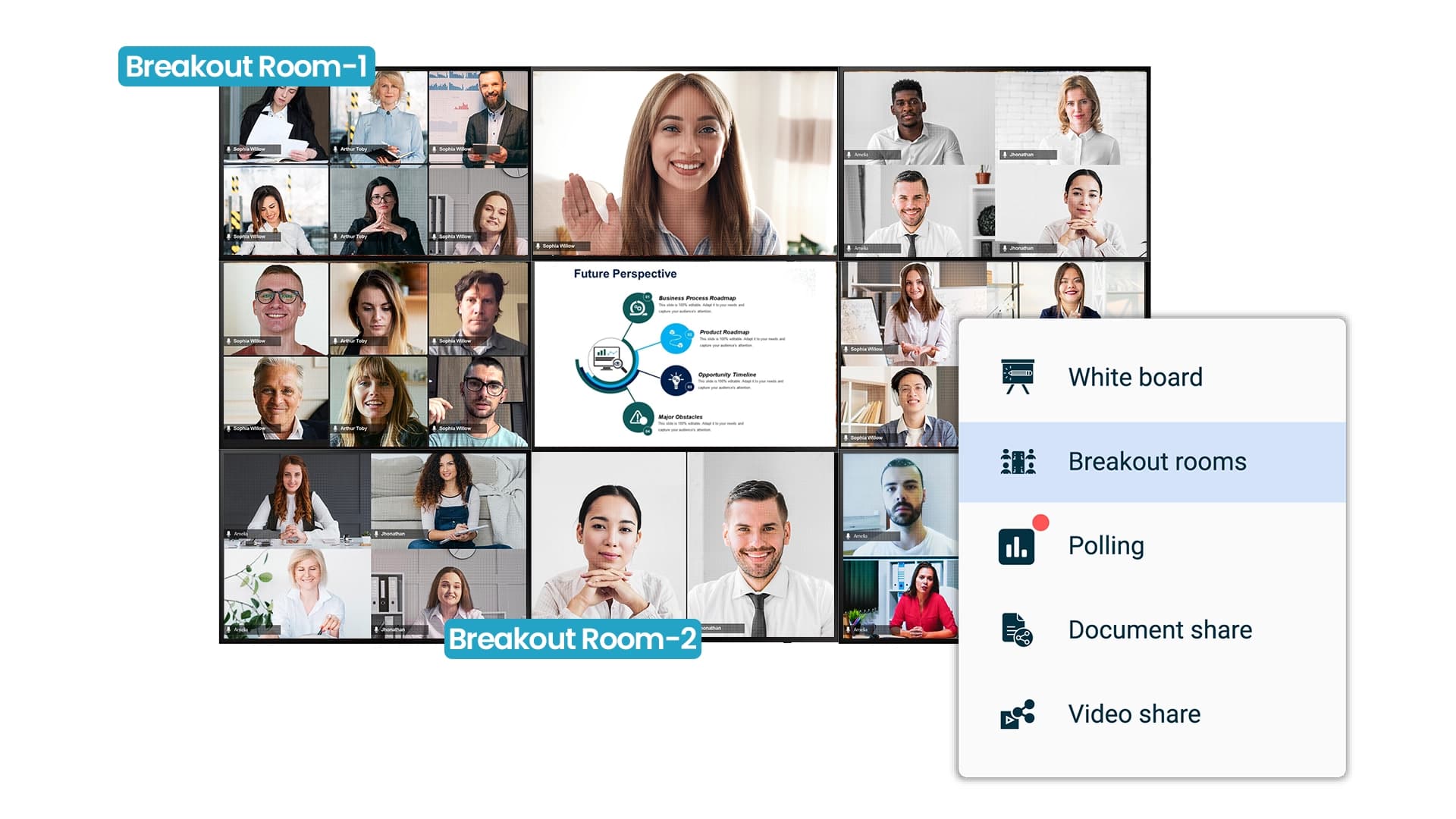
Breakout Rooms with Auto Tile Update
Breakout groups for teamwork & discussions. When the host joins, the room automatically updates the main display.
- ✓Corporate workshops & brainstorming sessions.
- ✓Classroom and Group Projects.
- ✓Remote lab collaborations.
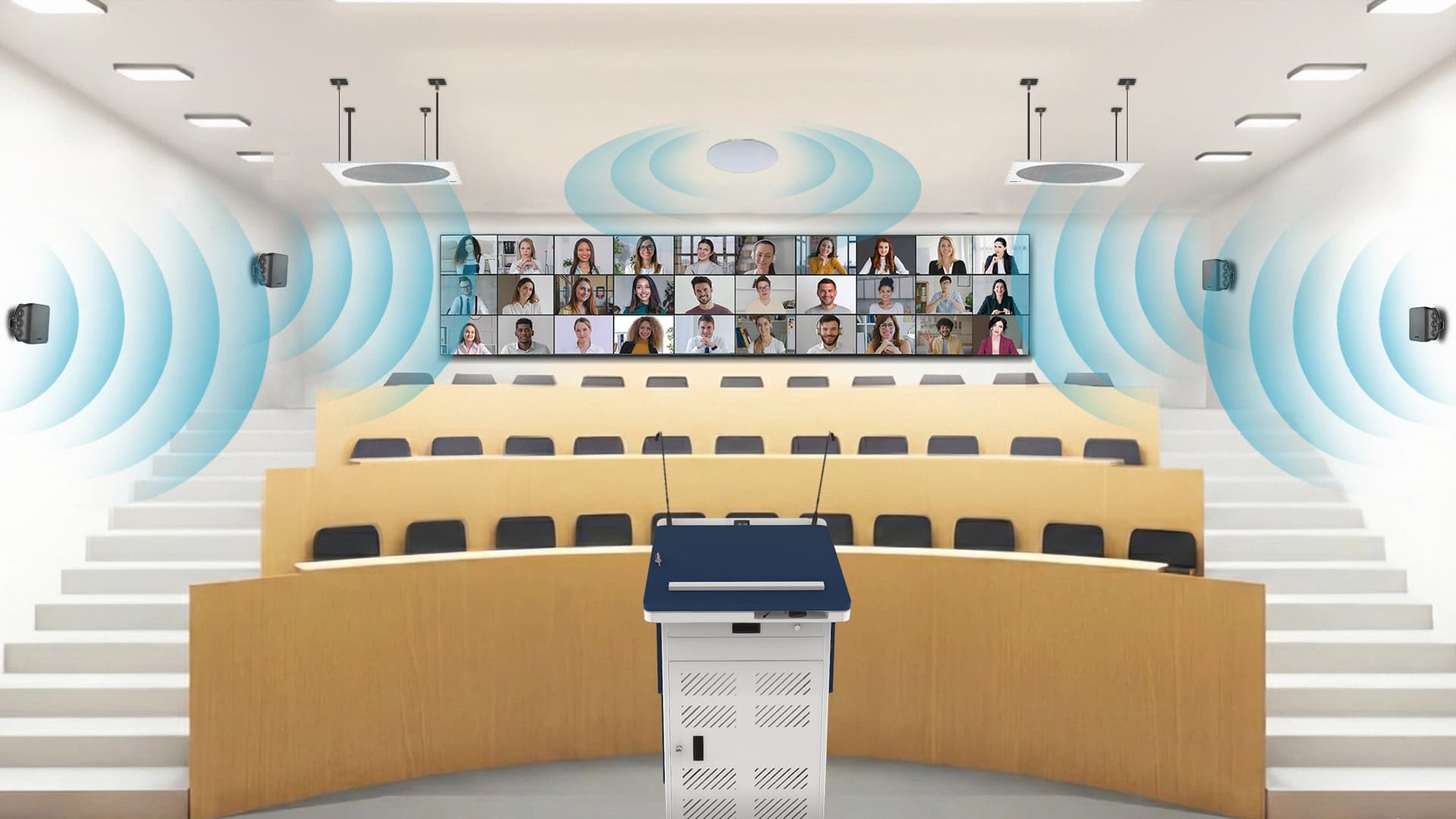
High-Fidelity, Immersive Audio
Crystal clear sound clarity with wide range of audio solutions including ceiling microphones, wired and wireless audio speakers.
- ✓Enables executives to communicate critical details clearly during global meetings.
- ✓Ensures students hear every explanation accurately in hybrid classrooms.
- ✓Delivers precise, high-clarity audio for technical training and product demos.
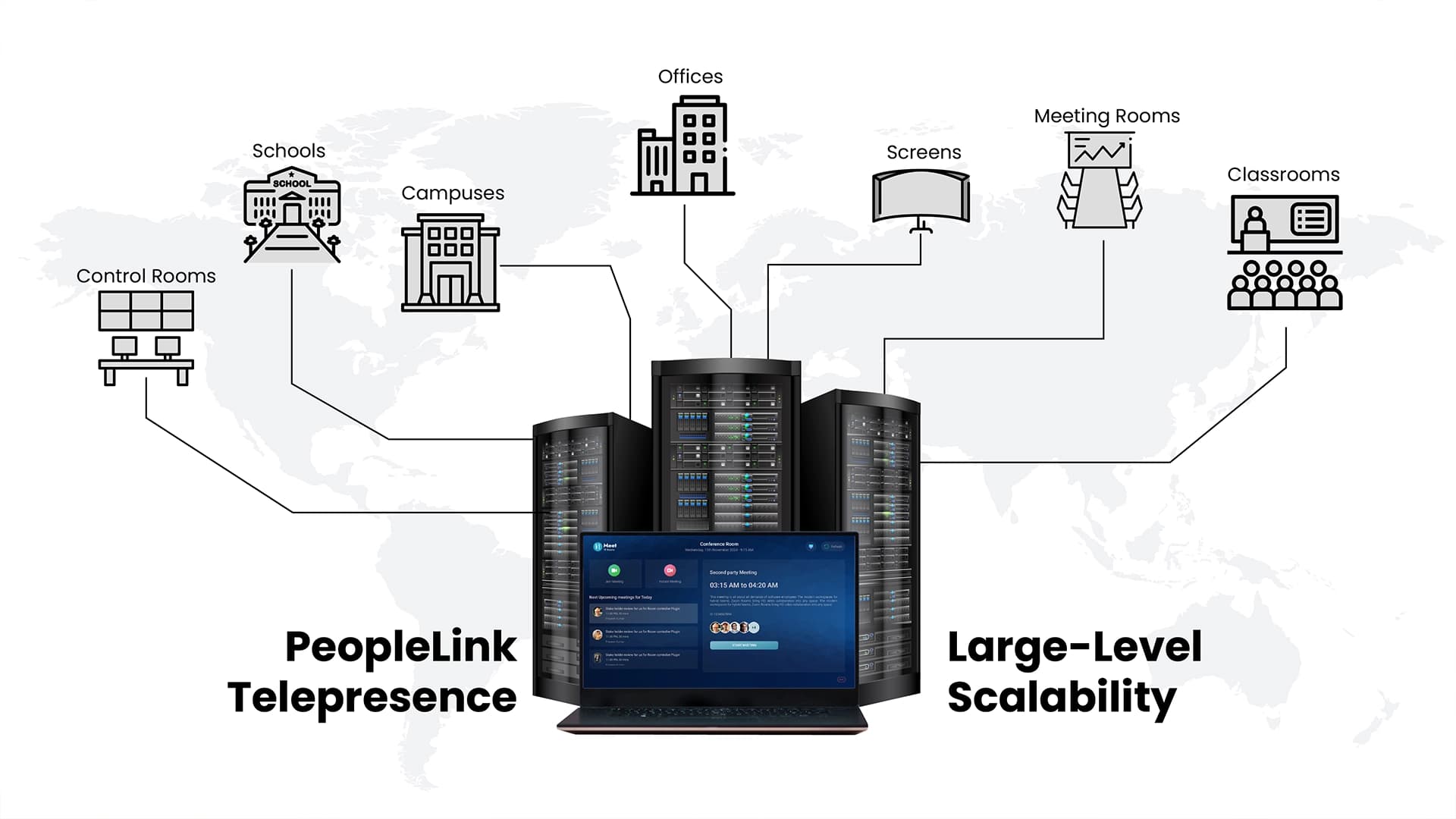
Large Level Scalability
Add rooms, campuses, screens, or offices with minimal cost and no heavy redesign. With its simplified, software-driven configuration, PeopleLink enables rapid, cost-efficient deployment across distributed offices and campuses-supporting seamless rollouts for tens of thousands of telepresence users, rooms, and endpoints across any geography.
- ✓Corporate workshops & brainstorming sessions.
- ✓Classroom and Group Projects.
- ✓Remote lab collaborations.
PeopleLink Telepresence reimagined for modern hybrid workspaces
| Capability | Traditional Telepresence | PeopleLink TelePresence |
|---|---|---|
| Hardware footprint | Heavy & expensive | Minimal, software-led |
| Education workflows | Not built-in | Native & optimized |
| Multi-display flexibility | Limited | Add up to 10,000 screens, synchronized |
| Polls & breakouts | Add-ons required | Built-in |
| Teacher tracking | Rare | High Standard |
| Total cost of ownership | High | Low |
| Scaling across campuses/offices | Limited | Effortless & Easy |
← Scroll horizontally to view full table →
TelePresence Use Cases
PeopleLink Telepresence is designed to fit seamlessly into any professional or academic environment where high-quality, life-like video presence is essential. Its flexible architecture allows organizations to deploy immersive telepresence experiences across a wide range of spaces, ensuring consistent communication and engagement wherever teams collaborate or learn.
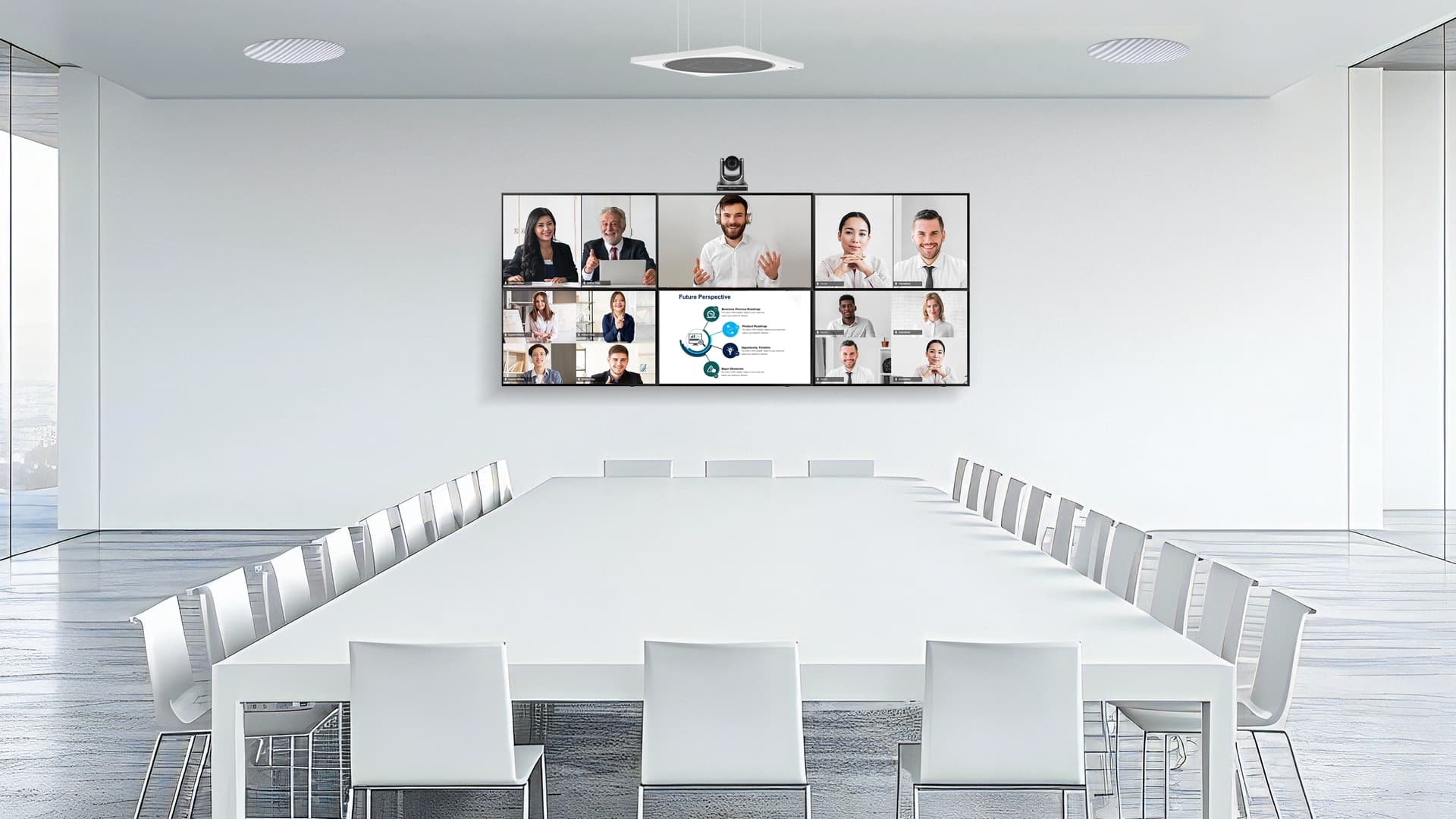
Corporate boardrooms
For high-level executive discussions and global team meetings.
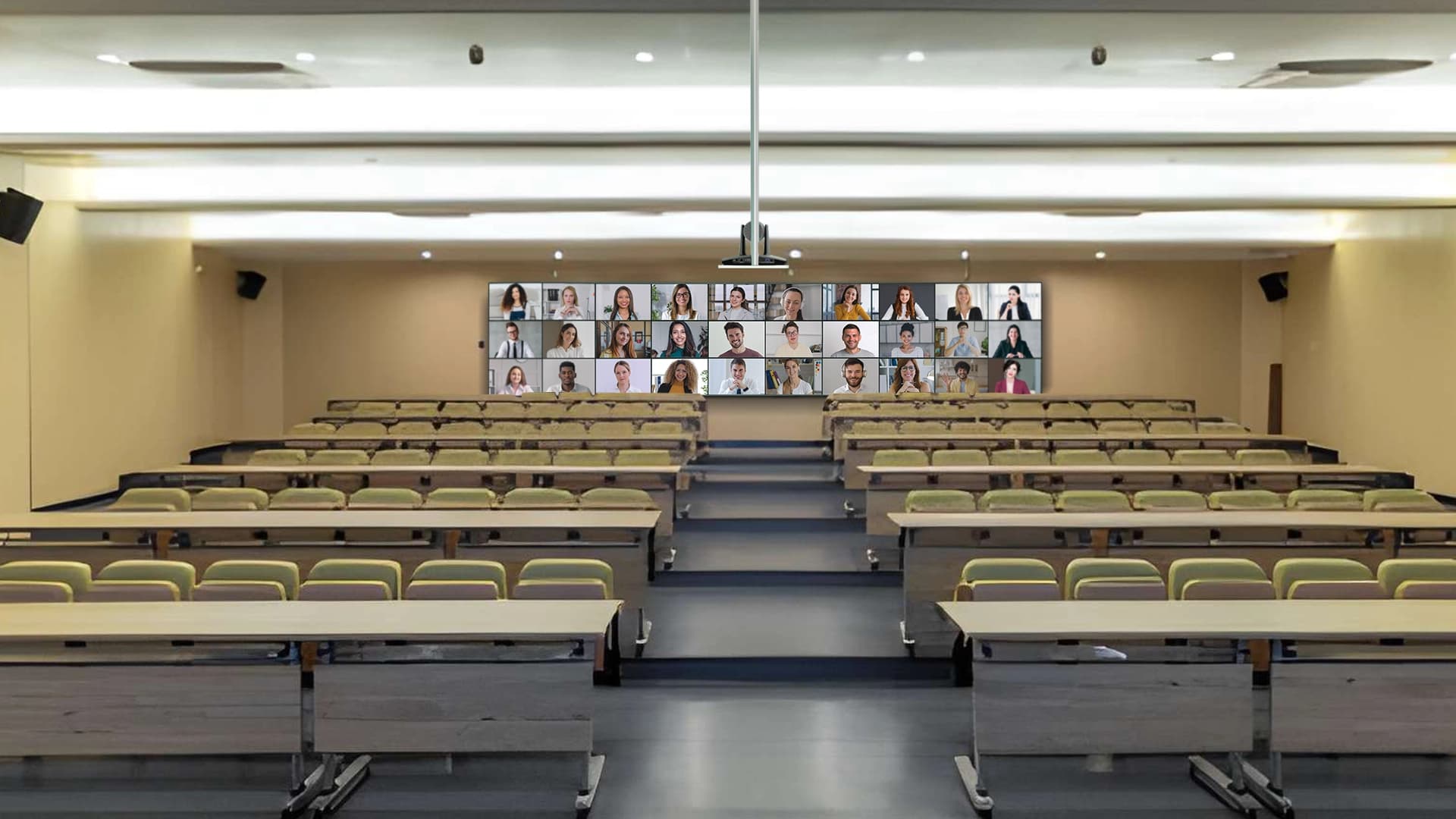
Hybrid classrooms
Allows a teacher to see and interact with both in-person and remote students simultaneously.
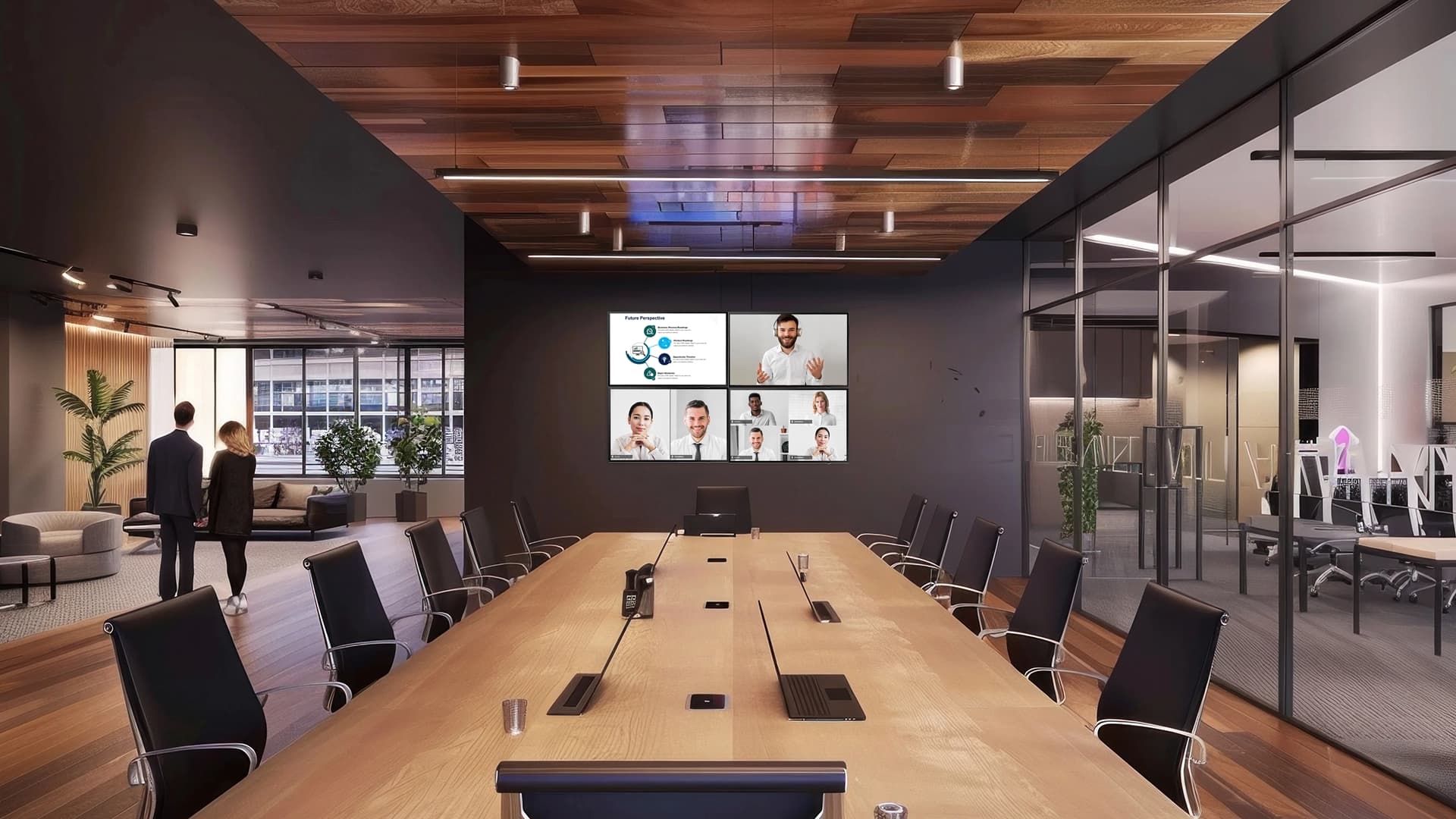
Collaborative workspaces
Facilitates remote teams to work together as if they were in the same room.
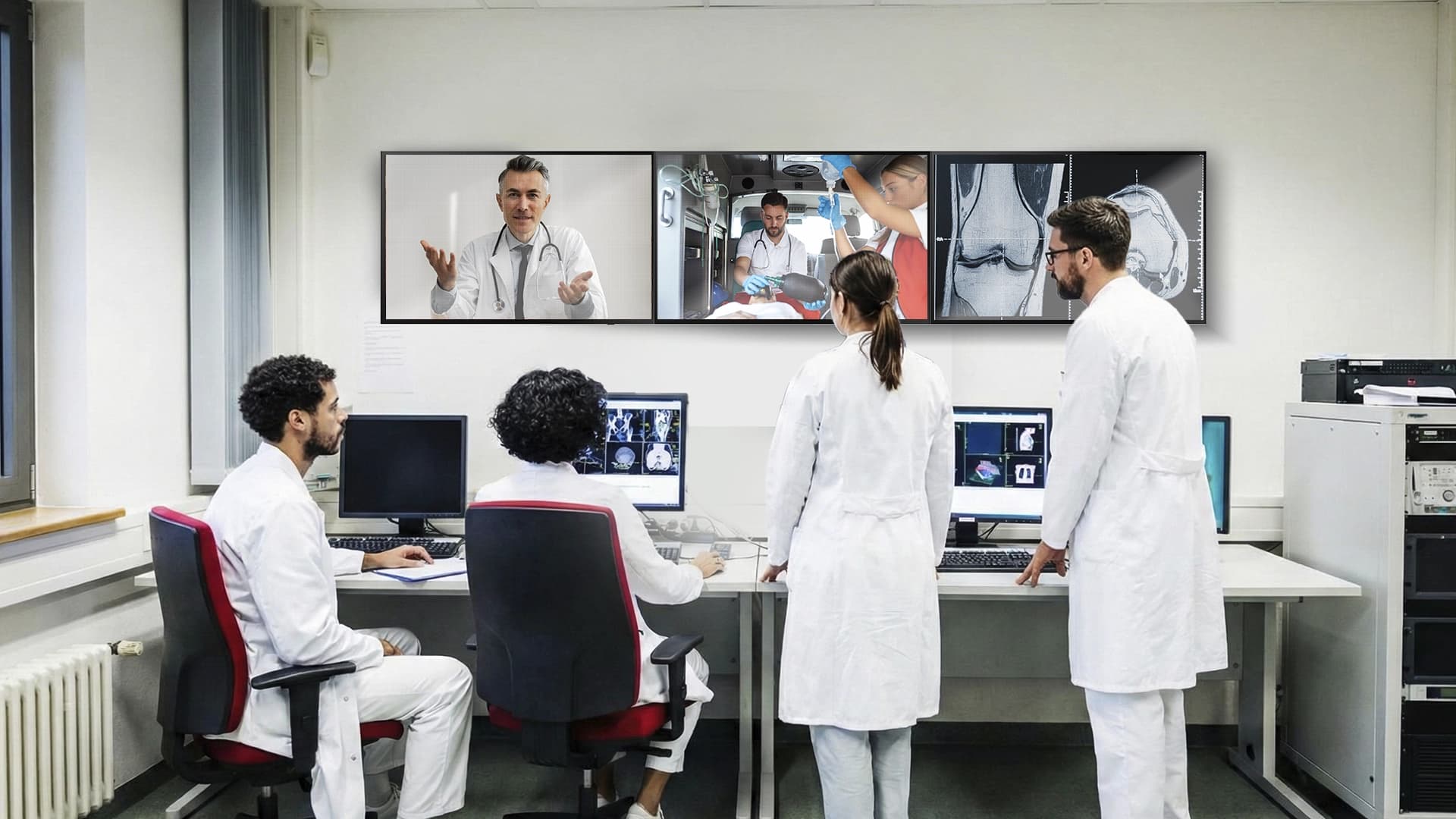
Healthcare
Can be used for telemedicine by providing an immersive virtual presence for remote consultations.
Telepresence Rooms PeopleLink Has Delivered
Multi-site sessions and screen walls photographed on site.

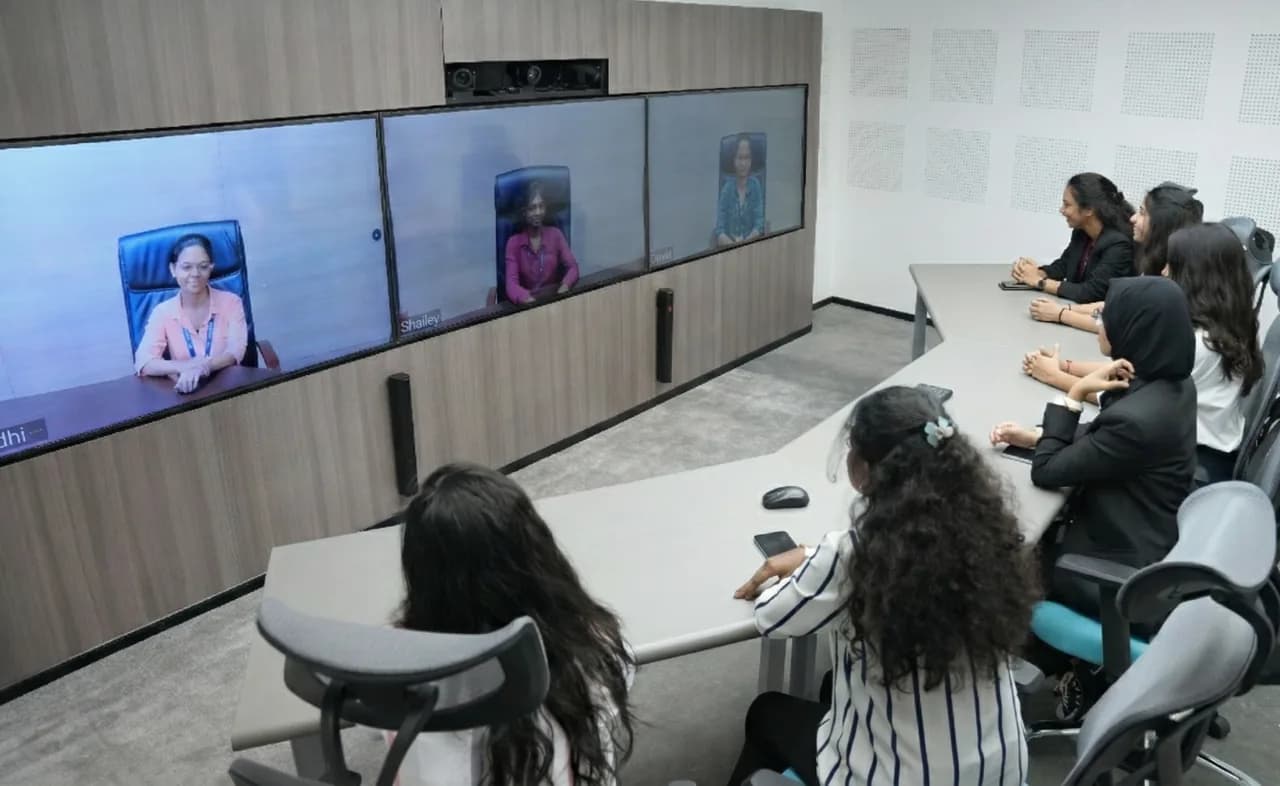
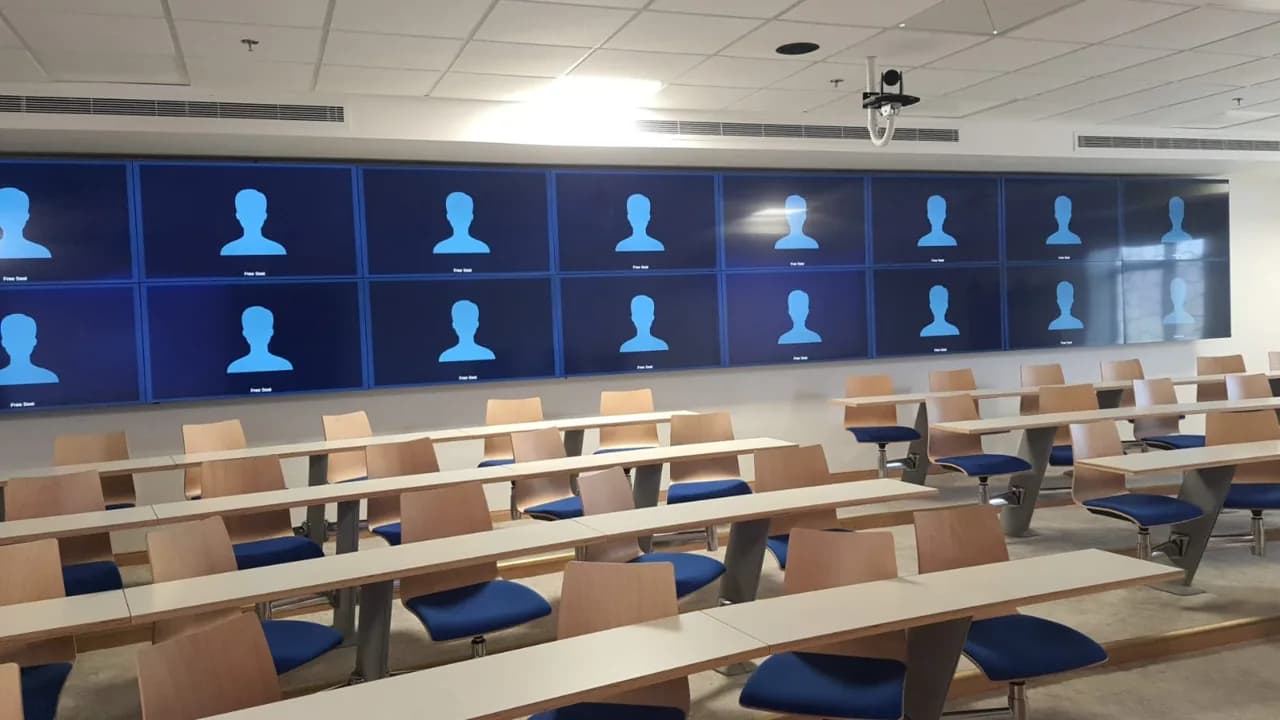
An Operations Hub Connected Site to Site
How a multi-screen telepresence and video conferencing hub is delivered as one system.
See PeopleLink in your space.
Book a free demo or request a quote, and our AV specialists will design the right setup.
Frequently Asked Questions
Want a hands-on experience?
Book a visit to one of our Experience centers
Schedule your Demo