
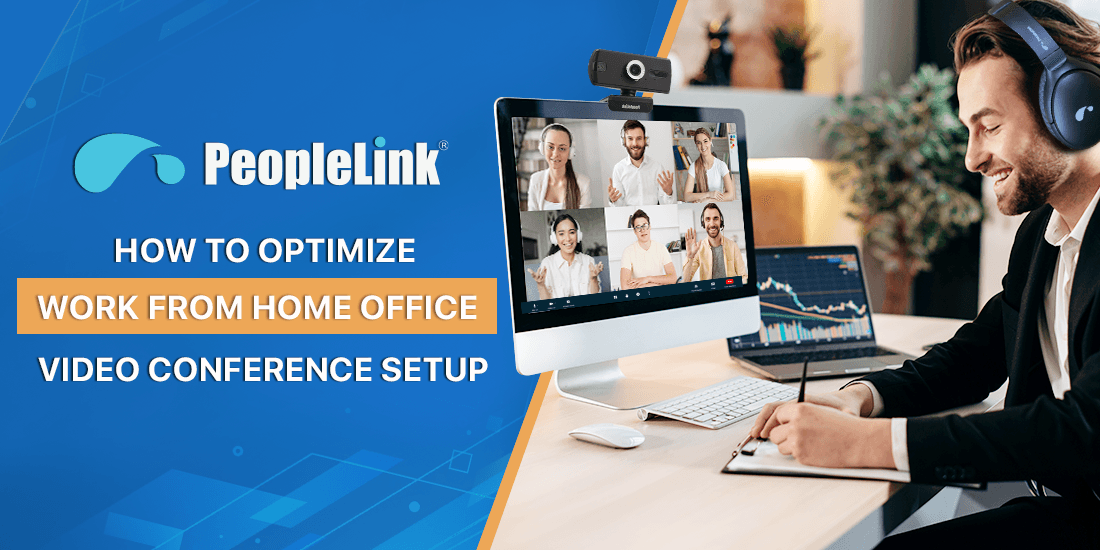
Quick answer: A hybrid meeting connects in-room and remote participants in one shared session, with equal audio, video, and content for everyone. It matters because hybrid work is now standard and poorly equipped rooms leave remote people disadvantaged. PeopleLink builds the cameras, audio, and room endpoints that give in-room and remote participants the same quality experience.
In a world where remote and hybrid work are now central to business, education, healthcare, and government operations, having a professional, reliable, and efficient video conferencing setup is no longer a luxury-it’s a necessity. Whether you’re a team lead coordinating across departments, an educator engaging students from afar, or a healthcare professional conducting telemedicine consultations, your success depends on clear, seamless communication. This guide provides comprehensive strategies to optimize your WFH and hybrid meeting environments, leveraging PeopleLink’s AV solutions to ensure every virtual collaboration is professional, effective, and secure.
Building hybrid-ready rooms? Explore PeopleLink’s video conferencing solutions and room cameras and audio.
The Challenge: Why Poor Conference Setups Hamper Productivity
Many organizations struggle with subpar video and audio quality, inadequate room design, and outdated equipment that hinder real-time communication. These issues lead to misunderstandings, reduced engagement, and inefficient meetings-costing time, money, and credibility across sectors. The difficulty lies in creating a hybrid workspace that balances affordability, ease of use, and advanced features.The Solution: A Well-Designed, Purpose-Driven Conference Setup
Optimizing your work from home or hybrid office conference environment is achievable through a combination of the right hybrid workspace technology, thoughtful meeting room design, and virtual collaboration best practices. Whether it’s a small home office or a large hybrid conference room, the principles remain the same: high-quality AV equipment, proper room acoustics, optimal lighting, and secure, easy-to-use platforms.
Setting Up a Professional WFH Video Conference Environment
Creating an effective home office involves more than just a good webcam. It’s about a comprehensive setup that maximizes clarity, minimizes distractions, and enhances engagement.
1. Invest in High-Quality Cameras and Microphones
The backbone of your remote collaboration tools is clear video and audio. Choose affordable hybrid meeting solutions like PeopleLink’s HD webcams or multi-camera setups to capture different angles and improve presentation dynamics. Pair with a good microphone-preferably a lapel or a desk mic-to reduce background noise.
2. Optimize Lighting and Room Acoustics
Proper lighting tips for video calls include positioning yourself facing a window or using ring lights for even illumination. Manage room acoustics by avoiding hard, absorbent surfaces or using soft furnishings to eliminate echoes-echo cancellation tips can be applied to further enhance clarity.
3. Ensure Strong Network Requirements
A stable internet connection with sufficient bandwidth is critical. Use wired Ethernet if possible or prioritize network traffic for video conferencing to prevent lag and disruptions.
4. Use User-Friendly Virtual Meeting Setup Tips
Schedule meetings with clear etiquette for hybrid meetings, and test your equipment beforehand. Use remote collaboration tools like PeopleLink’s secure platforms designed for high-quality, video communication.
Designing a Hybrid Office Conference Room for Productivity
For teams working across locations, a well-designed hybrid meeting room fosters seamless collaboration among on-site and remote participants.
1. Choose the Best Conference Room Equipment
An effective hybrid meeting room equipment list includes interactive flat panel displays or touch screens for dynamic presentations, integrated AV systems, and high-quality webcams with camera framing for presenter views.
2. Focus on Room Layout & Design
Create an environment with meeting room design principles like optimal seating arrangements, consistent lighting, and room acoustics that minimize echo. Consider implementing meeting room automation for ease of use.
3. Equip for Multiple Forms of Collaboration
Include tools such as dual-screen setups for presenters, wireless screen sharing (BYOD policies), and audio systems capable of improving meeting audio quality with mic placement for virtual meetings.
A List of Important Video Conferencing Components
To run professional video conferences at home or in hybrid offices, investing in the right components is key. Each plays a vital role in ensuring smooth, clear, and engaging communication.
- Cameras: High-definition webcams or PTZ cameras provide clear visuals. Multi-camera setups enable varied angles and dynamic presentations, especially useful in hybrid rooms.
- Microphones: Quality microphones-directional, omnidirectional, or wireless-capture clear audio and reduce background noise. Proper placement enhances voice clarity.
- Speakers: Powerful, clear speakers or speakerphones ensure all participants hear audio with minimal distortion, fostering natural conversations.
- Displays and Interactive Panels: Large high-resolution displays show all participants and shared content. Touchscreen interactive panels boost engagement with annotation and collaborative features.
- Codec and Control Systems: The codec encodes and decodes video and audio for smooth transmission. Control interfaces like touch panels simplify managing calls, camera views, and settings.
- Software Platforms: Conferencing tools such as inall major video conferencing platforms provide the virtual space for meetings and integrate with hardware for seamless use.
- Network Infrastructure: Reliable high-speed internet with wired Ethernet or strong Wi-Fi is essential to avoid lags or drops in audio and video quality.
- Accessories: Cables, mounts, and stands optimize hardware placement and keep setups tidy and user-friendly.
Practical Tips for Improving Audio & Video Quality
Effective hybrid meetings rely on technical details:
- Use multi-camera setups to vary views and improve engagement.
- Optimize your lighting to ensure faces are well-lit and clear.
- Position microphones correctly and use echo cancellation to cut unwanted noise.
- Choose the right platform by comparing inMeet, WebRTC, all major video conferencing platforms for your needs.
- Use cloud video conferencing best practices to secure and stabilize meetings.
| Hybrid room readiness | Purpose-built room solution | Ad hoc laptop setup |
|---|---|---|
| Audio for the whole room | Beamforming room mics | One laptop mic |
| Framing | Wide or tracking camera | Fixed laptop angle |
| Remote-participant parity | Designed in | Often an afterthought |
| Reliability | Repeatable, supported | Varies per meeting |
Ready to upgrade your rooms?
See PeopleLink’s AV and Unified Communications solutions in action, or get pricing built around your needs.