Web Cameras · All-in-One Webcam

PeopleLink All-in-one Webcam Fusion 16All-in-One Webcam with 360 degree Microphone for Huddle Rooms and Personal Workspaces

The PeopleLink All-in-one Webcam Fusion 16 is an All-in-One Webcam for Huddle Rooms and Personal Workspaces.

  • 4X Digital zoom
  • 90° Field of view
  • 2.07 MP 1/2.8" CMOS sensor
Fusion AIO 16 Front View
1 / 4
  • One OEM

    Hardware and Software from a single vendor

  • Deployed Globally

    Enterprise, Government, Education and Healthcare

  • Regional Partner Support

    Service and Support through PeopleLink Partners and Resellers in your region

  • Published Specifications

    PDF Datasheets available for PeopleLink products

Overview

What an All-in-One Webcam does in a Huddle Room

The PeopleLink All-in-one Webcam Fusion 16 is an All-in-One Webcam for Huddle Rooms and Personal Workspaces. A 1/2.8 inch 2.07 Megapixel CMOS sensor gives Full HD 1080P at 30fps through a 90 degree lens, with Autofocus and 4X Digital Zoom. A 360° Omnidirectional Microphone with 3 metre pickup, an 82 dB speaker and AEC, AGC and ANS processing replace a separate audio device. One USB 2.0 Type-C cable carries camera, audio and power as a Plug and Play device on Windows, MacOS, Chromebook and Linux. A Manual Privacy Shutter and a damped rotating bracket suit a shared Hot Desk as much as a Huddle Room.

  • FHD 1080p @30fps
  • In-built Camera, Mic & Speaker
  • USB Plug and Play
  • 4X Digital Zoom
  • Manual Privacy Shutter
  • YUY2 / H.264 / MJPEG
Features

Fusion 16 features for Huddle Rooms

Full HD camera, 90 degree field of view and 360 degree microphone, explained.

3 in 1 Solution
Features

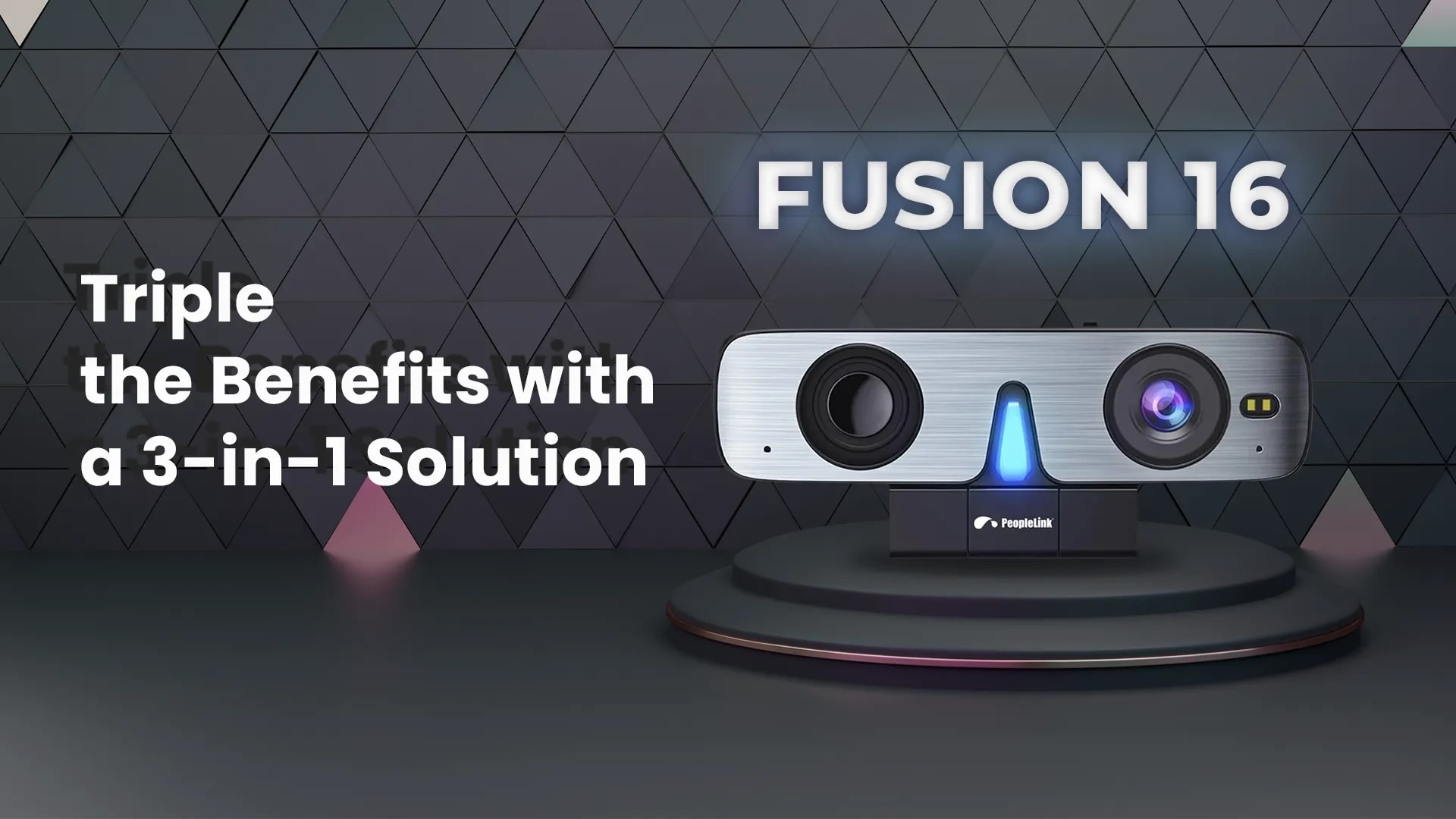
Triple the Benefits with a 3-in-1 Solution

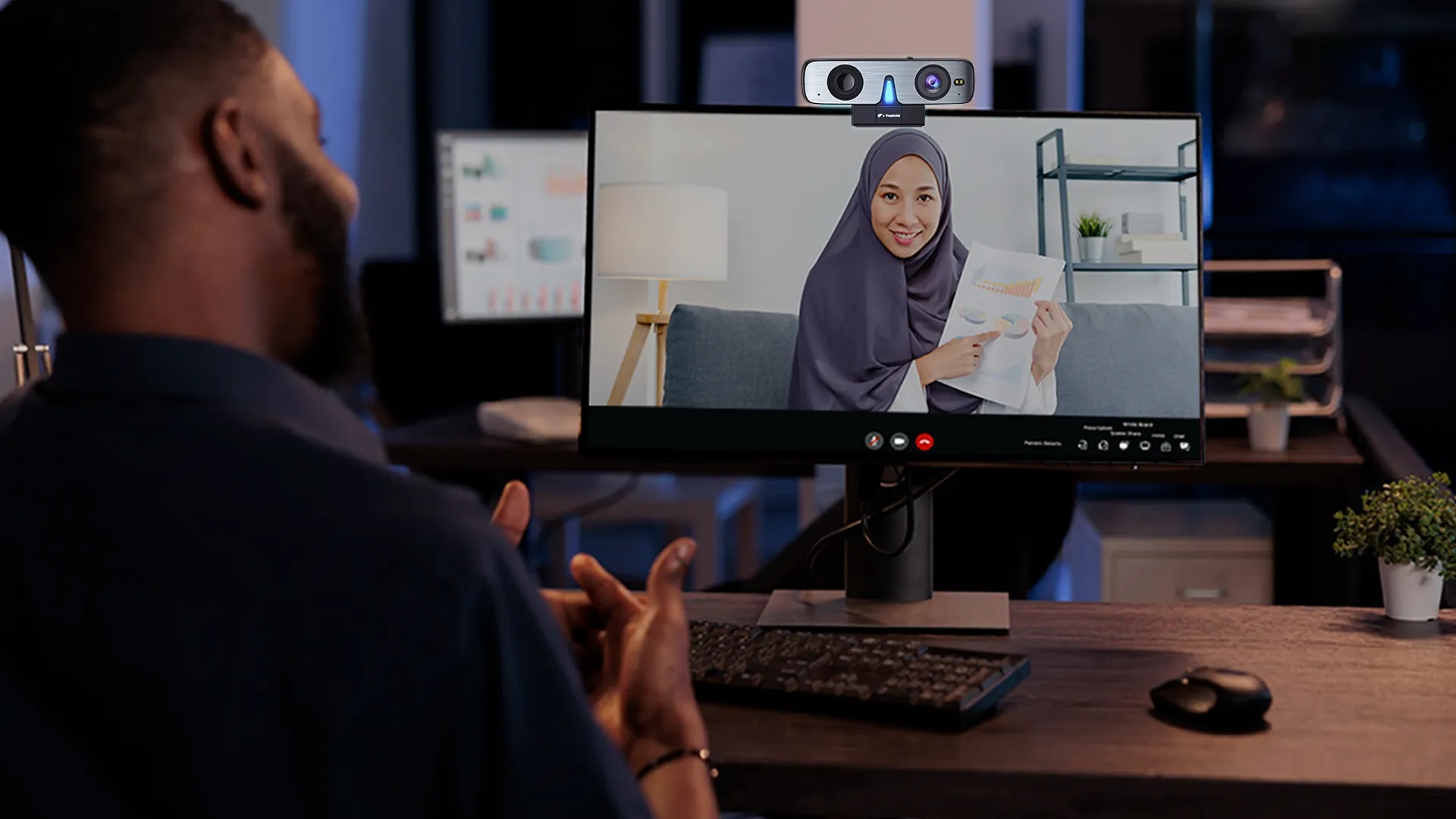
Fusion 16 is a high-quality 3-in-1 webcam that comes with a built-in Camera, microphone and speakers. As a result, its audio performance is superior to that of most laptops' built-in speakers, making it an ideal choice for enhancing your video and audio communication.

Efficiency Spaces
Features

Spaces Filled with Efficiency

The PeopleLink AIO Fusion 16 is a perfect conferencing solution for huddle rooms and even as a work-from-home webcam. It can easily focus on the subject and give an output in HD, which makes video conferencing seamless.

Full HD Video
Features

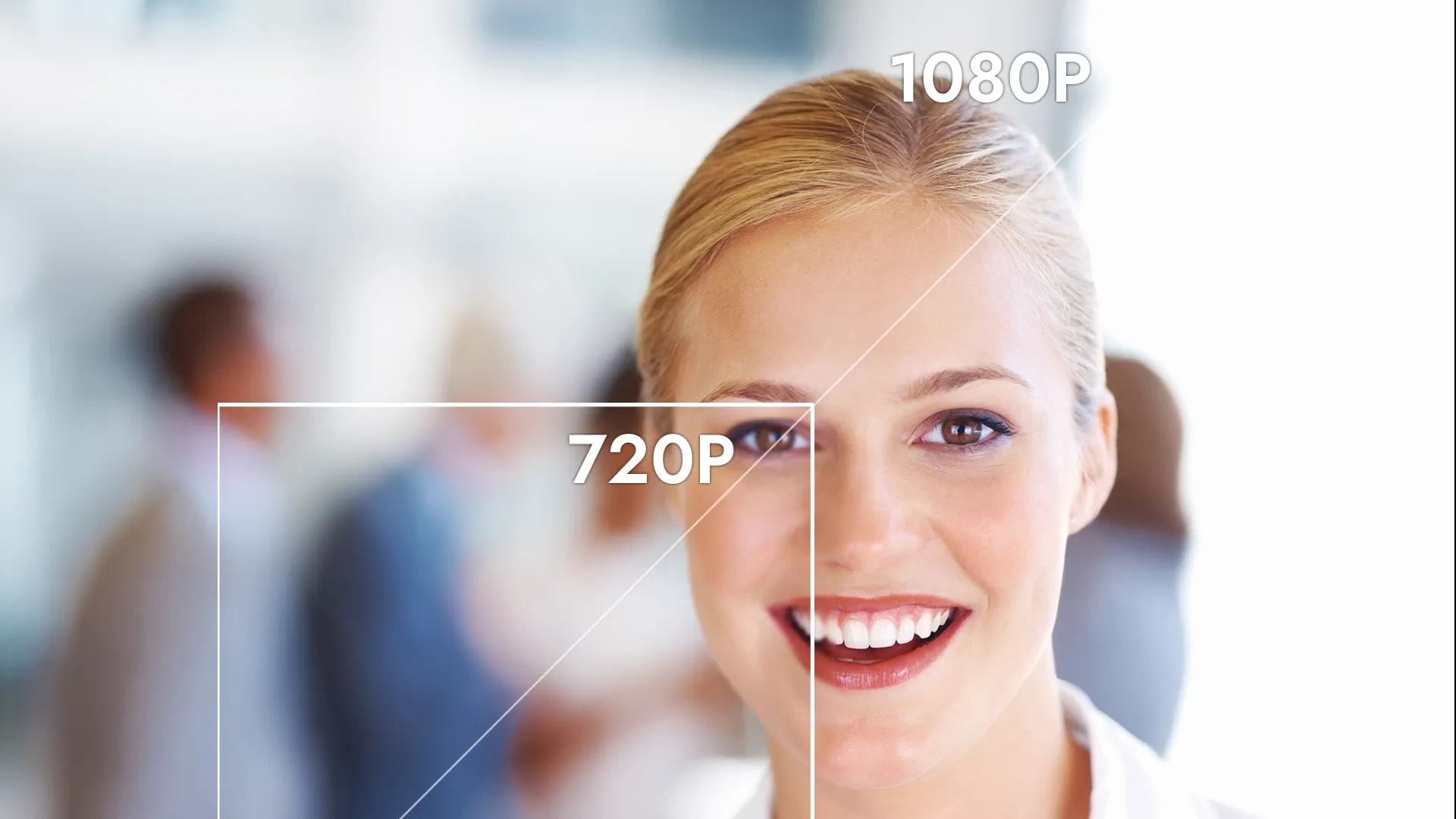
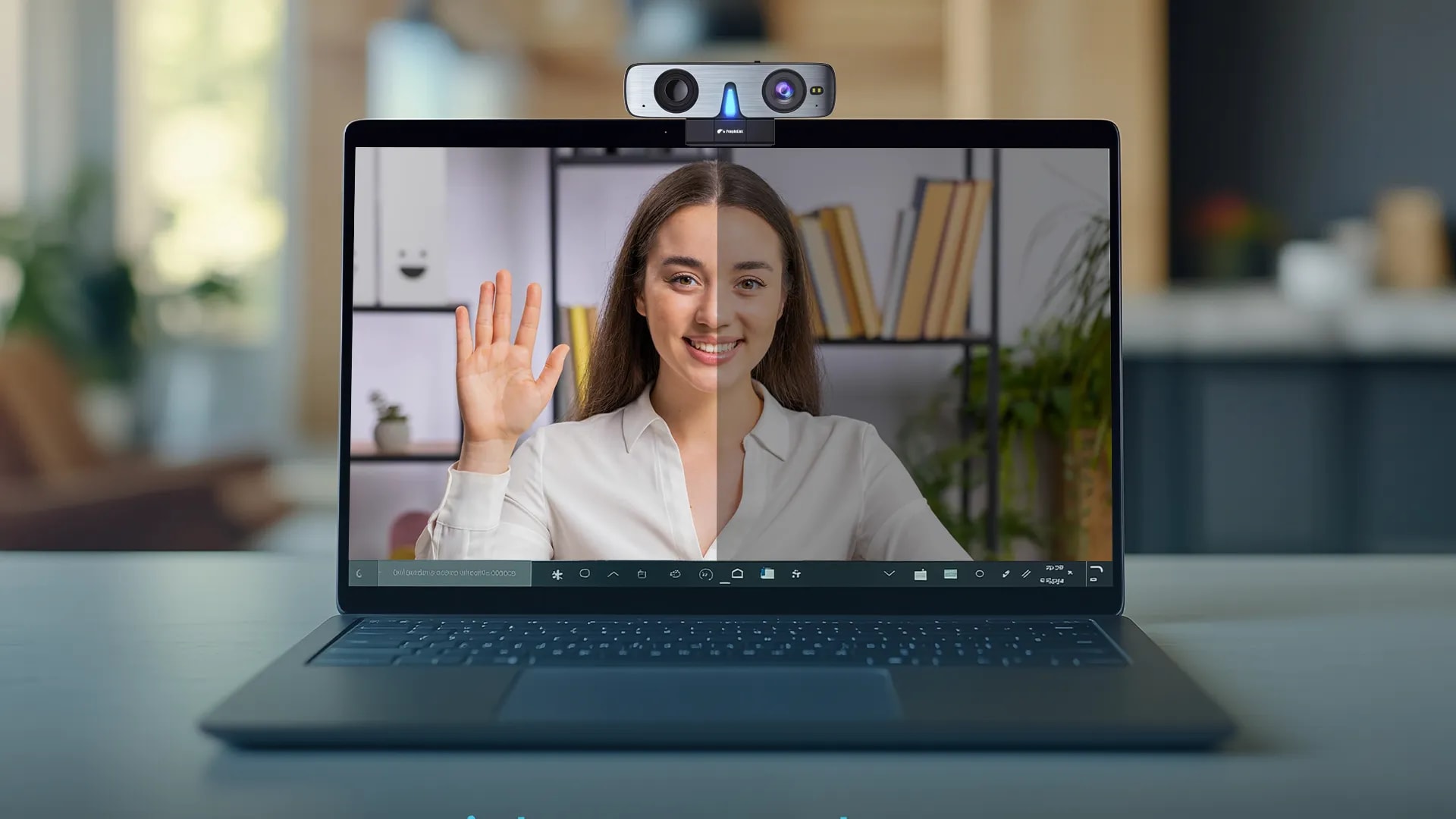
Look Your Best with 1080P Full HD Video

Fusion 16 is equipped with 1080P full HD resolution, 30fps/25fps image encoding speed, and 2.07 million effective pixels, enabling it to capture your movements in real-time without a glitch.

Wide Angle View
Features

Wide Angle, Endless Possibilities with 90° Viewing

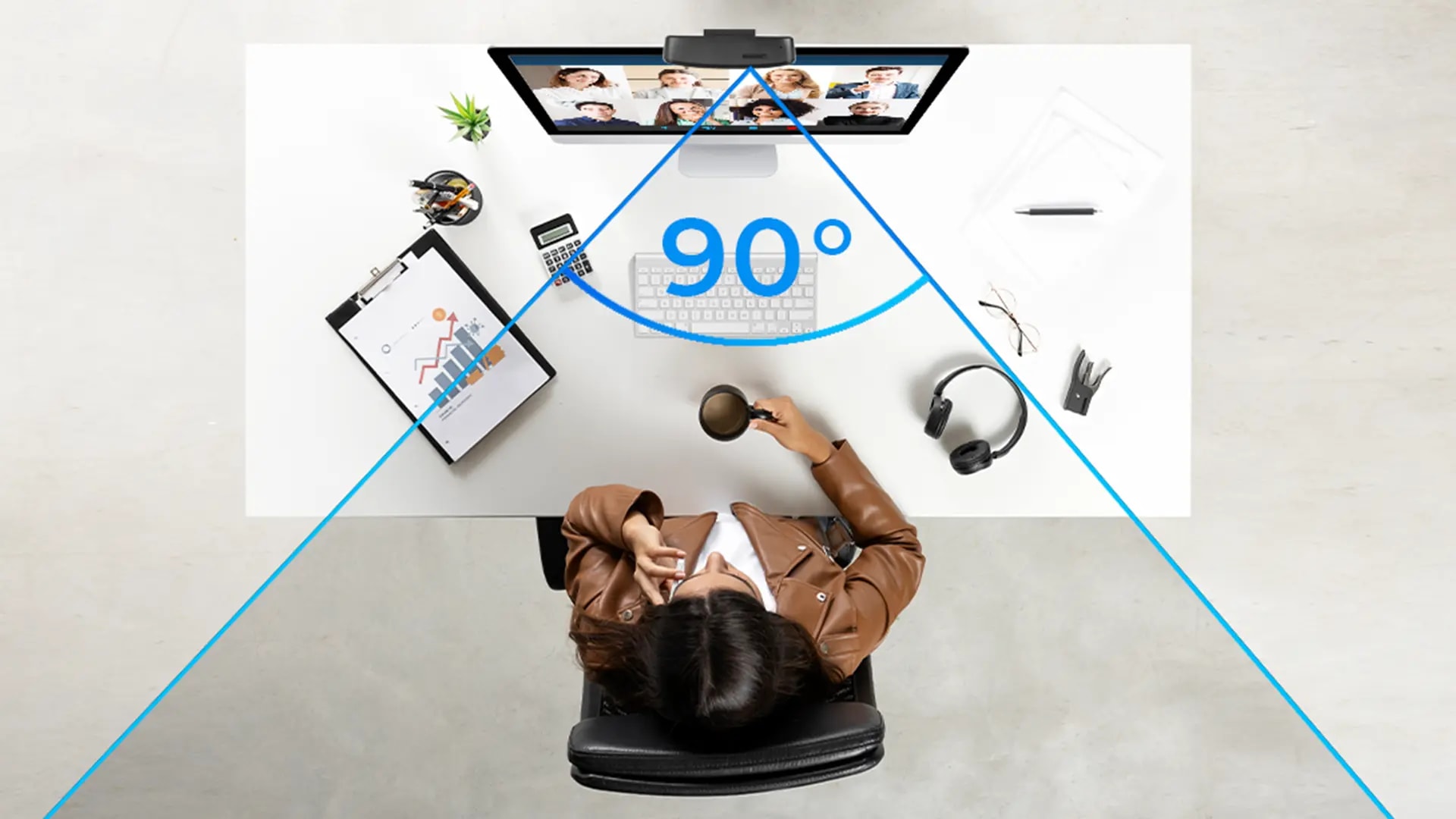
A 90° wide-angle perspective enhances virtual interactions, capturing both individuals and surroundings with realism. This benefits remote meetings and online courses, encouraging a more immersive and engaging experience despite physical distances.

Audio Experience
Features

Audio that Flows Seamlessly

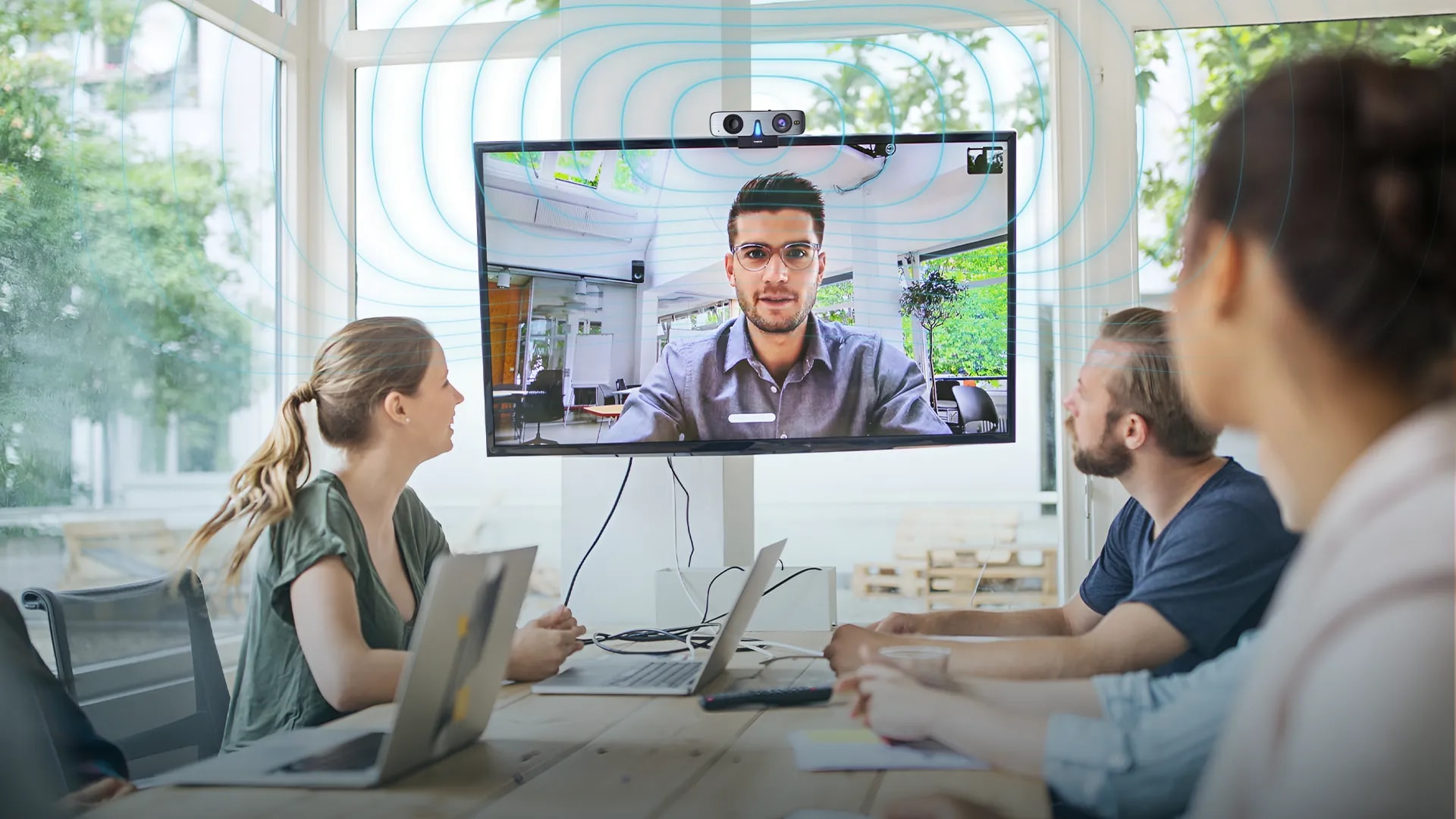
With Built-in 3mtr omnidirectional pickup microphone and Harman adjustment speakers with air pipe type sound cavity, the treble is bright and penetration, and the bass is naturally surging, providing different extraordinary sound effects aims to create an audio experience that is amazingly clear and crisp, overall remarkable sound-making video conferencing, a real-time experience that you will fall in love with.

Software Compatibility
Features

Compatible with Various Video Conferencing Software

The PeopleLink Fusion 16 webcam works seamlessly with InstaVC and all other major video conferencing platforms, ensuring broad compatibility across the tools your teams already use. Its plug-and-play design makes installation a breeze, and it works effortlessly with both Mac and PC systems.

Autofocus Technology
Features

ToF Autofocus - Ultra-fast, Accurate, Real-time Playback

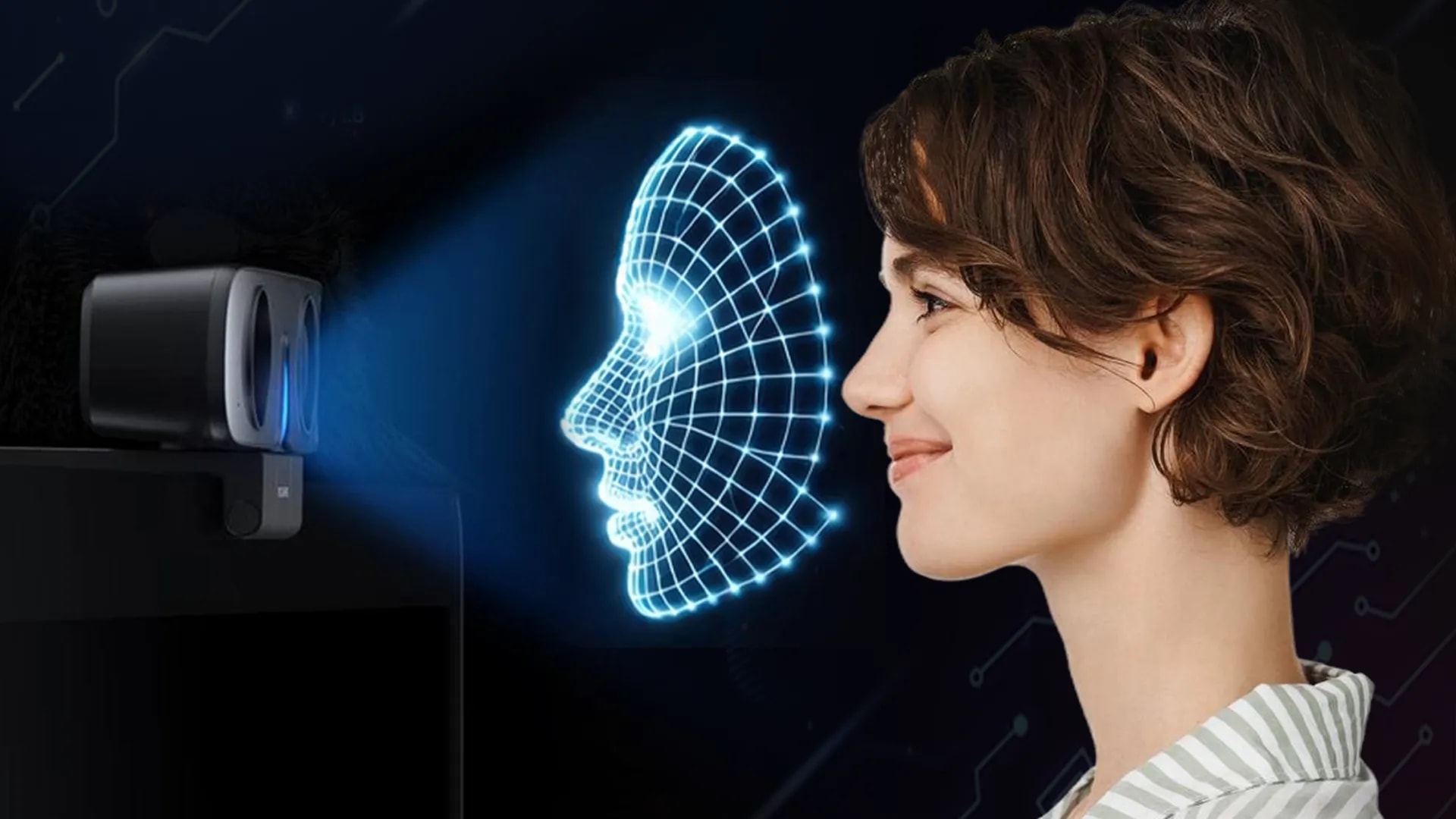
Fusion 16's fully upgraded "Time of Flight" autofocus technology is equipped with a laser-assisted focusing system along with a 4X digital zoom function, meaning it's capable of achieving accurate range measurements regardless of the characteristics of the projection surface.

Low-light Performance
Features

Low-light Image Enhancement with up to 55db SNR

In addition to using a 1/2.8-inch CMOS lens image sensor, the Fusion 16 camera offers some of the best automation and quality control features, including 2D and 3D noise reduction algorithms with backlight compensation.

Noise Reduction
Features

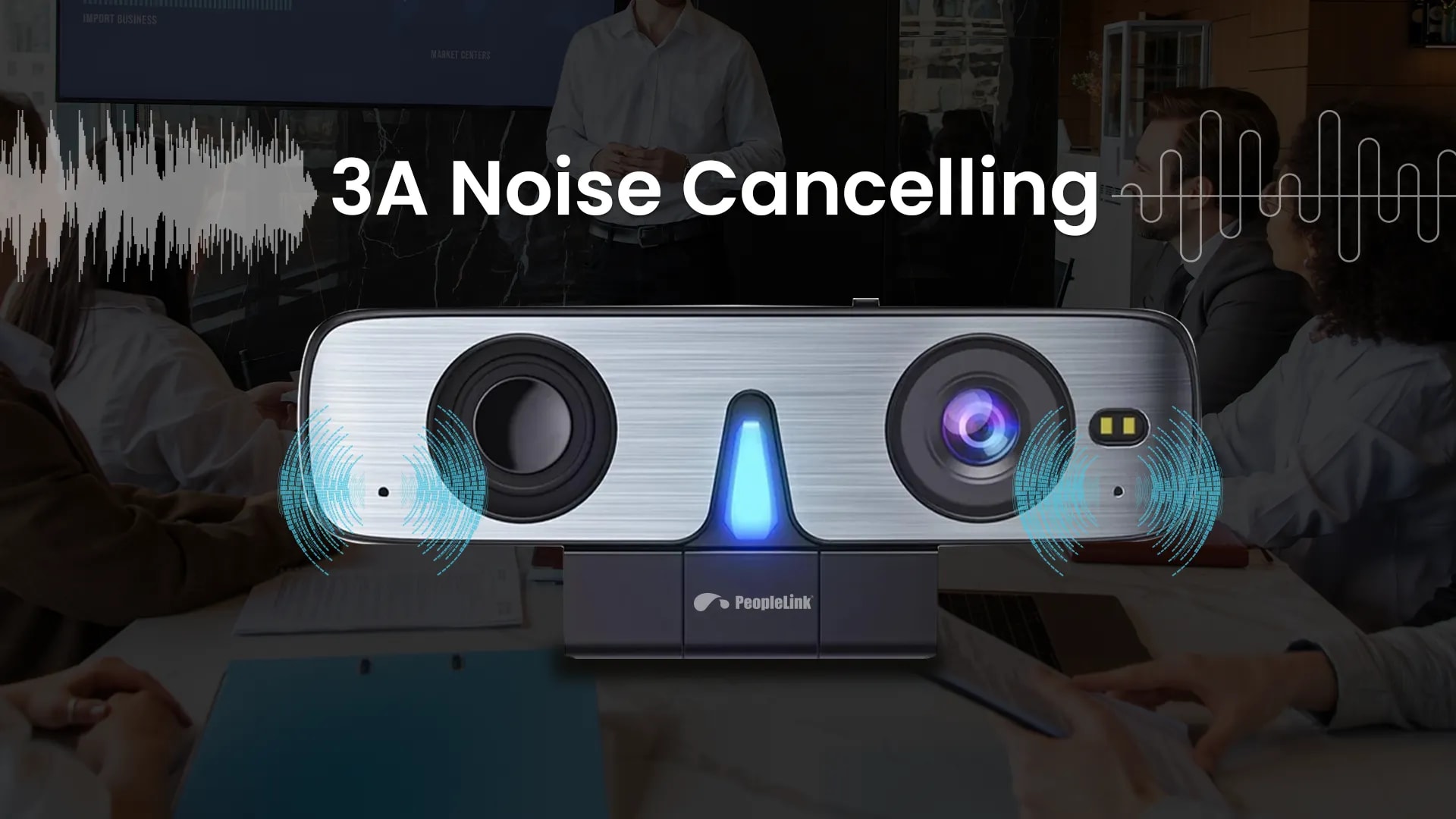
Built-in Noise Reduction

Our cutting-edge noise reduction technology ensures a seamless and distraction-free meeting experience. Bid farewell to background disturbances as our advanced features create a professional and focused atmosphere, allowing you to engage in meaningful conversations without interruptions.

How it Works

Key Specifications

Headline specifications from the product Datasheet. Full model-by-model detail is in the PDF.

ItemPeopleLink All-in-oneWebcam Fusion 16
Digital zoom4X
Field of view90°
1/2.8" CMOS sensor2.07 MP
Microphone360° omnidirectional

Rooms It Serves

Huddle rooms

One device covers the Camera, 360° Microphone and Speaker for fast deployment.

Personal workspaces

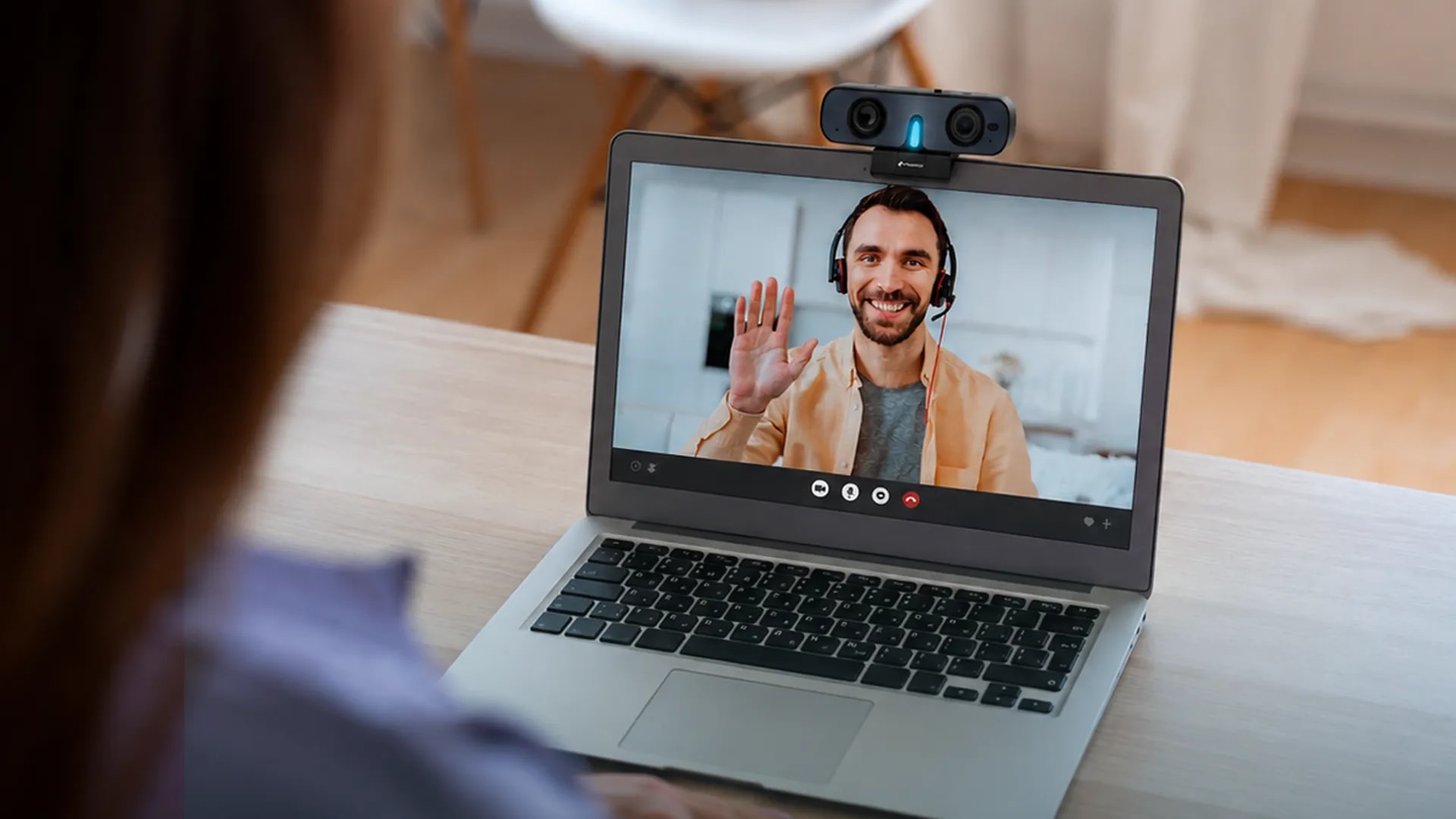
Plug and Play Full HD 1080P video on one USB Type-C cable at the desk.

Hybrid meetings

360° Omnidirectional pickup across 3 metres keeps everyone heard.

Where an All-in-One Webcam Fits in Your Organisation

How organisations deploy an All-in-One Webcam, and what changes for the teams that use it

Enterprise

Huddle Room Refit for an Enterprise

An enterprise in North America refits a floor of Huddle Rooms with the PeopleLink All-in-one Webcam Fusion 16 so small teams can start a call without hunting for cables. One USB Type-C connection carries the Full HD 1080p camera, the 360° Omnidirectional Microphone and the built-in speaker, which removes the separate audio kit from each room. The 90° Field of View takes in everyone around a small table, and 3 metre audio pickup covers the whole room. Teams launch InstaVC or their usual platform and join the call.

Education

Online Course Delivery for a University

A university's distance-education unit issues the PeopleLink All-in-one Webcam Fusion 16 to faculty who teach online courses from their offices. The camera's Autofocus keeps the lecturer sharp when they lean towards a document or step back to the whiteboard, and 4X Digital Zoom frames handwritten working for students at home. Built-in noise reduction with backlight compensation handles office lighting and corridor sound. Because it works on Mac, PC and Chromebook, the IT helpdesk supports one device across the whole faculty.

Government

Hot Desk Video Calls for a Regional Government

A regional government secretariat moves to shared Hot Desks and needs a webcam any officer can pick up and use. The PeopleLink All-in-one Webcam Fusion 16 is Plug and Play over USB, so there is nothing to install and no pairing to remember. Officers on Video Conferencing calls with district offices are heard through the 360° Omnidirectional Microphone and hear replies through the 82 dB built-in speaker without a headset. The Manual Privacy Shutter closes the lens between calls, a small detail that matters on a shared desk.

Not sure which model fits your Huddle rooms or Personal workspaces?

Tell us the room size and seating. A PeopleLink specialist will recommend the right model.

Talk to Sales

How It Compares

CapabilityPeopleLink All-in-oneWebcam Fusion 16Typical Alternative
All-in-oneCamera, mic and speaker in one deviceSeparate camera and audio
ResolutionFull HD 1080p720p typical
Field of view90° wide-angleNarrow fixed FOV
Audio pickup360° omnidirectionalSingle mic typical
DeploymentUSB plug-and-playA basic USB webcam

Why PeopleLink

Hardware and Software

Cameras, Audio, Control and Collaboration Platforms, built by one OEM.

Integrates Cleanly

PeopleLink Cameras pair with PeopleLink Audio, Control and Room Solutions out of the box.

Deployed Globally

Used across Enterprise, Government, Education and Healthcare environments.

Specialist Support

Talk to PeopleLink AV Specialists for sizing, integration and rollout.

Planning a multi-room or campus rollout?

Get one consolidated quote covering Hardware, Software and Installation from One OEM.

Request a Quote

Frequently Asked Questions

Specifications

Auto Framing: landscape and portrait switching
Sensor: 1/2.8 inch, CMOS:2.07MP Sensor
Image Resolution: 1080p@30fps
Zoom: 4x Digital Zoom
FoV: 90° Horizontal FoV
Microphone: Built-in Omnidirectional Microphone
Audio Pickup: 3m audio Pickup range
Speaker: Built-in Speaker with 82 dB Speaker Output
Shutter Speed: 1/30s ~ 1/10000s
White balance: Auto, Manual, VAR
Video Compression: YUY2 / H.264 / MJPEG Compression
Mounting bracket: Standard Damped Rotary Support
Certifications: CE, FCC , RoHS
Applications: Home Video Conferences, Meetings, Live streaming, Gaming
Fusion AIO 16 Specs

Find the Right Product

Product

Fusion 16

i8 Webcam

Eagle 4K Camera

Auto FramingYesNoNo
Sensor1/2.8 inch, CMOS:2.07MP Sensor1/2.7", CMOS, Effective Pixel: 2.07M1/2.8", CMOS, 8.29MP
Image Resolution1080p@30fpsFHD 1080p@30fps4K@30fps
Zoom4x Digital Zoom4x Digital Zoom4x Digital Zoom
FoV90° Horizontal FoV120° FoV Fixed lens120° FoV Fixed lens
MicrophoneBuilt-in Omnidirectional MicrophoneBuilt-in MicrophoneBuilt-in Microphone
SpeakerBuilt-in Speaker with 82 dB Speaker OutputNoNo
Audio Pickup3m audio Pickup range3m audio Pickup range3m audio Pickup range
InterfaceUSB Type-CUSB 2.0: Type A, Plug & PlayUSB 2.0: Type A, Plug & Play
Shutter Speed1/30s ~ 1/10000s1/30s ~ 1/10000s1/30s ~ 1/10000s
White balanceAuto, Manual, VARAuto, Manual, VARAuto, Manual, VAR
Video CompressionYUY2 / H.264 / MJPEG CompressionYUY2 / H.264 / MJPEG CompressionYUY2 / H.264 / MJPEG Compression
Mounting bracketStandard Damped Rotary SupportCamera Bracket with damperCamera Bracket with damper
Privacy ShutterYesYesYes
CertificationsCE, FCC, RoHSCB, CE, ROHS and FCCCB, CE, ROHS and FCC
ApplicationsHome Video Conferences, Meetings, Live streaming, GamingHome Video Conferences, Online Meetings, Live streaming, GamingHome Video Conferences, Online Meetings, Live streaming, Gaming

Disclaimer: Features and specifications are subject to change without prior notification. Images shown are for representational purposes only; actual may vary.

In the Room

Small Rooms, Photographed on Site

Huddle rooms and meeting tables where one device carries the call.

Huddle room with a PeopleLink display, camera and speakerphone
Huddle RoomDisplay, Camera and Speakerphone
Meeting table with speakerphone, PTZ camera and interactive display
Meeting RoomDisplay with PTZ Camera and Speakerphone
Meeting table with speakerphone facing an interactive display and camera
Meeting Room StackSpeakerphone, Display and Camera

Accessories

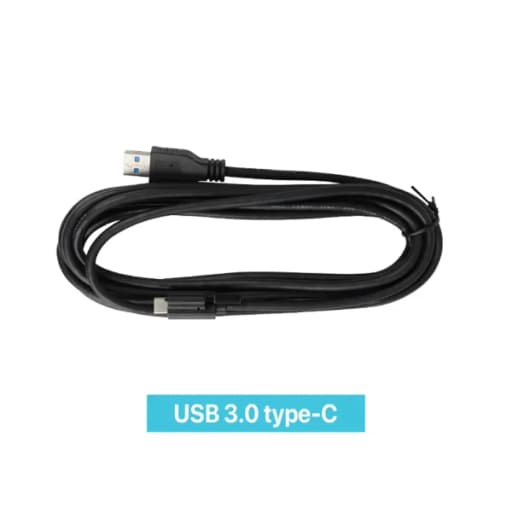
Type C Cable

Type C Cable

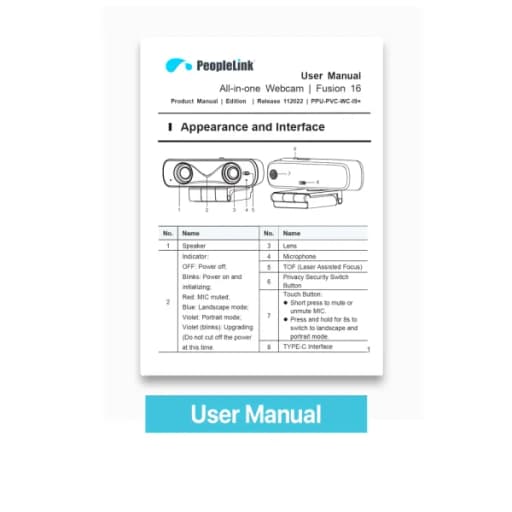
User Manual

User Manual

Videos

See the Fusion AIO 16 in action

Documents

Product Datasheet
Download
User Manual
Download

Talk to a PeopleLink Video Specialist about All-in-One Webcams

Room size, participant count and platform in one message. We reply with the right all-in-one device.

Request Demo

Loading reCAPTCHA...

WhatsApp Updates

Get PeopleLink AV and Collaboration Updates on WhatsApp

Product Launches, Datasheets, Solution Guides for Meeting Rooms and Classrooms, Event Invitations and Partner Programme news from PeopleLink, a global AV and Unified Communications OEM. For CIOs, IT Heads, AV Consultants, System Integrators and Channel Partners.

  • Video Conferencing Cameras
  • Interactive Flat Panels
  • LED Video Walls
  • Digital Podiums
  • Audio Conferencing
  • Smart Classroom Solutions
  • Partner Programme
  1. 1. Scan or openScan the QR Code with your phone camera, or open visit.peoplelinkvc.com.
  2. 2. Fill the short formTick "Stay in Touch" and PeopleLink updates reach you on WhatsApp.

By ticking "Stay in Touch" on the form you agree to receive WhatsApp and email messages from PeopleLink Unified Communications about Products, Solutions, Events and Partner updates. You can opt out at any time.

Scan to join PeopleLink WhatsApp Updates

visit.peoplelinkvc.com