



PeopleLink
Mobile Collaboration Unit
💎 Work Together. Anywhere. Anytime.

PeopleLinkMobile Collaboration Unit

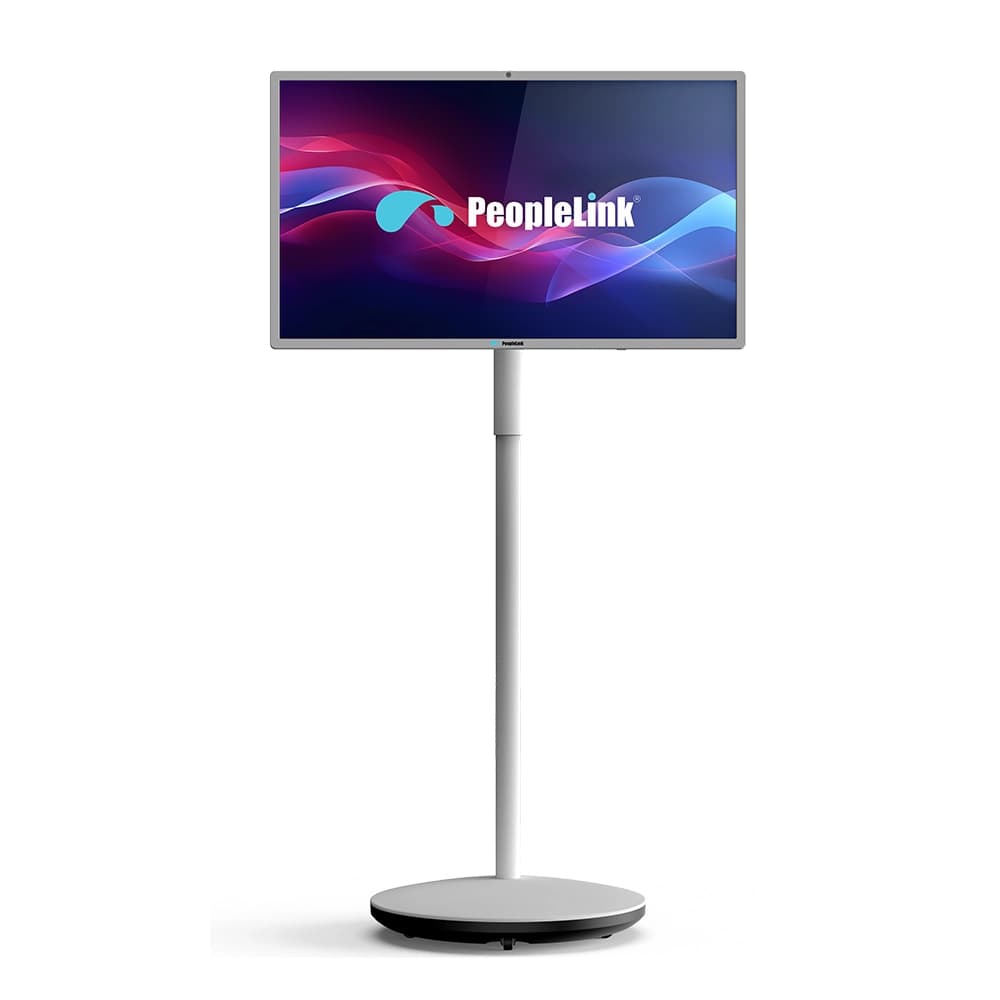
PeopleLink Mobile Collaboration Unit - front view
PeopleLink Mobile Collaboration Unit - front viewPeopleLink Mobile Collaboration Unit - side viewPeopleLink Mobile Collaboration Unit - back viewPeopleLink Mobile Collaboration Unit - front side-angle viewPeopleLink Mobile Collaboration Unit - side view

The Mobile Collaboration Unit features a versatile UHD 4K display with 10-point touch control, 45° horizontal and 90° vertical rotation, along with a 20 cm height lift, enabling flexible positioning and enhanced usability. Designed for seamless presentations and interactive collaboration, it adapts easily to different environments, making it ideal for modern classrooms, corporate workspaces, and dynamic meeting setups.

UHD 4K Interactive Display

High-resolution 4K display ensures sharp visuals for presentations, content sharing, and collaboration.

Clear Visuals

10-Point Touch Control

Responsive multi-touch support allows smooth interaction, navigation, and content control.

Smooth Interaction

Flexible Screen Rotation

Supports 45° horizontal and 90° vertical rotation for versatile viewing and usage scenarios.

Adaptive Viewing

Adjustable Height Lift

20 cm height adjustment enables comfortable usage for different users and environments.

User Comfort

Mobile Design with Wheels

Easy to move across spaces, making it suitable for dynamic work environments.

Easy Mobility

Space-Saving Structure

Compact design fits seamlessly into classrooms, offices, and training areas.

Efficient Design

Designed for Multiple Use Cases

Ideal for presentations, collaboration, training sessions, and interactive applications.

Versatile Use

Seamless Content Interaction

Supports engaging and interactive workflows for better communication and presentations.

Interactive Experience

Mobile Collaboration Unit Applications Across Industries

Education

Education

  • Interactive Learning
  • Lecture Delivery
  • Training Sessions
Healthcare

Healthcare

  • Medical Training
  • Case Discussions
  • Team Collaboration
Corporate

Corporate

  • Presentations
  • Team Meetings
  • Workshops
Government

Government

  • Briefings
  • Training Programs
  • Public Communication
BFSI

BFSI

  • Financial Presentations
  • Client Meetings
  • Employee Training

Stop staying fixed. Start collaborating anywhere with seamless mobile collaboration.

Contact Us

Designed for Flexible Collaboration Across Environments

Mobile collaboration unit for dynamic presentations, interaction, and adaptable workspaces.

Corporate Boardroom

Corporate Workspaces

Flexible Meeting Setup

Move the unit across meeting rooms for quick and efficient collaboration.

Interactive Presentations

Engage teams with touch-enabled presentations and real-time interaction.

Adaptive Screen Positioning

Adjust height and rotate display for better visibility and comfort.

Higher Education

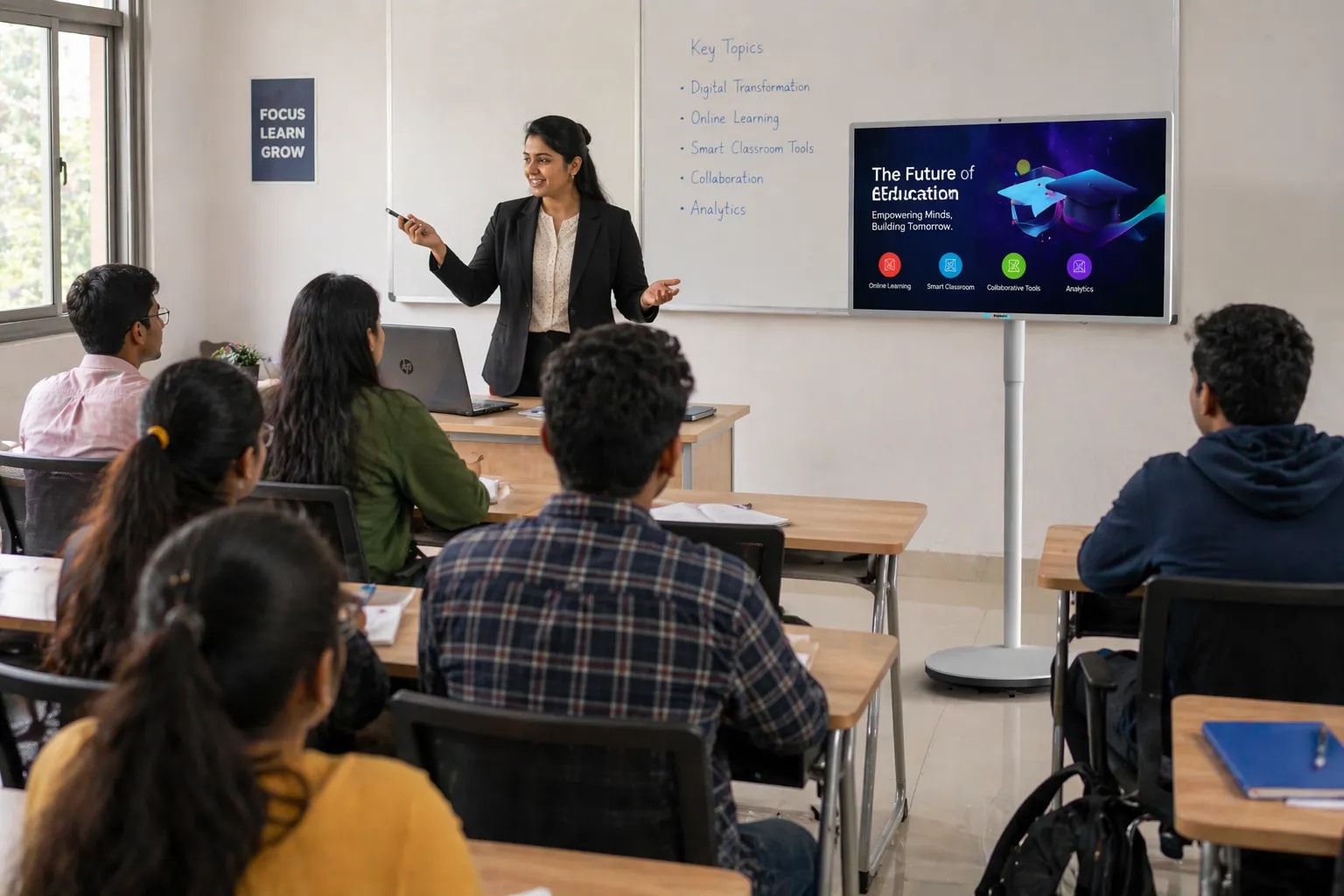
Education & Learning Spaces

Interactive Learning

Enable touch-based teaching and real-time student engagement.

Flexible Classroom Use

Move between classrooms and adjust screen for different teaching styles.

Dynamic Content Display

Present educational content clearly with a high-resolution display.

Healthcare

Training & Collaboration Spaces

Interactive Training Sessions

Deliver engaging sessions with real-time interaction and visual clarity.

Seamless Content Sharing

Display training materials and presentations without complex setup.

Portable Setup

Easily move the unit across rooms for flexible training environments.

Higher Education

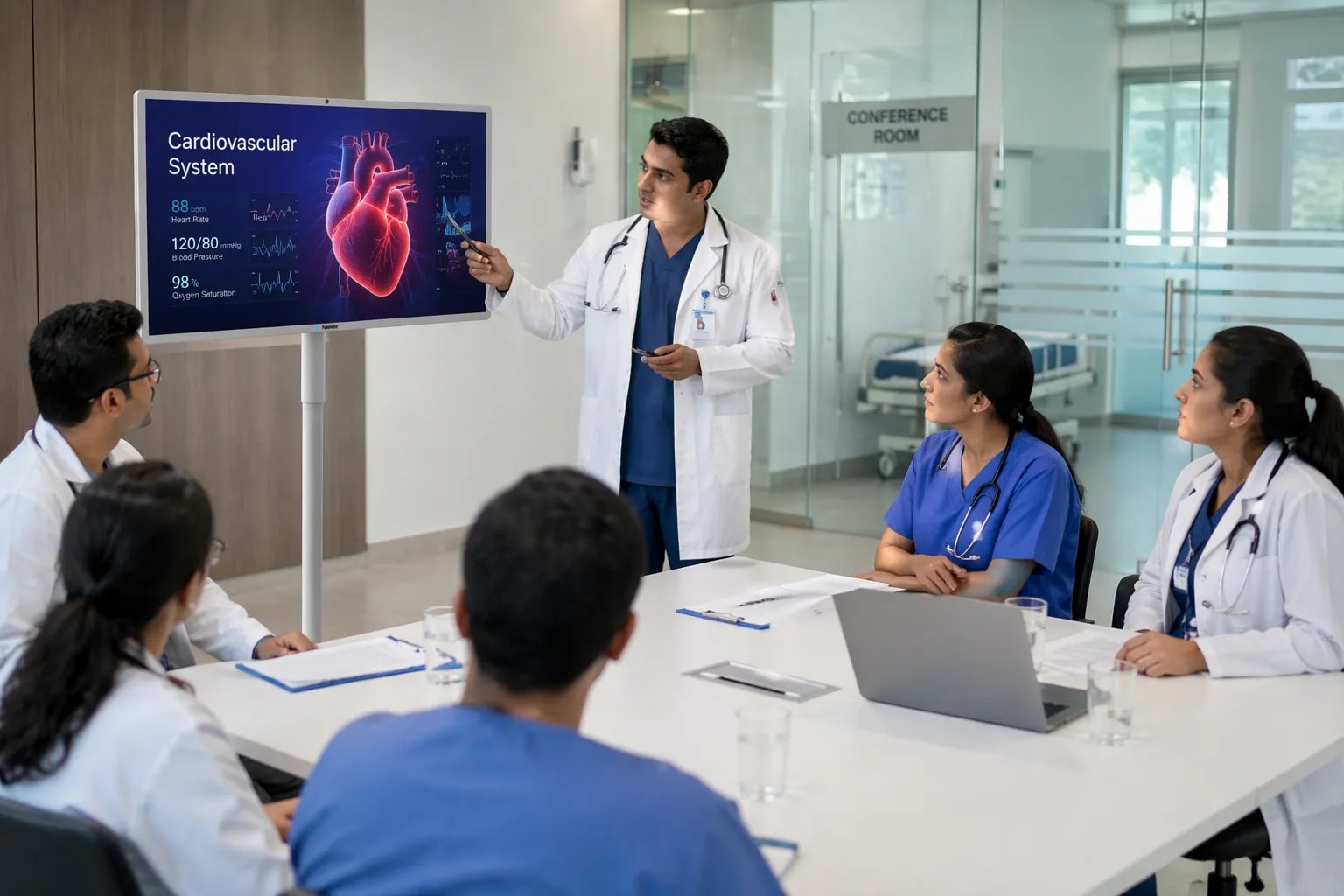
Healthcare Environments

Medical Discussions

Support case discussions and collaborative decision-making.

Flexible Display Usage

Adjust screen position for better viewing in different setups.

Interactive Communication

Enhance collaboration among medical teams with touch interaction.

Higher Education

Events & Presentation Spaces

Portable Presentation Setup

Quickly set up presentations in different event spaces.

Adaptive Viewing Angles

Rotate and adjust the display for audience visibility.

Engaging Visual Experience

Deliver impactful presentations with interactive display features.

Explore the Mobile Collaboration Unit in Action

Request Demo

Technical Documentation

Mobile Collaboration Unit - DataSheet
Mobile Collaboration Unit - User Manuals

Related Articles

Digital Podium for Classrooms

How to Choose a Digital Podium for Classrooms: The Ultimate Buyer’s Guide

Digital Podium vs Traditional Lectern

The Evolution of the Front-of-Room: Digital Podium vs. Traditional Lectern

Beyond the Lectern

Beyond the Lectern: Why BFSI and Government Institutions are Swapping Desks for Unified Tech Hubs