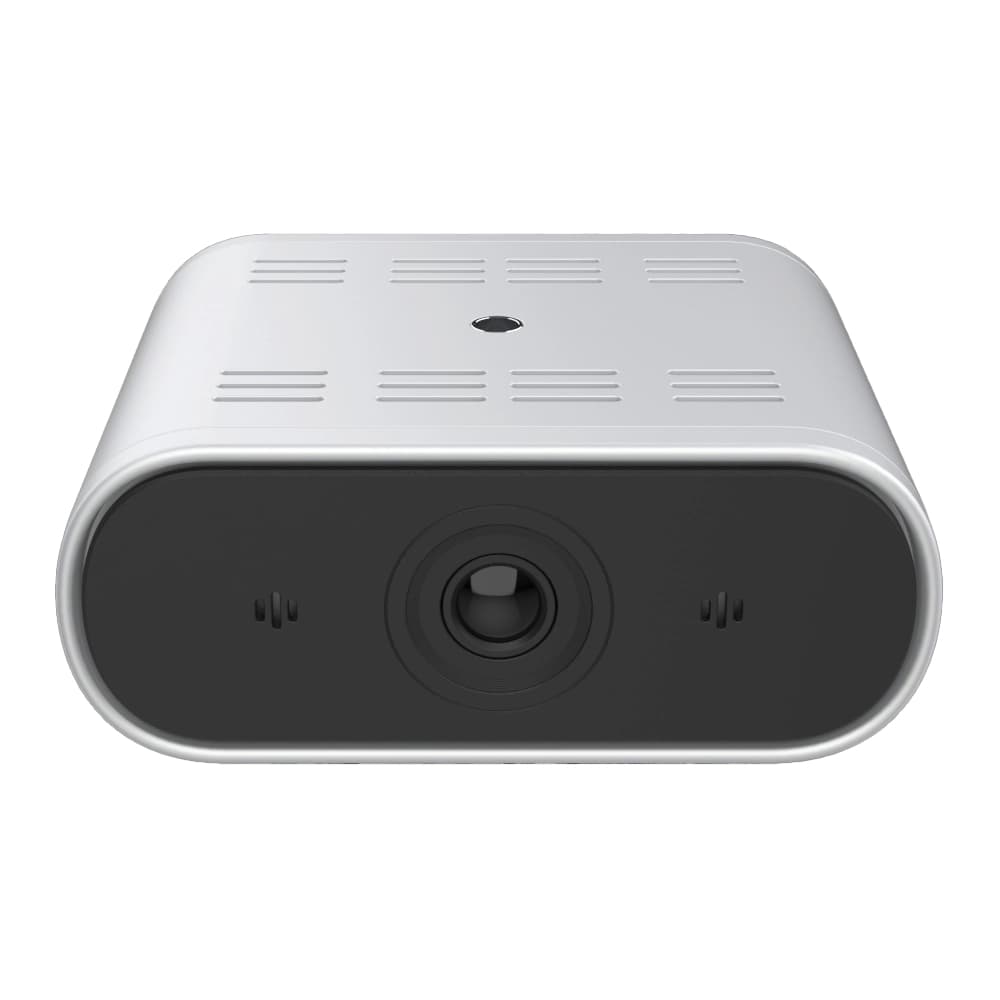
Camera Conferencing · Tracking Cameras

Tracking Cameras thatFollow the Presenter

Auto-tracking Cameras that follow the active Speaker or Presenter across Meeting Rooms, Classrooms and Training Spaces without manual operation.

  • Follows the Speaker or Presenter automatically as they move
  • Speaker tracking and Teacher/Student tracking models
  • One AV OEM for Hardware, Software and Support
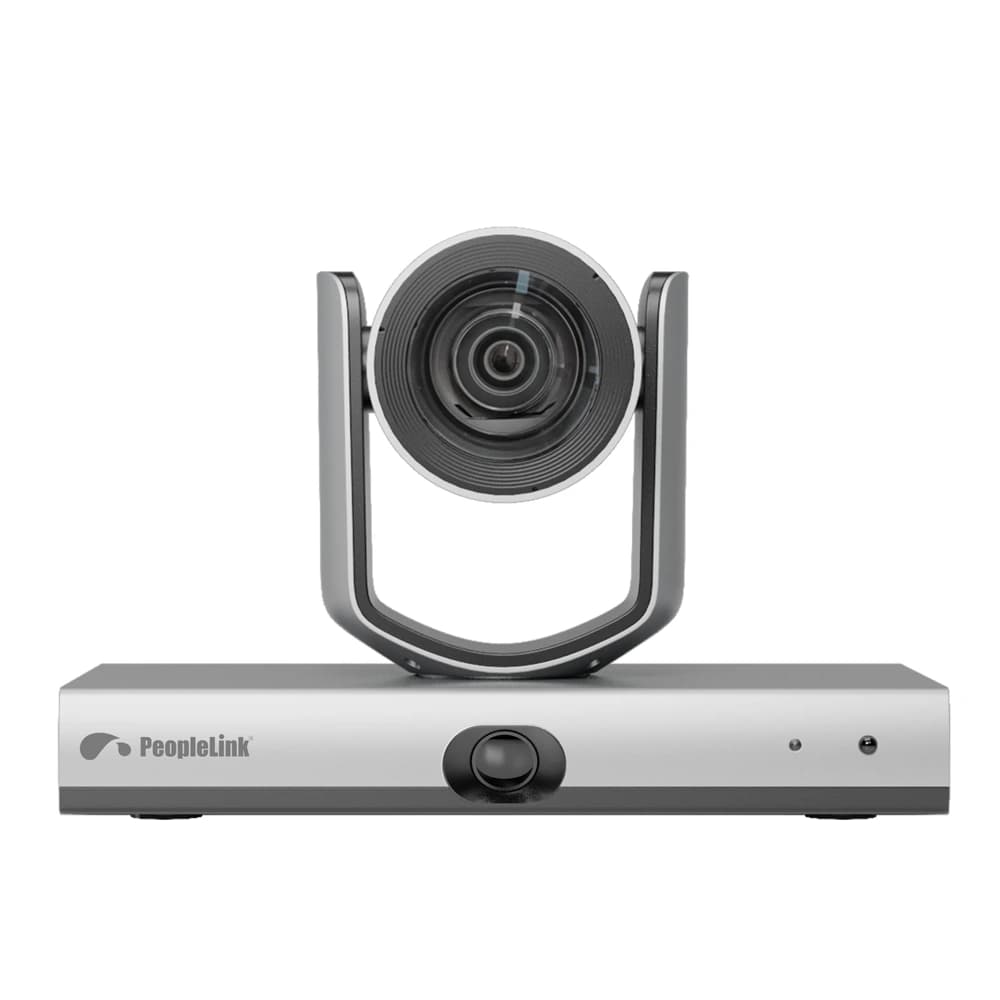
PeopleLink Speaker Track Pro camera
Speaker Track Pro
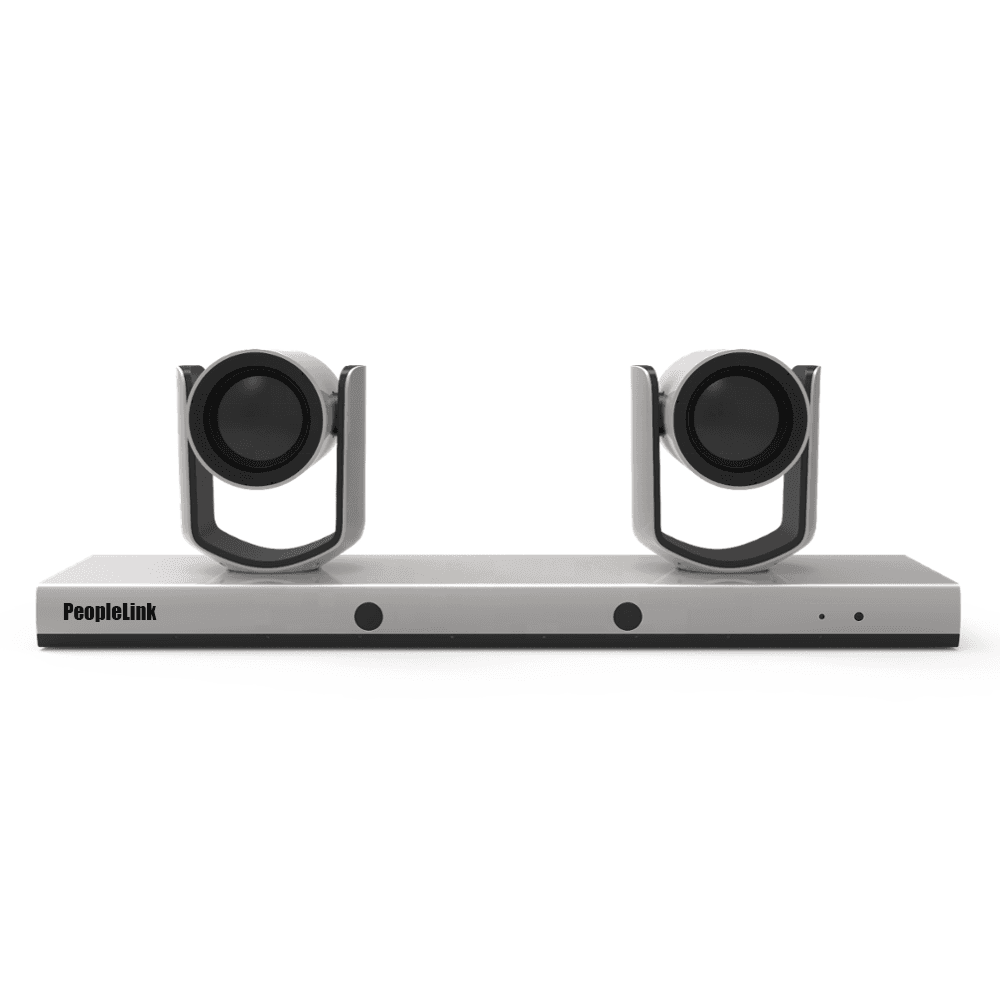
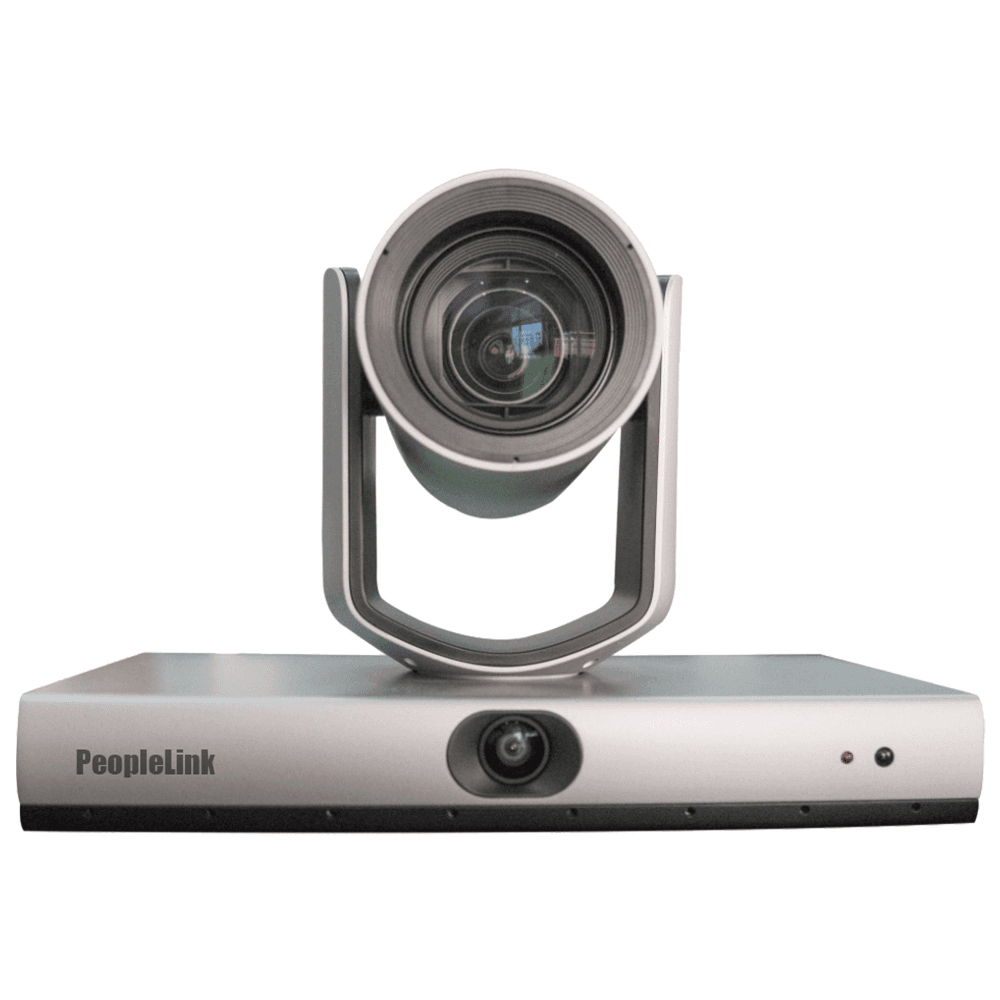
PeopleLink iCam FHD-LT 20x Teacher/Student Tracking camera
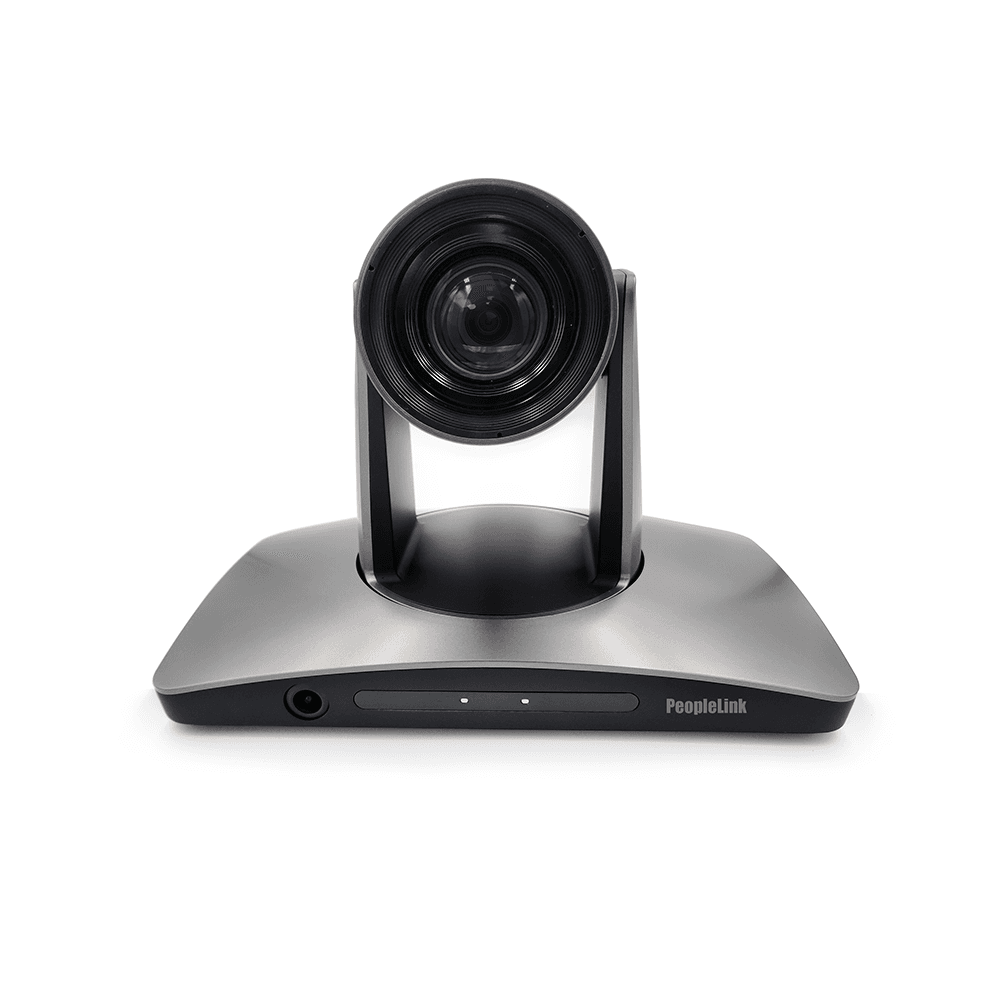
PeopleLink 4K Intelligent Tracking Camera
Built for
Conference Rooms
Classrooms
Lecture Halls
Training Rooms
One OEM
Overview

What a Tracking Camera does for remote Viewers

Tracking cameras from PeopleLink follow the active speaker or presenter automatically, keeping people framed as they move. Built for meeting rooms, classrooms and training spaces, they reduce manual camera operation and help remote participants stay engaged. As a single AV OEM for hardware and software, you get one accountable partner to deploy and support your conferencing cameras.
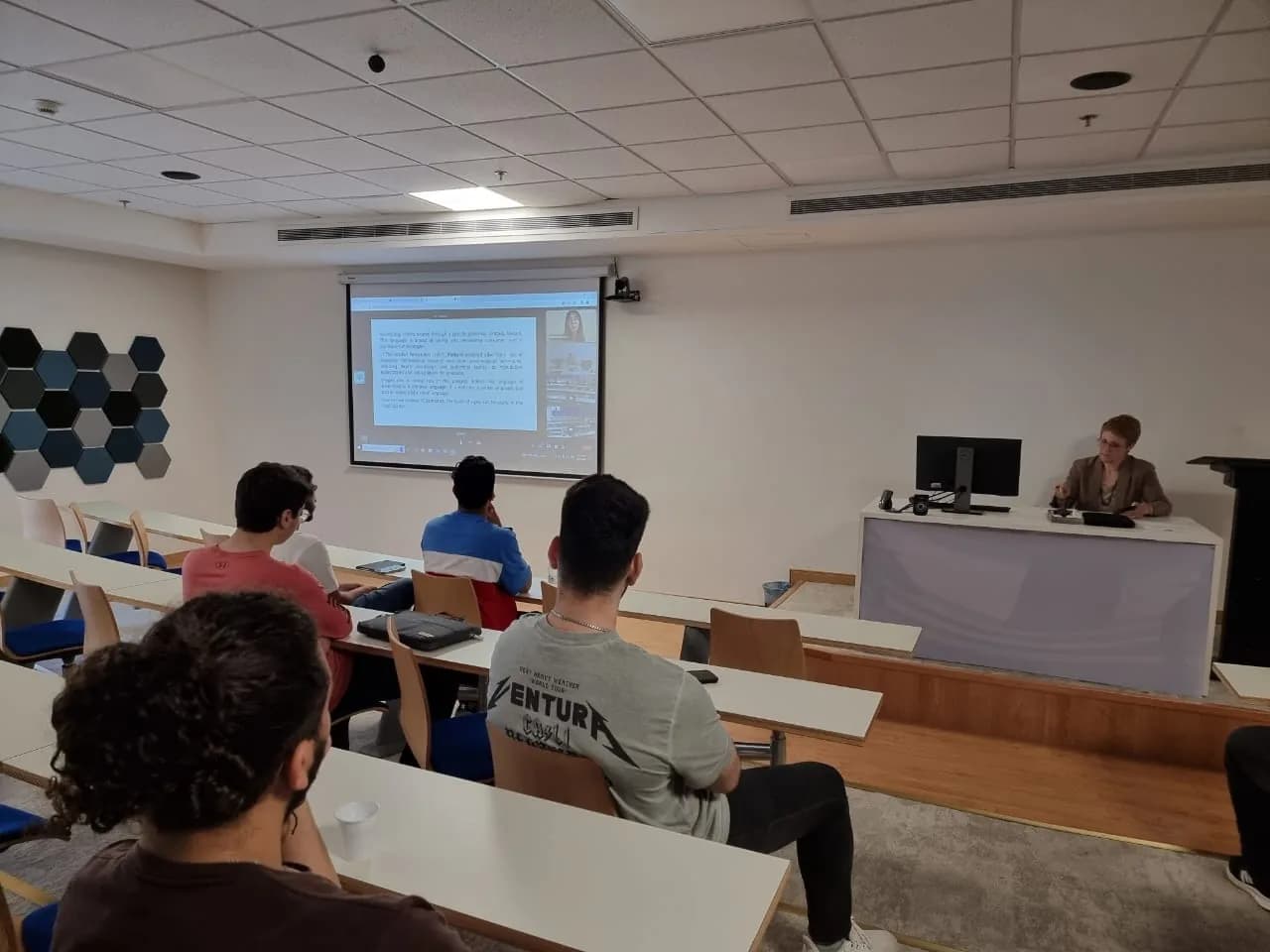
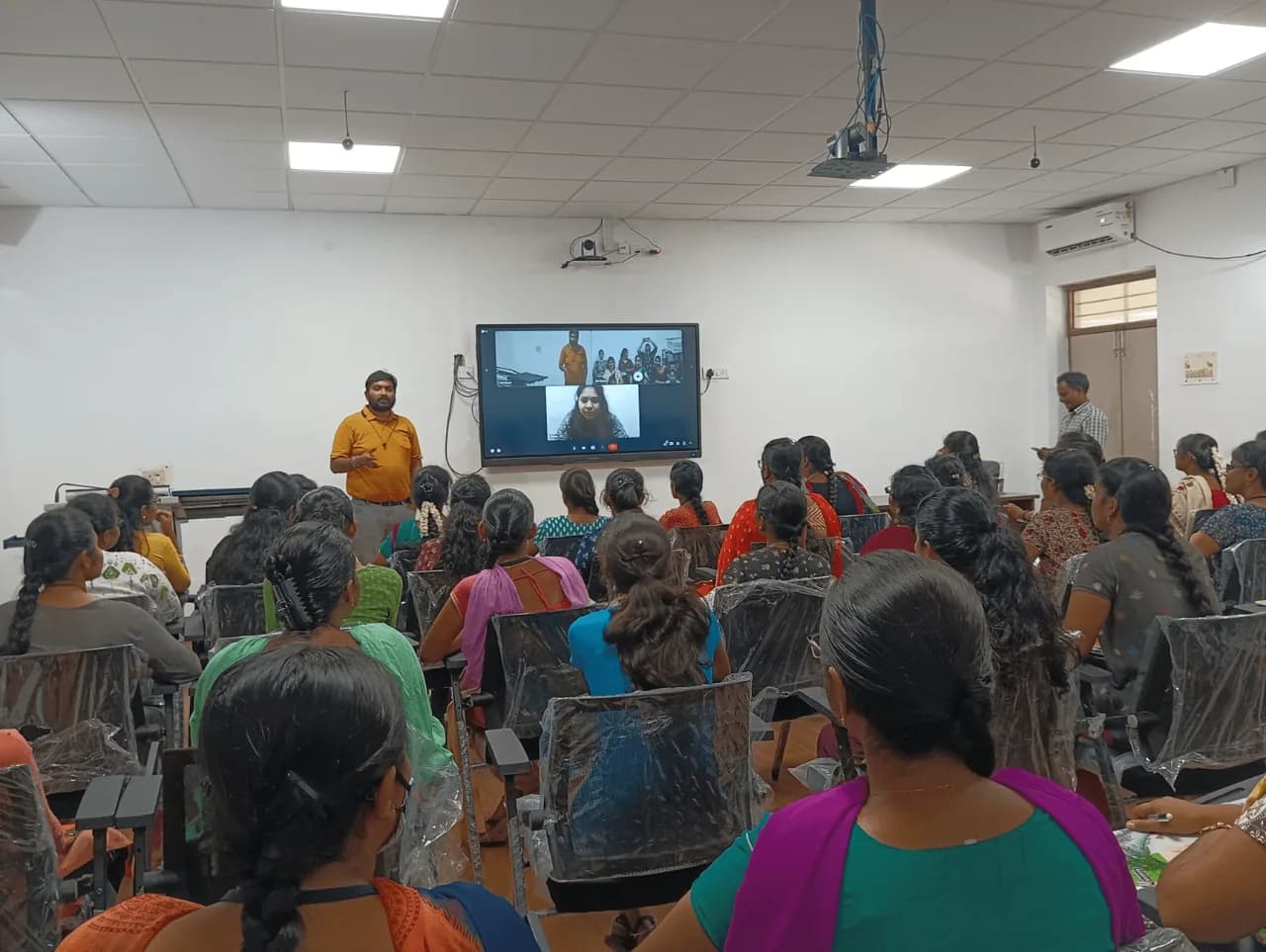
Lecture in progress with students facing a projection screen and camera
Lecture in Progress · Students facing the Screen and Camera
The range

PeopleLink Tracking Cameras

Speaker tracking for Meeting Rooms, Teacher and Student tracking for Classrooms.
In the Room

Tracking Cameras in Lecture and Training Rooms

Lecture theatres, classrooms and training halls photographed on site.

Tiered lecture theatre with a PeopleLink display and podium
Tiered Lecture TheatreDisplay and Podium
Classroom full of students with a trainer on a live video call
Classroom Live SessionTrainer on a Live Video Call
Large training hall with rows of desks and dual ceiling-mounted displays
Large Training HallDual Displays

Planning a tracking setup?

Tell us your room and we will recommend the right tracking camera.

Get a recommendation
Speaker or Presenter tracking

Choose by who the Camera should follow

Two tracking types on this page, matched to the Room.

Speaker Tracking CamerasTeacher and Student Tracking Cameras
FollowsThe active Speaker in a MeetingThe Teacher at the front and the Student who stands to speak
Best forBoardrooms, Conference Rooms and Training RoomsClassrooms, Lecture Halls and recorded Lectures
Why choose itRemote Participants always see who is talkingHybrid and recorded Classes without a camera operator
Products on this pageSpeaker Track, Speaker Track Pro, 4K Intelligent Tracking CameraiCam FHD-LT 20x, 4K 20X and 4K 30X Teacher/Student Track

Want a quote for multiple Rooms or an Office rollout?

Share the room count and we will size the video for each space.

Request a Quote
FAQs

Questions, answered.

A tracking camera automatically detects and follows the active speaker or presenter, adjusting framing as people move so the camera does not need to be operated by hand during a meeting or class.

They are used in conference rooms, boardrooms, training rooms, classrooms and lecture halls, and any space where presenters or participants move around and need to stay framed for remote viewers.

Consider the room size, the typical distance from the camera, whether you need speaker or presenter tracking, and how the camera integrates with your conferencing platform. PeopleLink can help match a camera to your room.

Explore more

Related Products and Solutions

Talk to a PeopleLink Video Specialist

Room size, participant count and platform in one message. We reply with a recommendation.

Request Demo

Loading reCAPTCHA...

WhatsApp Updates

Get PeopleLink AV and Collaboration Updates on WhatsApp

Product Launches, Datasheets, Solution Guides for Meeting Rooms and Classrooms, Event Invitations and Partner Programme news from PeopleLink, a global AV and Unified Communications OEM. For CIOs, IT Heads, AV Consultants, System Integrators and Channel Partners.

  • Video Conferencing Cameras
  • Interactive Flat Panels
  • LED Video Walls
  • Digital Podiums
  • Audio Conferencing
  • Smart Classroom Solutions
  • Partner Programme
  1. 1. Scan or openScan the QR Code with your phone camera, or open visit.peoplelinkvc.com.
  2. 2. Fill the short formTick "Stay in Touch" and PeopleLink updates reach you on WhatsApp.

By ticking "Stay in Touch" on the form you agree to receive WhatsApp and email messages from PeopleLink Unified Communications about Products, Solutions, Events and Partner updates. You can opt out at any time.

Scan to join PeopleLink WhatsApp Updates

visit.peoplelinkvc.com