Android Endpoints · Video Conferencing Room System

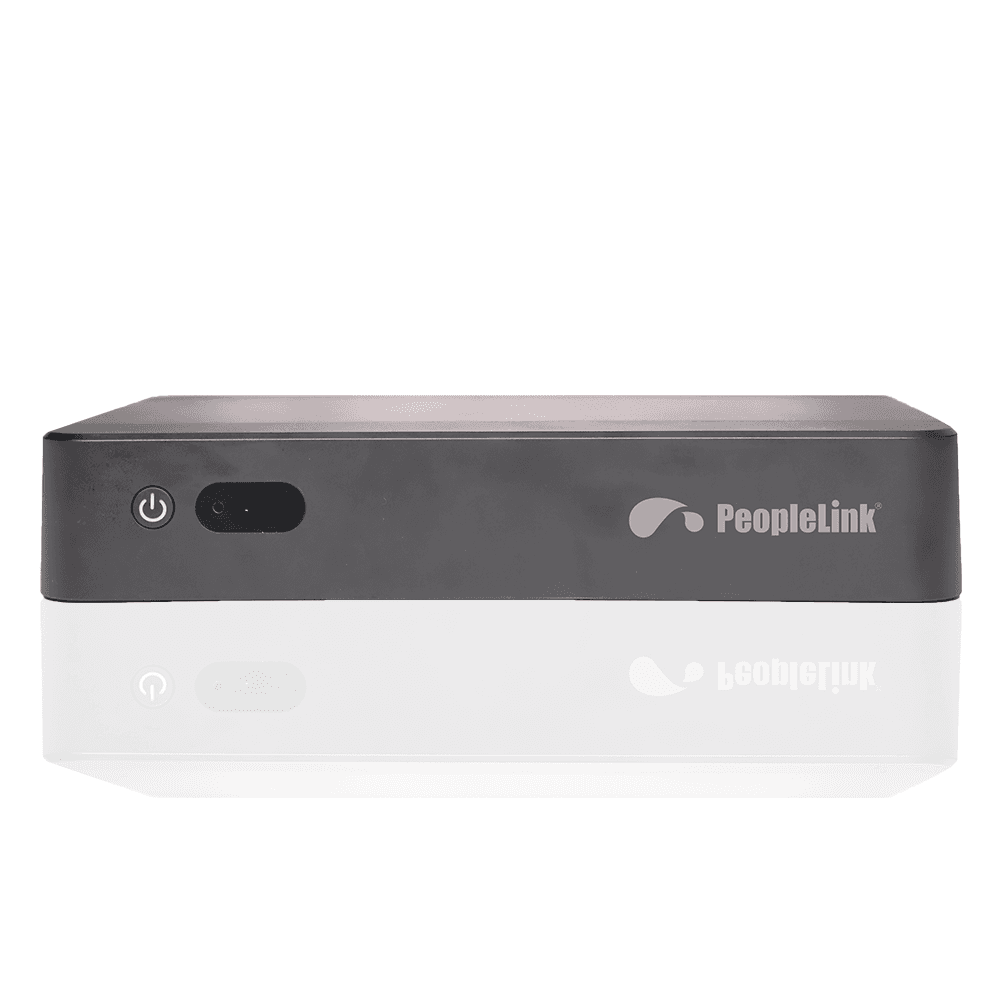
PeopleLink Room ApplianceIntel Core i5 Video Conferencing Room System with Multi-Display Output for Meeting Rooms and Smart Classrooms

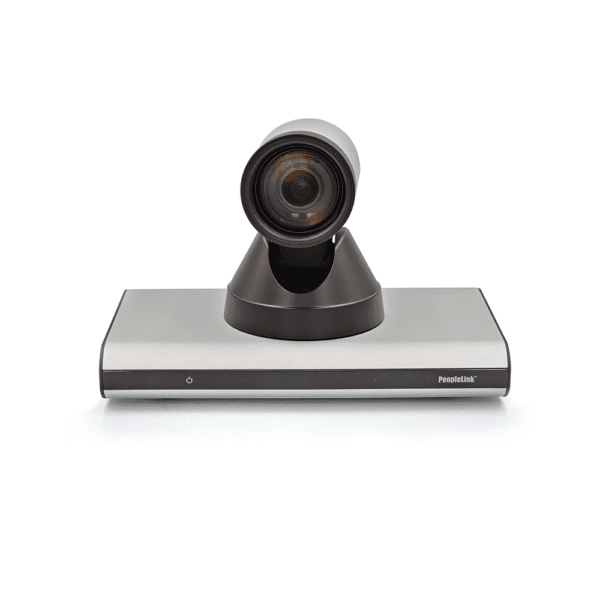
The PeopleLink Room Appliance is a Video Conferencing System for Meeting Rooms and Smart Classrooms.

  • 11th Gen Intel Core i5 Processor
  • Multi-display via HDMI IN/OUT Displays
  • USB and Type-C Connectivity
PeopleLink Room Appliance
1 / 2
  • One OEM

    Hardware and Software from a single vendor

  • Deployed Globally

    Enterprise, Government, Education and Healthcare

  • Regional Partner Support

    Service and Support through PeopleLink Partners and Resellers in your region

  • Published Specifications

    PDF Datasheets available for PeopleLink products

Overview

What a Video Conferencing Room System does in a Meeting Room or Smart Classroom

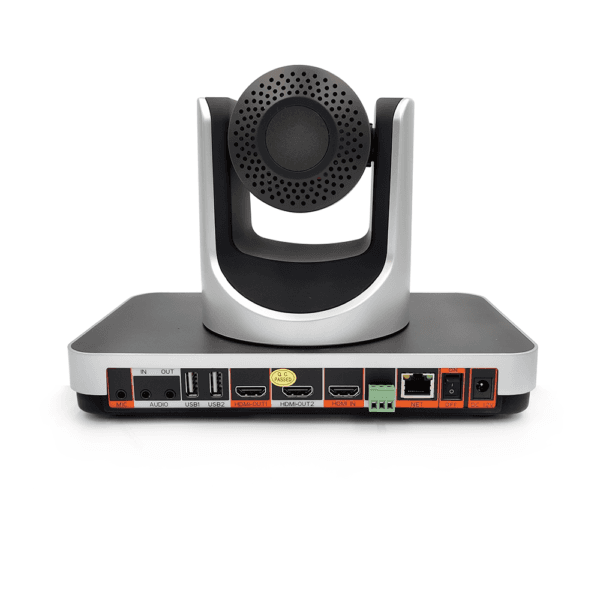
The PeopleLink Room Appliance is a Video Conferencing System for Meeting Rooms and Smart Classrooms. It is powered by an 11th Gen Intel Core i5 processor and provides HDMI IN and OUT, multiple USB ports and Type-C, with Multi-Display support for a content screen and a meeting screen at once. A HUB extension connects a Touch Panel, so the room is started from the desk rather than from a keyboard. External devices, including a PeopleLink Camera and PeopleLink Audio, connect over USB or Type-C. One appliance per room keeps an estate of rooms uniform for the IT team.

The Room Appliance is powered by 11th Gen Intel® Core™ i5 Processor, with multiple ports like HDMI IN/OUT, USB, Type-C, supporting muti-display and external devices, unique HUB extension for connecting Touch Panel to meet various scenarios like Video Conferencing and Smart Education.
  • Processor: 11th Gen Intel® Core™ i5 Processor
  • HDMI Ports: HDMI IN/OUT support
  • USB Connectivity: Multiple USB ports and Type-C
  • Multi-Display: Supporting multi-display and external devices
  • HUB Extension: Unique HUB extension for connecting Touch Panel
  • Use Cases: Video Conferencing and Smart Education scenarios

Key Specifications

Headline specifications from the product Datasheet. Full model-by-model detail is in the PDF.

ItemPeopleLink Room Appliance
Processor11th Gen Intel Core i5
DisplaysMulti-display via HDMI IN/OUT
ConnectivityUSB and Type-C

Rooms It Serves

Video conferencing

Drives the room for everyday Hybrid Meetings, on an 11th Gen Intel Core i5 processor.

Smart education

Multi-Display and external device support for Smart Classrooms.

Touch Panel control

A HUB extension connects a Touch Panel for in-room control from the desk.

Where a Video Conferencing System Fits in Your Organisation

How organisations deploy a Video Conferencing System, and what changes for the teams that use it

Education

Smart Classroom System for a University

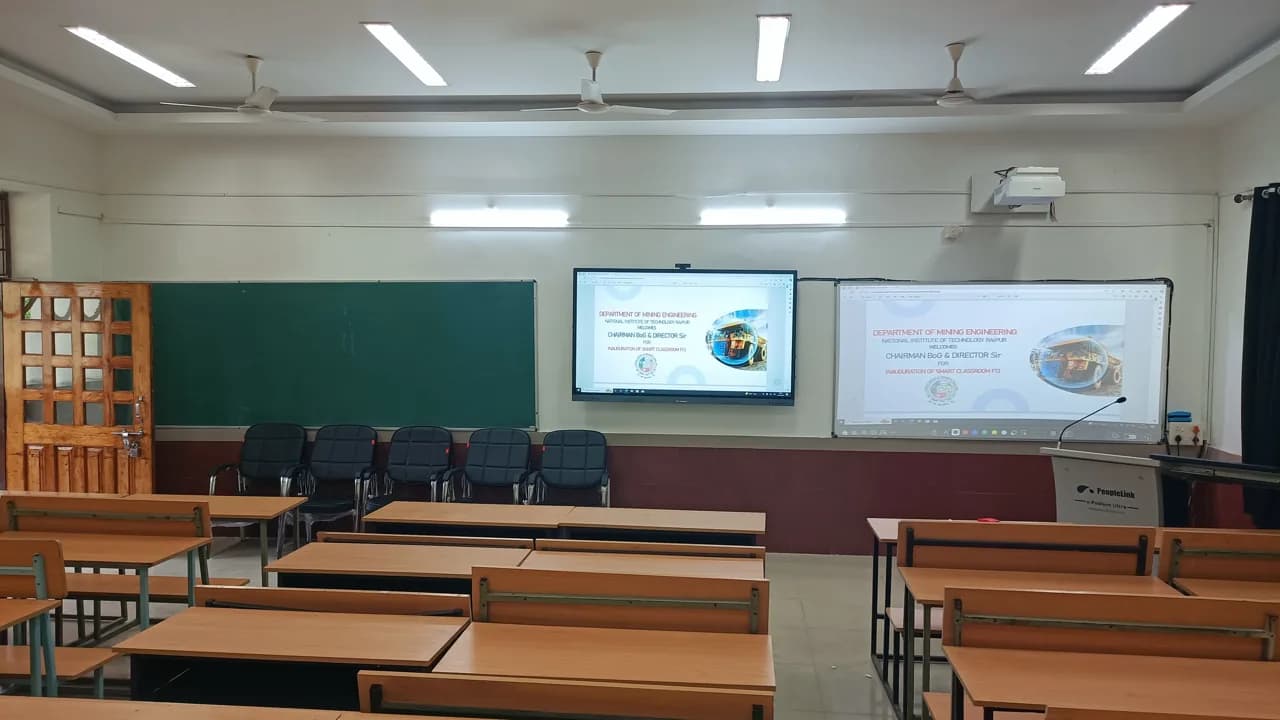
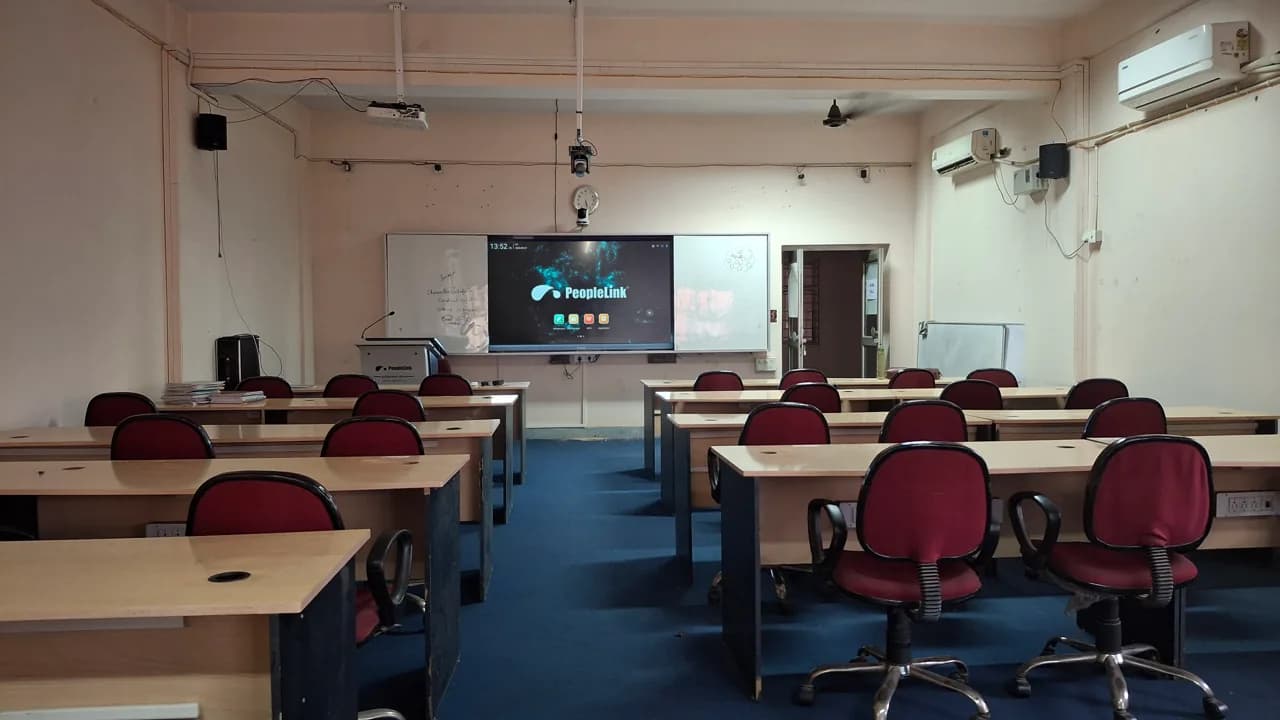
A university builds its Smart Classrooms around the PeopleLink Room Appliance so a single unit drives the front of the room. An 11th Gen Intel Core i5 processor runs the teaching software, and HDMI IN and OUT with multi-display support puts the lesson on more than one screen. The HUB extension connects a Touch Panel, so a lecturer starts the session from the desk. External devices join over USB or Type-C, and PeopleLink Cameras and Audio complete the room.
Enterprise

Branch Office System for a Bank

A bank fits its Branch Offices with the PeopleLink Room Appliance so a branch joins a regional review from a meeting room instead of a desk. HDMI IN and OUT drive the room display, while multiple USB ports and Type-C connect the camera and audio the branch already has. The HUB extension adds a Touch Panel for staff who would rather not handle a PC. One appliance per branch keeps the estate uniform for the IT team.

Public Sector

Command Centre System for a City Utility Authority

A city utility authority runs its Command Centre briefings on the PeopleLink Room Appliance, using multi-display support to hold the operations view and the meeting on separate screens. HDMI IN brings in a source from the control desk and HDMI OUT feeds the room display. The Core i5 processor carries the authority's own software alongside the call. A Touch Panel on the HUB extension gives the duty officer one place to start and end a session.

Not sure which model fits your Video conferencing or Smart education?

Tell us the room size and seating. A PeopleLink specialist will recommend the right model.

Talk to Sales

How It Compares

CapabilityPeopleLink Room ApplianceTypical Alternative
Compute11th Gen Intel Core i5 room PCA consumer meeting app
DisplaysMulti-display via HDMI IN/OUTSingle display only
ExpansionHUB extension for Touch PanelNo expansion
IntegrationPairs with PeopleLink room solutionsSingle device only

Why PeopleLink

Hardware plus Software

Cameras, Audio, Control and Collaboration Platforms, built by one OEM.

Integrates Cleanly

PeopleLink Endpoints pair with PeopleLink Cameras, Audio and Room Solutions out of the box, and HDMI IN and OUT plus USB and Type-C take the devices a room already has.

Deployed Globally

Used across Enterprise, Government, Education and Healthcare environments.

Specialist Support

Talk to PeopleLink AV Specialists for sizing, integration and rollout.

Planning a multi-room or campus rollout?

Get one consolidated quote covering Hardware, Software and Installation from One OEM.

Request a Quote

Frequently Asked Questions

In the Room

Classrooms and Meeting Rooms, Photographed on Site

Rooms where PeopleLink displays and room systems are installed.

Smart classroom with interactive display, projector screen and digital podium
Smart ClassroomInteractive Display, Podium and Projection
Classroom with red chairs and a PeopleLink interactive display at the front
Smart Classroom InstallationInteractive Display at the Front
Students with laptops in a classroom facing an interactive display and instructor
Classroom SessionInteractive Display and Instructor

Talk to a PeopleLink Room Specialist about Room Systems

Room size, displays and platform in one message. We reply with the right Room System and accessories.

Request Demo

Loading reCAPTCHA...

WhatsApp Updates

Get PeopleLink AV and Collaboration Updates on WhatsApp

Product Launches, Datasheets, Solution Guides for Meeting Rooms and Classrooms, Event Invitations and Partner Programme news from PeopleLink, a global AV and Unified Communications OEM. For CIOs, IT Heads, AV Consultants, System Integrators and Channel Partners.

  • Video Conferencing Cameras
  • Interactive Flat Panels
  • LED Video Walls
  • Digital Podiums
  • Audio Conferencing
  • Smart Classroom Solutions
  • Partner Programme
  1. 1. Scan or openScan the QR Code with your phone camera, or open visit.peoplelinkvc.com.
  2. 2. Fill the short formTick "Stay in Touch" and PeopleLink updates reach you on WhatsApp.

By ticking "Stay in Touch" on the form you agree to receive WhatsApp and email messages from PeopleLink Unified Communications about Products, Solutions, Events and Partner updates. You can opt out at any time.

Scan to join PeopleLink WhatsApp Updates

visit.peoplelinkvc.com