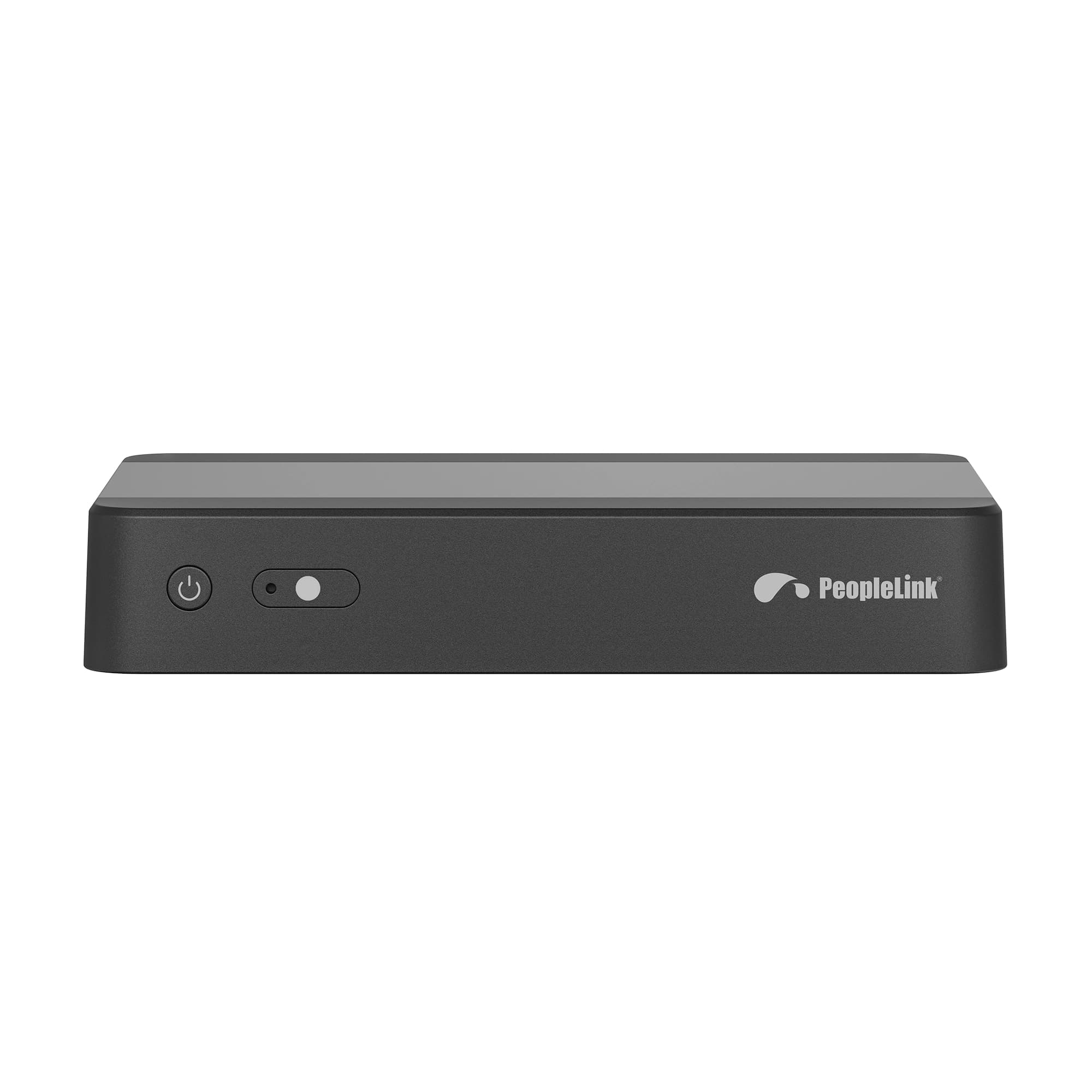
PeopleLink BYOM Wireless Presenter System

PeopleLink byom system front

The PeopleLink BYOM Wireless Presenter System connects the room display so it can be shared with remote meeting participants, and lets people wirelessly bring the room camera, microphone and speaker to their own laptop with reverse audio and video back to the laptop. It supports dual screen collaboration for local and remote meetings and up to 9 split screens for screen casting. BYOM mode works with common video conferencing platforms. Because PeopleLink is one OEM, it pairs cleanly with PeopleLink displays, cameras, audio and room solutions. The specifications below are drawn from the official datasheet, and the full PDF is available on request.

Product Overview

PeopleLink Wireless presenter system is designed to connect the room display to be shared with remote meeting participants to provide a better collaboration experience between in-room and remote participants. It enables people to wirelessly connect the room camera, microphone, speaker and display to their own laptop, with reverse transmission and audio back to the laptop when wireless conferencing. It supports dual screen collaboration for both local and remote meetings, and supports up to 9 split screens for screen casting.

Key Features

  • Dual Screen output
  • BYOM: Wireless shared camera & microphone
  • Screen casting via Type-C and Touchback
  • USB/Miracast Touch back
  • Multiple Miracast
  • Four screens 1080P P2P display
4K pixel-to-pixel, dual screen
Display
Up to 128
Connections
Wireless camera and mic
BYOM

Technical Specifications

Hardware
CPUARM Cortex A55 x 4
Storage Configuration4G DDR + 32G FLASH
Video Ports2x HDMI Output (1x 4K 60Hz, 1x 1080P 60Hz); 1x HDMI Input
Audio Ports3.5mm audio output; 3.5mm mic output
Data Ports2x USB 3.0 Host Type-A; 2x USB 2.0 Host Type-A; 1x USB Touch; 1x Type-C; 2x RS232
Network and Power Ports1x RJ45 LAN port; 1x POE port; 1x 12V/3A DC power jack; power button; standby button
Power ConsumptionDC 12V, maximum 36W
Size225 x 140 x 40mm (L x W x H)
Operating Environment0 to 40 C working temperature; 10% to 90% working humidity
Wireless and Casting
ProtocolsDLNA, Miracast, AirPlay, Chromecast
Dual Wi-Fi5.8G SoftAP + 5.8G Wi-Fi
Number of ConnectionsUp to 128
Transmit Distance50m without obstacle
BYOM CompatibilityWorks with common video conferencing platforms
Mirror BackSupported
Touch, Media and Bridging
Touch ControlUSB HID; mouse mode; IR touch control; capacitive touch panel
Video DecodingH.264, H.265, VP8, RV, WMV, AVS, H.263, MPEG4; 4K decoding
BridgingSupports both wireless and wired bridging
Device ManagementRS232 API for third party integrations; built-in web back-end

Where It Fits

Meeting rooms

Bring the room camera, mic and speaker to any laptop for hybrid meetings.

Collaboration spaces

Dual screen collaboration with up to 9 split screens for screen casting.

Video conferencing

BYOM mode works with common video conferencing platforms.

How It Compares

CapabilityPeopleLink BYOM Wireless Presenter SystemTypical Alternative
BYOMWireless room camera and mic to laptopWired USB devices only
Display4K pixel-to-pixel, dual screenSingle screen output
CastingAirPlay, Miracast, DLNA, ChromecastOne protocol only
CapacityUp to 128 connections, 9 split screensFew connections

Why PeopleLink

Hardware + software

Cameras, audio, control and collaboration platforms, built by one OEM.

Integrates cleanly

PeopleLink accessories pair with PeopleLink cameras, audio and room solutions out of the box.

Deployed globally

Trusted across enterprise, government, education and healthcare environments.

Specialist support

Talk to PeopleLink AV specialists for sizing, integration and rollout.

Frequently Asked Questions

1

What is the PeopleLink BYOM Wireless Presenter System?

It is a wireless presenter system that shares the room display with remote participants and lets people wirelessly bring the room camera, microphone and speaker to their laptop, with dual screen collaboration and up to 9 split screens.

2

What does BYOM mean here?

BYOM lets a laptop use the room camera and microphone wirelessly through the system, so the in-room devices appear as a USB camera and microphone on the laptop for video meetings on common video conferencing platforms.

3

How many connections and split screens does it support?

It supports up to 128 connections and up to 9 split screens for screen casting, with a transmit distance of 50m without obstacle.

4

Which casting protocols are supported?

It supports DLNA, Miracast, AirPlay and Chromecast, including AirPlay and Miracast mixed projection and USB or Miracast touchback.

Request Demo