Accessories · OPS Slot-in PC

PeopleLink OPS SystemIntel Core i5 OPS Slot-in PC for Interactive Displays and Digital Signage

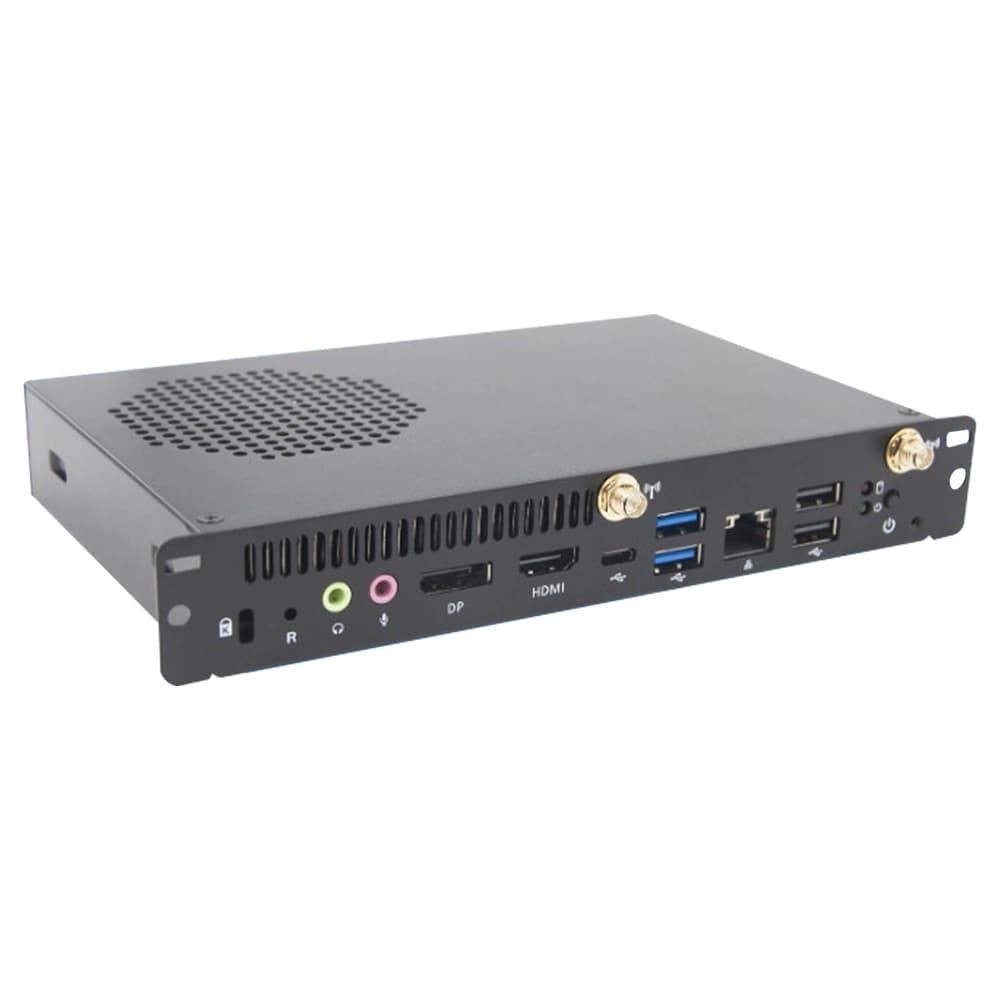
The PeopleLink OPS System is a Slot-in PC for OPS-compatible Interactive Displays and Digital Signage Screens.

  • Intel 12th Gen Core i5 12600HE Processor
  • Intel Iris Xe Graphics
  • OPS slot-in module Form Factor
PeopleLink OPS System
  • One OEM

    Hardware and Software from a single vendor

  • Deployed Globally

    Enterprise, Government, Education and Healthcare

  • Regional Partner Support

    Service and Support through PeopleLink Partners and Resellers in your region

  • Published Specifications

    PDF Datasheets available for PeopleLink products

Overview

What an OPS Slot-in PC does inside an Interactive Display

The PeopleLink OPS System is a Slot-in PC for OPS-compatible Interactive Displays and Digital Signage Screens. It plugs into a single internal slot at the back of a touch or non-touch display, with no external cables, and turns the screen into an all-in-one Windows PC. It runs an Intel 12th Gen Core i5 12600HE with Intel Iris Xe Graphics, 8GB or 16GB DDR4 upgradeable to 32GB, and 256GB or 512GB M.2 NVMe storage. Gigabit Ethernet and an M.2 slot for Wi-Fi and Bluetooth put it on the network like any managed PC. Fewer boxes in the room means fewer cables and one device for IT to look after.

The Open Pluggable Specification (OPS) is the industry standard for connecting computer devices to large flat panel and interactive displays via a single universal internal slot. With no need for any cables, the PeopleLink OPS System simply plugs into a single slot in the back of any OPS-compatible display, both touch and non-touch, instantly converting the big screen into a giant all-in-one Windows PC.
  • Classroom or lecture theatre learning
  • Business presentations
  • Interactive meeting and boardroom solutions
  • Group video conferencing
  • Digital signage and advertising
  • Any collaborative workspace

Key Specifications

Headline specifications from the product Datasheet. Full model-by-model detail is in the PDF.

ItemPeopleLink OPS System
ProcessorIntel 12th Gen Core i5 12600HE
GraphicsIntel Iris Xe
Form FactorOPS slot-in module

Technical Specifications

Core
ProcessorIntel 12th Gen Core i5 12600HE
ChipsetIntel SOC design
GraphicsIntel Iris Xe Graphics
Memory8GB or 16GB DDR4 (upgradeable to 32GB)
Storage256GB or 512GB M.2 NVMe SSD
Operating SystemWindows 11, Windows 10
Connectivity
Display1x DP 1.4, 1x HDMI 1.4, 1x 80-pin JAE connector (1x HDMI 2.0, 1x DP 1.4)
Ethernet10/100/1000 Mbps Gigabit Ethernet
Wireless1x M.2 2230 slot for Wi-Fi and Bluetooth module; Wi-Fi 802.11ac
Front I/O1x DP 1.4, 1x HDMI 1.4, 2x USB 2.0, 2x USB 3.0, 1x Type-C (USB 3.1), 1x RJ45, Line-out and Mic-in combo, 2x Wi-Fi/BT antenna
OPS I/O1x 2.5/5.5 DC IN jack, 1x HDMI 2.0, 1x DP 1.4, 2x USB 2.0, 1x USB 3.0, 1x TTL
Power and Environment
Power Input12 to 19V DC IN, 2.5/5.5 DC jack JAE; 80-pin DC IN
Dimensions119 (L) x 180 (W) x 30 (H) mm
Operating Temperature-5 to 40 C
Operating Humidity10% to 90% non-condensing

Rooms It Serves

Interactive displays

Turns any OPS-compatible touch or non-touch display into an all-in-one Windows PC.

Classrooms and boardrooms

Cable-free single-slot install for Teaching Spaces and Meeting Rooms, with Gigabit Ethernet and Wi-Fi.

Digital signage

Slot-in computing for Digital Signage and Collaborative Workspaces, hidden inside the panel.

Where a Slot-in PC Fits in Your Organisation

How organisations deploy a Slot-in PC, and what changes for the teams that use it

Education

Classroom Computing for a School Group

A school group fits the PeopleLink OPS System into the OPS slot of every PeopleLink Interactive Display it installs, so each classroom gets a Windows 11 PC inside the screen with no cables or trolley. The Intel 12th Gen Core i5 with Iris Xe Graphics runs the school's teaching software, and the 8GB/256GB model covers everyday lessons. IT joins each unit to the network over Gigabit Ethernet or Wi-Fi 802.11ac and manages it like any other PC. Teachers switch the display on and start teaching.
Enterprise

Boardroom PC for a Manufacturing Headquarters

A manufacturing headquarters wants its Boardroom display to run as a full PC for Group Video Conferencing and presentations without a visible computer. The PeopleLink OPS System slides into the display's OPS slot, and the front USB 3.0 and Type-C ports connect the PeopleLink Camera and Audio in the room. The 16GB/512GB configuration handles conferencing and large files, and the M.2 NVMe SSD keeps start-up quick. The board sees one clean screen and one remote.

Healthcare

Signage Displays for a Hospital Group

A hospital group runs wayfinding and patient information on non-touch OPS-compatible displays in its lobbies and waiting areas. Each display takes a PeopleLink OPS System, which plugs into the single internal slot and turns the screen into a self-contained signage player on Windows. The compact 119 x 180 x 30mm module stays hidden inside the display, and the -5 to 40 degree operating range suits an entrance lobby. Content teams update every screen over the network without opening a single enclosure.

Not sure which model fits your Interactive displays or Classrooms and boardrooms?

Tell us the room size and seating. A PeopleLink specialist will recommend the right model.

Talk to Sales

How It Compares

CapabilityPeopleLink OPS SystemTypical Alternative
InstallSingle OPS slot, no external cablesExternal PC with cabling
ProcessorIntel 12th Gen Core i5 with Iris XeEntry processor
DisplayDP 1.4, HDMI and 80-pin JAESingle output
NetworkGigabit Ethernet plus Wi-Fi 802.11acWired only

Why PeopleLink

Hardware plus Software

Cameras, Audio, Control and Collaboration Platforms, built by one OEM.

Integrates Cleanly

PeopleLink Accessories pair with PeopleLink Cameras, Audio and Room Solutions out of the box, and the module drops into the OPS slot of a PeopleLink Interactive Display.

Deployed Globally

Used across Enterprise, Government, Education and Healthcare environments.

Specialist Support

Talk to PeopleLink AV Specialists for sizing, integration and rollout.

Planning a multi-room or campus rollout?

Get one consolidated quote covering Hardware, Software and Installation from One OEM.

Request a Quote

Frequently Asked Questions

In the Room

Classrooms and Meeting Rooms, Photographed on Site

Rooms where PeopleLink displays and room systems are installed.

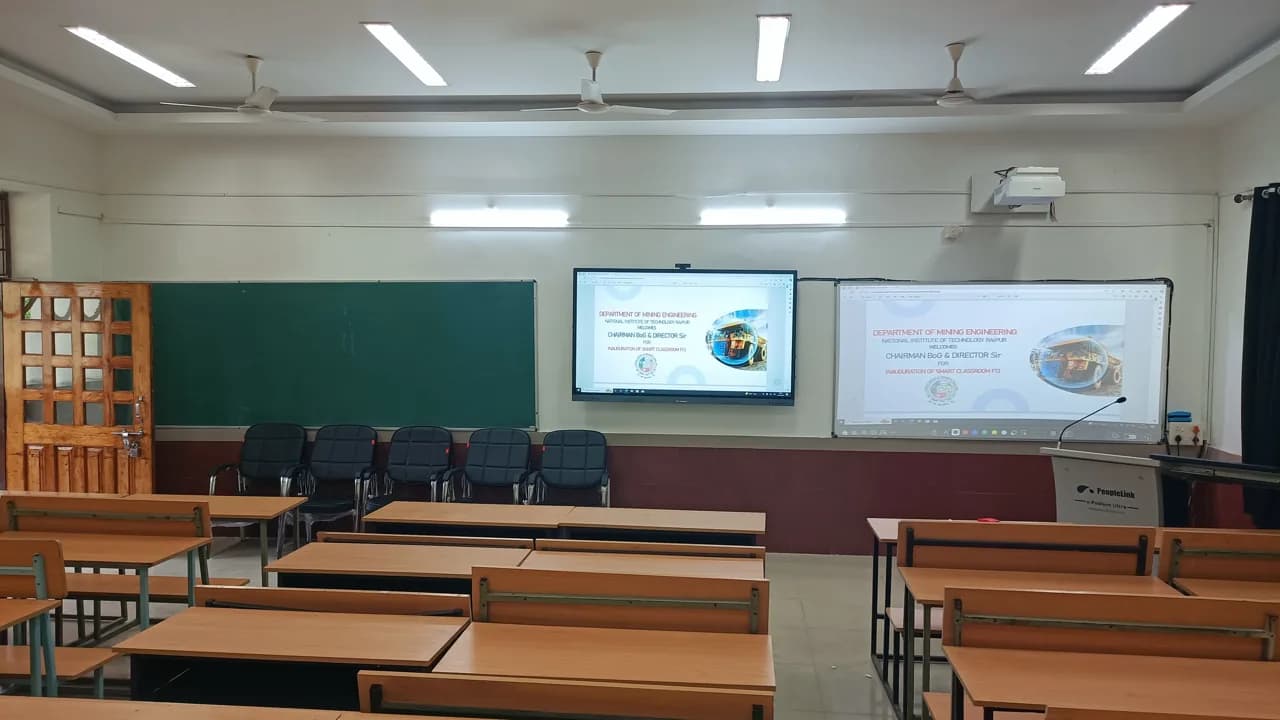
Smart classroom with interactive display, projector screen and digital podium
Smart ClassroomInteractive Display, Podium and Projection
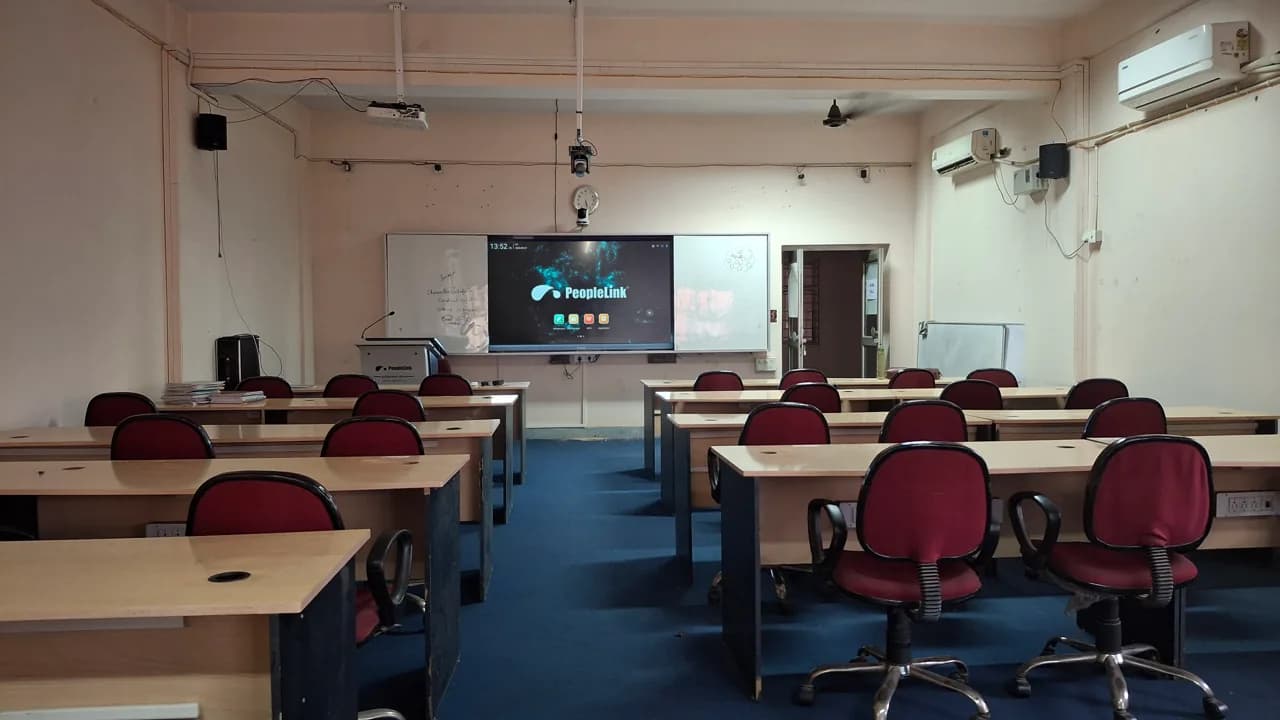
Classroom with red chairs and a PeopleLink interactive display at the front
Smart Classroom InstallationInteractive Display at the Front
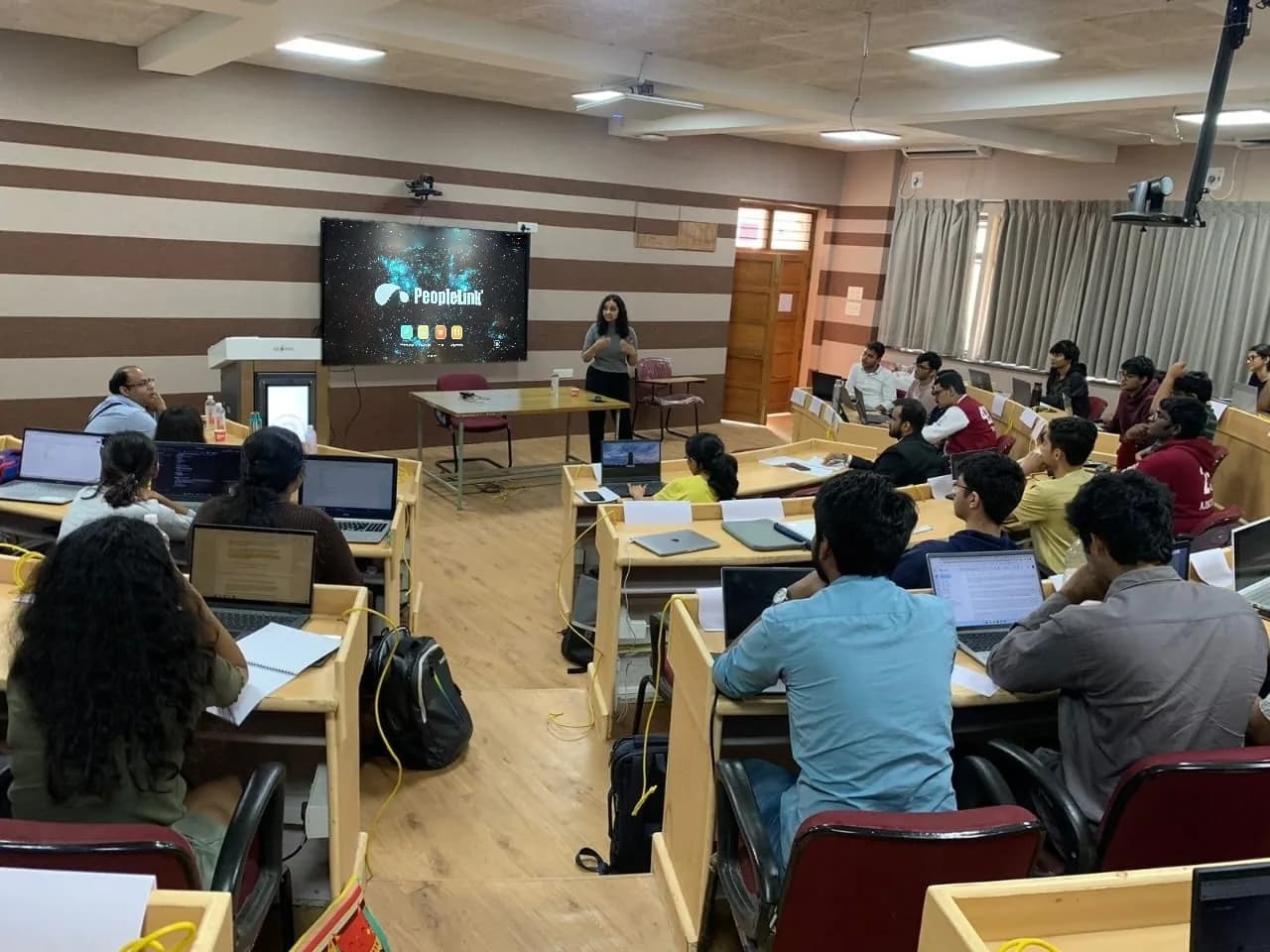
Students with laptops in a classroom facing an interactive display and instructor
Classroom SessionInteractive Display and Instructor

Talk to a PeopleLink AV Specialist about OPS PCs

Room, run length and devices in one message. We reply with the right Cable, Mount or PC for the install.

Request Demo

Loading reCAPTCHA...

WhatsApp Updates

Get PeopleLink AV and Collaboration Updates on WhatsApp

Product Launches, Datasheets, Solution Guides for Meeting Rooms and Classrooms, Event Invitations and Partner Programme news from PeopleLink, a global AV and Unified Communications OEM. For CIOs, IT Heads, AV Consultants, System Integrators and Channel Partners.

  • Video Conferencing Cameras
  • Interactive Flat Panels
  • LED Video Walls
  • Digital Podiums
  • Audio Conferencing
  • Smart Classroom Solutions
  • Partner Programme
  1. 1. Scan or openScan the QR Code with your phone camera, or open visit.peoplelinkvc.com.
  2. 2. Fill the short formTick "Stay in Touch" and PeopleLink updates reach you on WhatsApp.

By ticking "Stay in Touch" on the form you agree to receive WhatsApp and email messages from PeopleLink Unified Communications about Products, Solutions, Events and Partner updates. You can opt out at any time.

Scan to join PeopleLink WhatsApp Updates

visit.peoplelinkvc.com