Interactive Devices · Interactive Flat Panel

PeopleLink - AILive Board Lite SeriesInteractive Flat Panel and Smart Board for Classrooms and Meeting Rooms, 65 and 75 inch

The PeopleLink AILive Board Lite is an Interactive Flat Panel for Classrooms, Meeting Rooms and Training Rooms, supplied as the X65 and the X75.

  • X65, X75 Models
  • 16:9 Aspect Ratio
  • 3840(H) × 2160(V) Resolution
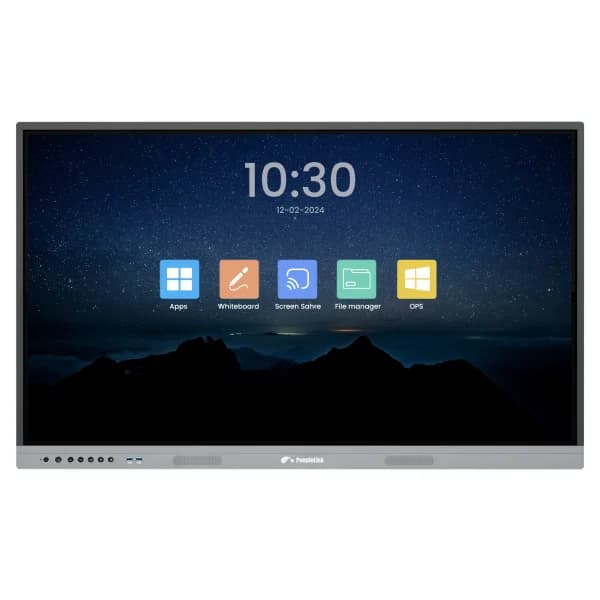
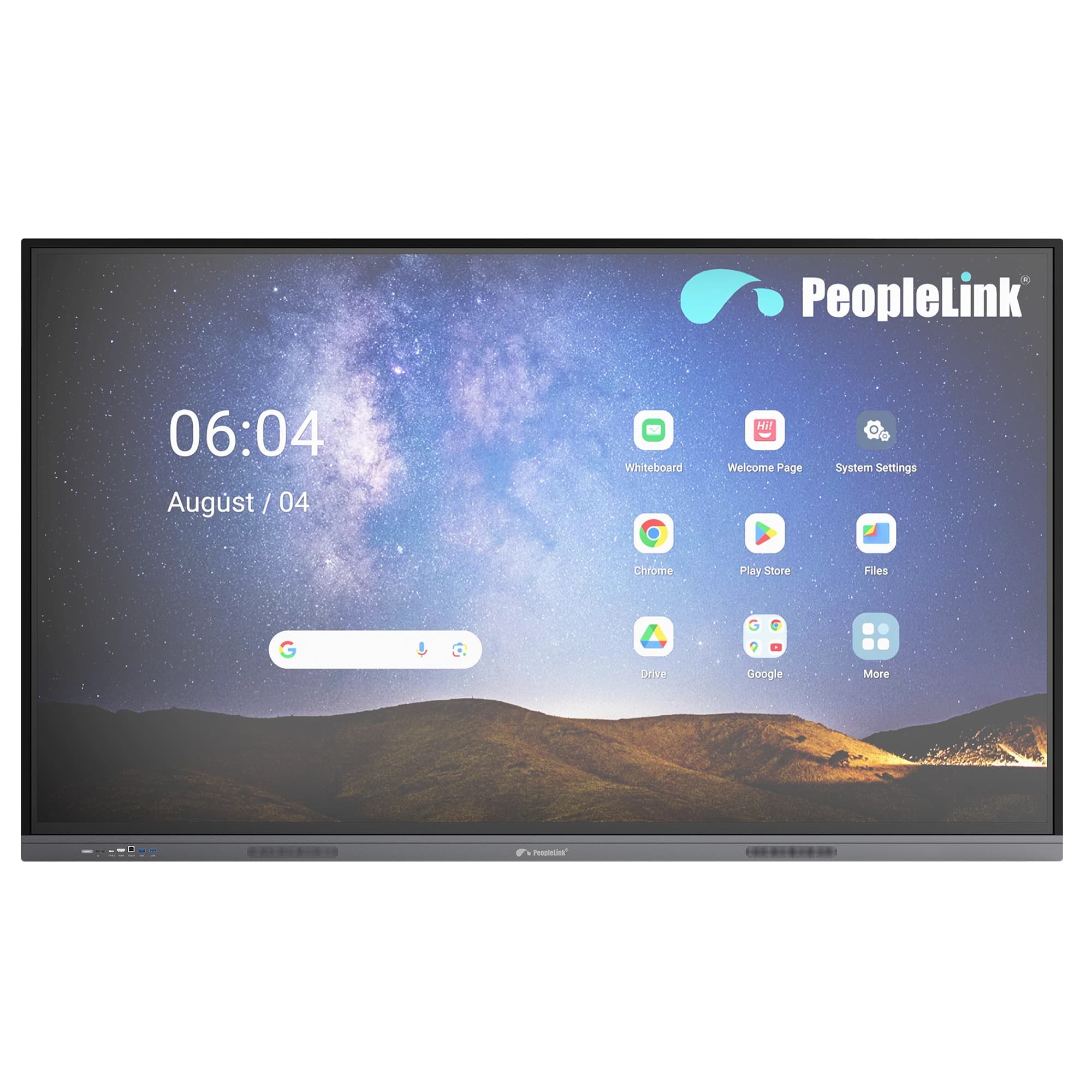
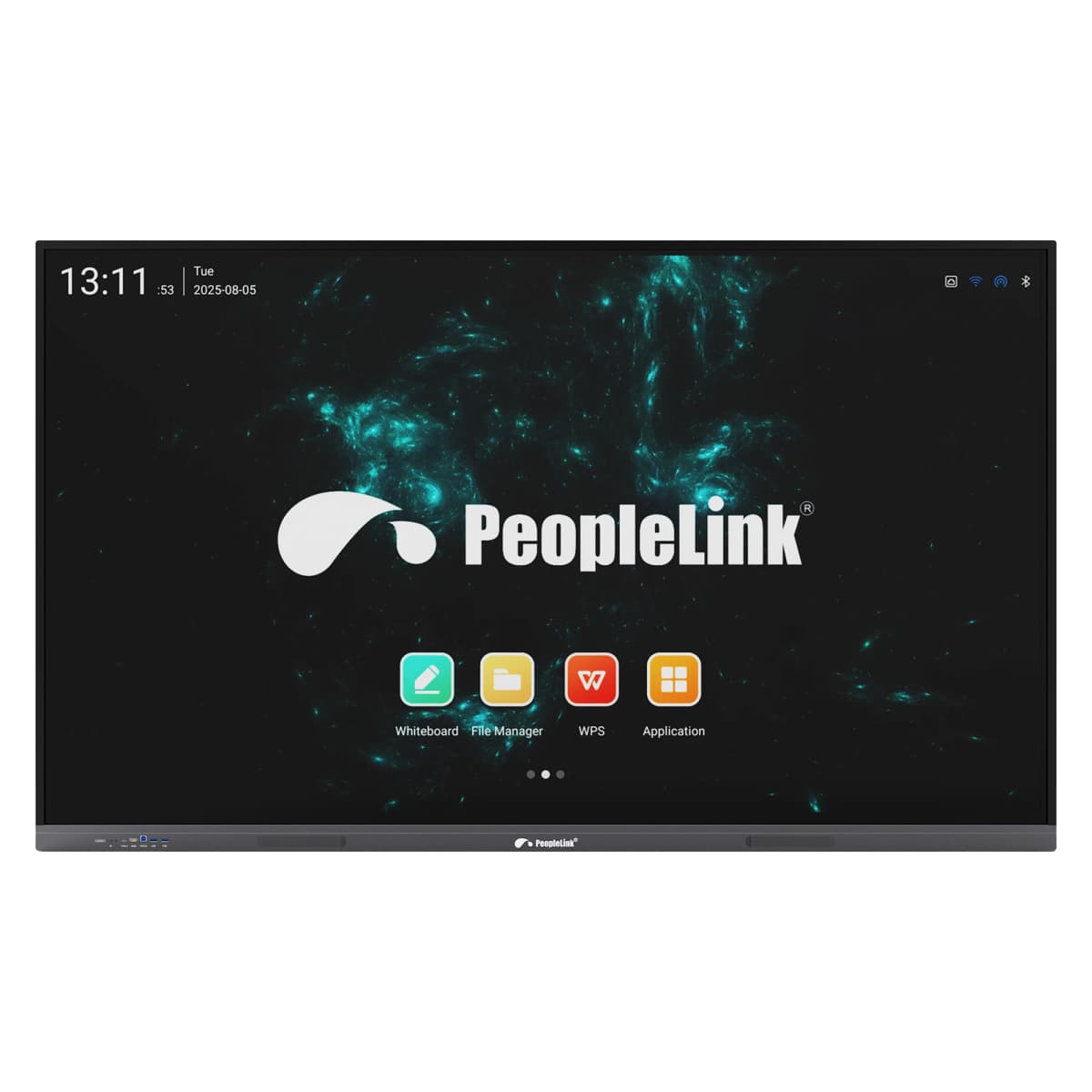
Front View
  • One OEM

    Hardware and Software from a single vendor

  • Deployed Globally

    Enterprise, Government, Education and Healthcare

  • Regional Partner Support

    Service and Support through PeopleLink Partners and Resellers in your region

  • Published Specifications

    PDF Datasheets available for PeopleLink products

Overview

What an Interactive Flat Panel does in a Classroom or Meeting Room

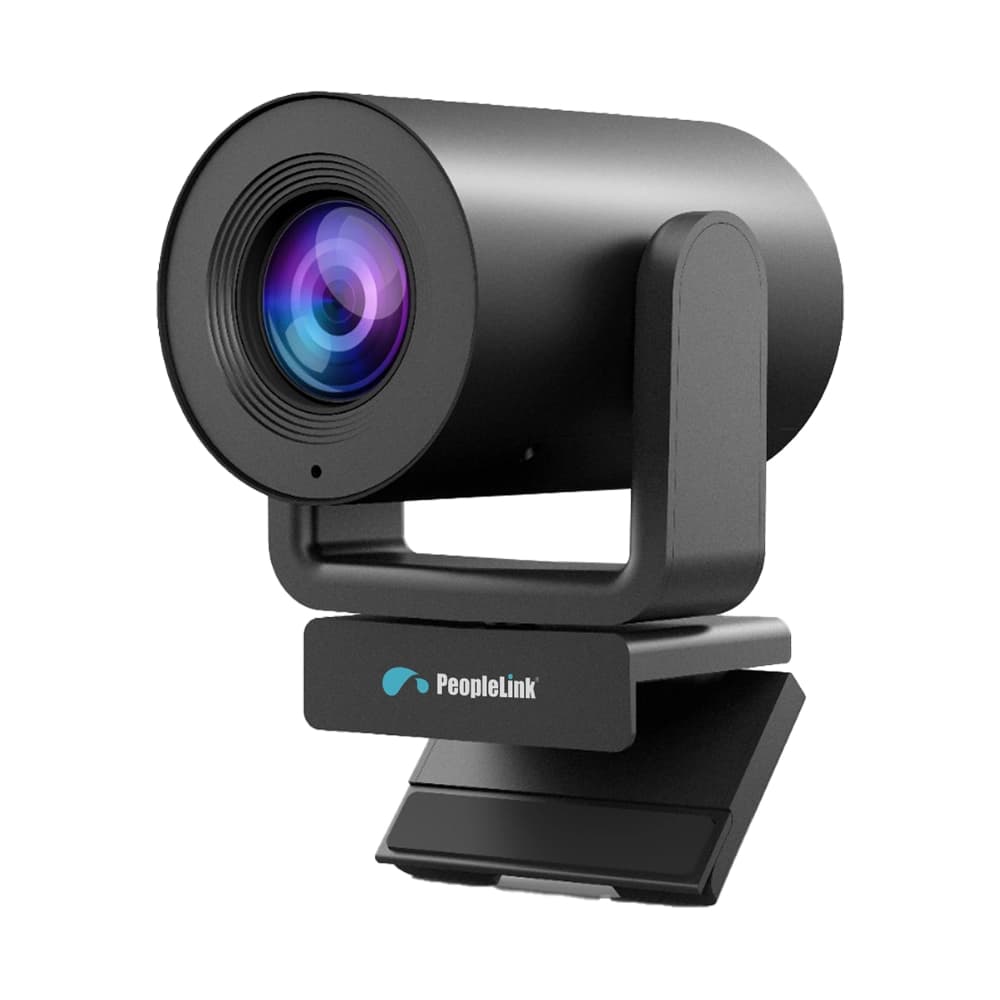
The PeopleLink AILive Board Lite is an Interactive Flat Panel for Classrooms, Meeting Rooms and Training Rooms, supplied as the X65 and the X75. Both models run a 3840 by 2160 display at 60Hz in 16:9, with 40 Point IR Touch and Passive Pen input for group annotation. A built-in 48MP Camera and an 8-Mic Array cover Hybrid Meetings, and the board works with common video conferencing platforms. Where a larger room is added later, it pairs with PeopleLink Cameras, Audio and Room Solutions. Two sizes on one specification make it the practical choice for fitting out many rooms at once.

Key Specifications

Headline specifications from the product Datasheet. Full model-by-model detail is in the PDF.

ItemPeopleLink AILive Board Lite Series
ModelsX65, X75
Aspect Ratio16:9
Resolution3840(H) × 2160(V)
Refreshing Frequency60Hz

Rooms It Serves

Classrooms

Interactive Teaching and collaboration on a 3840 by 2160 Touch Display.

Meeting Rooms

A built-in 48MP Camera and 8-Mic Array work with common video conferencing platforms.

Training Rooms

40 Point IR Touch with Passive Pen input for hands on group sessions.

Where an Interactive Flat Panel Fits in Your Organisation

How organisations deploy an Interactive Flat Panel, and what changes for the teams that use it

Education

Classroom Teaching for a School Group

A school group rolls the AILive Board Lite Series out across its classrooms, fitting the X65 in standard rooms and the X75 where the class sits further back. Teachers write on the 4K display with the Passive Pen, and the pen-to-paper feel keeps lessons flowing. Students come up and add to the board together through 40-Point IR Touch, and a finished lesson is shared to the class straight from the board. The school gets a consistent teaching setup at a price that works across many rooms.
Enterprise

Meeting Room Setup for a Growing Business

A growing services firm moves into a new office and needs its mid-sized Meeting Rooms working from day one. The AILive Board Lite Series covers each room with a single device: the built-in 48MP Camera and 8-Mic Array connect to the firm's usual Video Conferencing platform, and staff share screens wirelessly rather than hunting for cables. Where the firm later adds a larger boardroom, the display pairs with PeopleLink Cameras and Audio from the same OEM, so the estate stays simple to manage.

Healthcare

Staff Training Room for a Private Hospital Group

A private hospital group uses the AILive Board Lite Series in its nursing and clinical Training Rooms. Educators annotate over procedure diagrams on the 3840 x 2160 display, and several trainees can mark up the same image at once using 40-Point IR Touch. When a specialist at another site leads the session, the built-in 48MP Camera and 8-Mic Array carry the room to them over a common Video Conferencing platform. Training runs on a regular timetable across sites, with the same board in every room.

Not sure which model fits your Classrooms or Meeting Rooms?

Tell us the room size and seating. A PeopleLink specialist will recommend the right model.

Talk to Sales

How It Compares

CapabilityPeopleLink AILive Board Lite SeriesTypical Alternative
Display4K UHD interactive flat panelA standard display
Touch40-point IR touch, passive penNo touch input
Camera and audioBuilt-in 48MP camera and 8-mic arrayExternal devices required
Model range2 sizes, 65” and 75”A single fixed size
IntegrationPairs with PeopleLink cameras and audioMixed-vendor setup

Why PeopleLink

Hardware and Software

Cameras, Audio, Control and Collaboration Platforms, built by one OEM.

Integrates Cleanly

PeopleLink Displays pair with PeopleLink Cameras, Audio and Room Solutions out of the box.

Deployed Globally

Trusted across Enterprise, Government, Education and Healthcare environments.

Specialist Support

Talk to PeopleLink AV Specialists for sizing, integration and rollout.

Planning a multi-room or campus rollout?

Get one consolidated quote covering Hardware, Software and Installation from One OEM.

Request a Quote

Frequently Asked Questions

In the Room

Interactive Displays in Classrooms and Training Rooms

PeopleLink interactive display installations photographed on site.

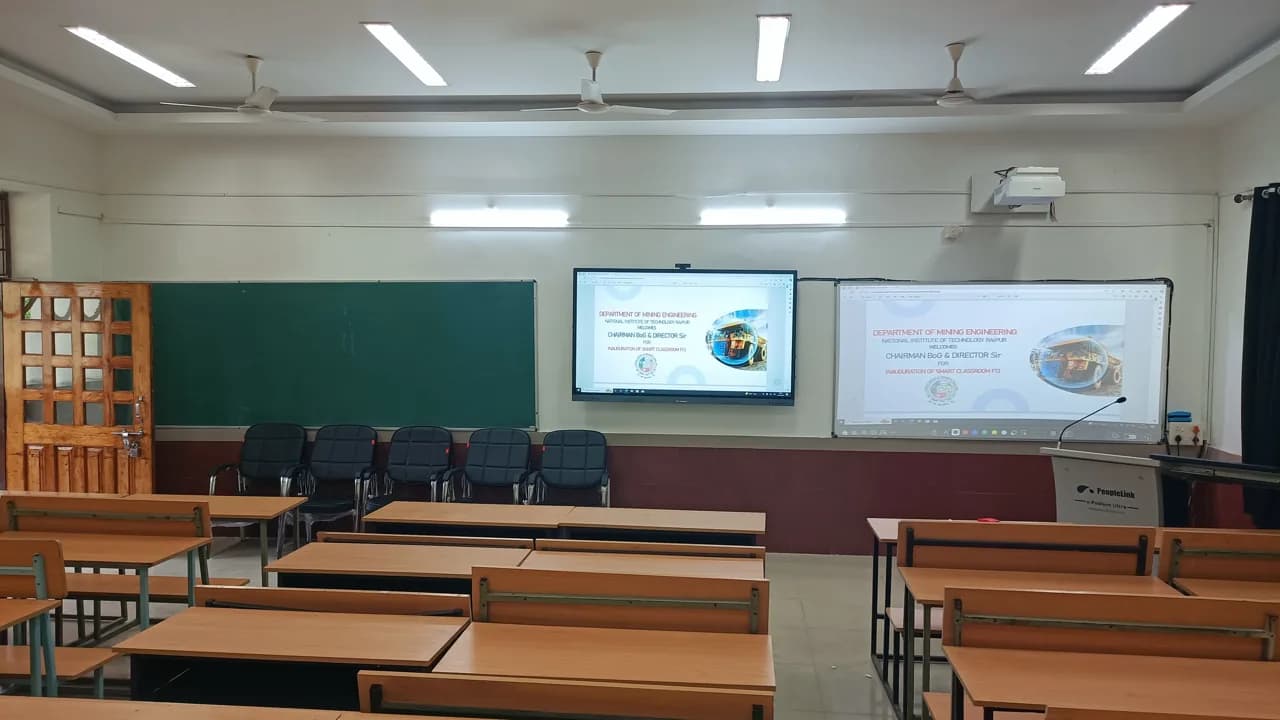
Smart classroom with interactive display, projector screen and digital podium
Smart ClassroomInteractive Display, Podium and Projection
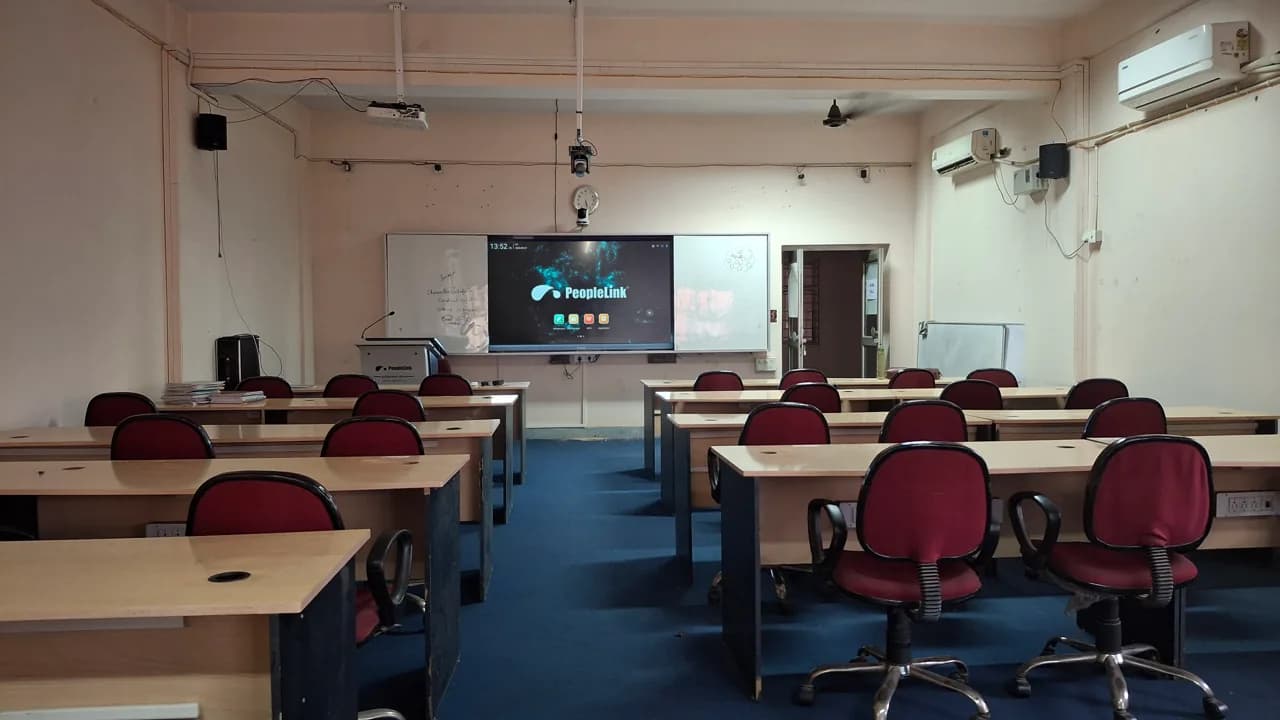
Classroom with red chairs and a PeopleLink interactive display at the front
Smart Classroom InstallationInteractive Display at the Front
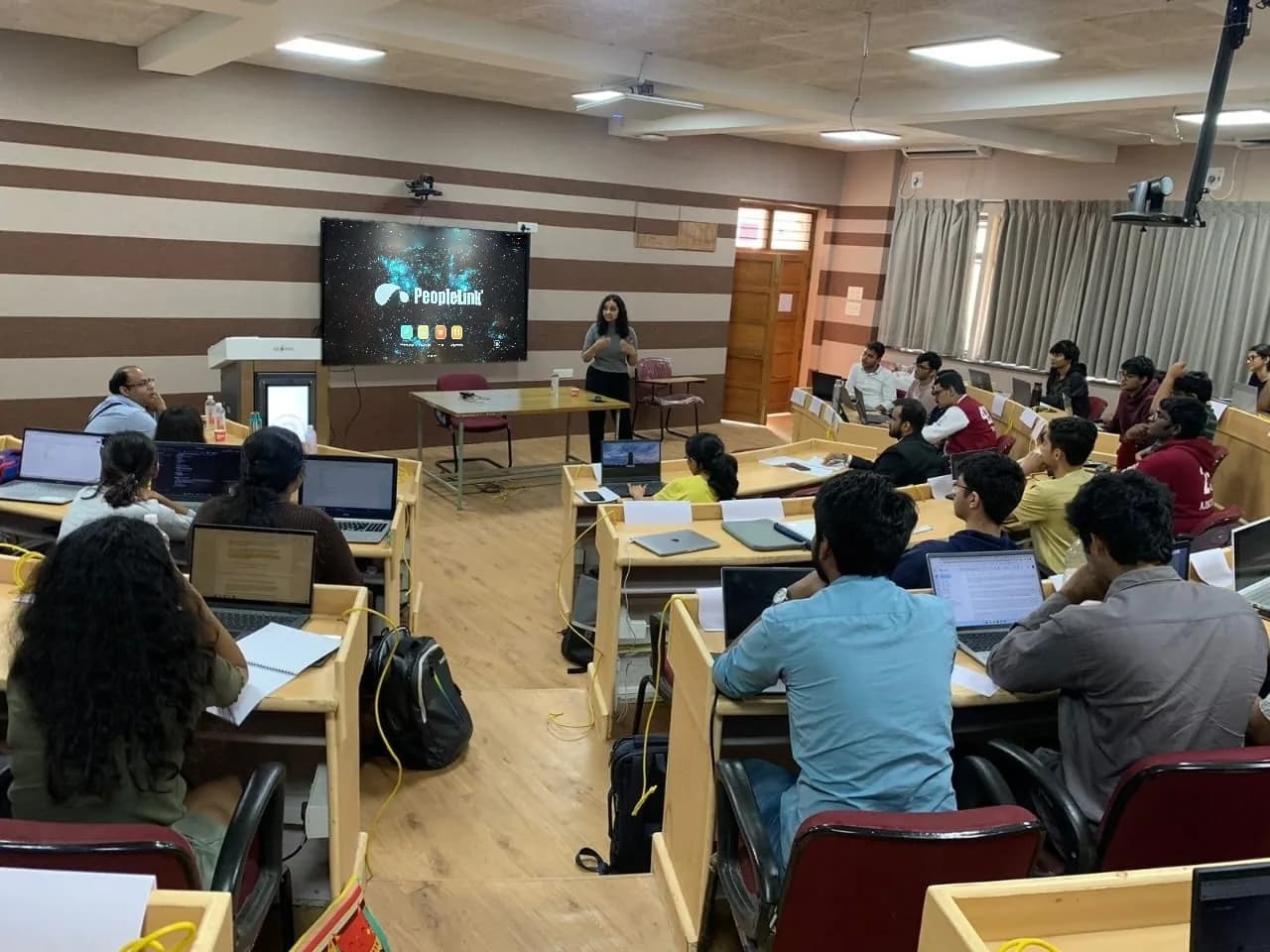
Students with laptops in a classroom facing an interactive display and instructor
Classroom SessionInteractive Display and Instructor
Videos

See the AILive Board Lite in action

Documents

AILive Board Lite X65 Datasheet
Download
AILive Board Lite X75 Datasheet
Download
AILive Board Lite User Manual
Download

Talk to a PeopleLink Display Specialist about Interactive Flat Panels

Room size, screen size and platform in one message. We reply with the right Display and Mount.

Request Demo

Loading reCAPTCHA...

WhatsApp Updates

Get PeopleLink AV and Collaboration Updates on WhatsApp

Product Launches, Datasheets, Solution Guides for Meeting Rooms and Classrooms, Event Invitations and Partner Programme news from PeopleLink, a global AV and Unified Communications OEM. For CIOs, IT Heads, AV Consultants, System Integrators and Channel Partners.

  • Video Conferencing Cameras
  • Interactive Flat Panels
  • LED Video Walls
  • Digital Podiums
  • Audio Conferencing
  • Smart Classroom Solutions
  • Partner Programme
  1. 1. Scan or openScan the QR Code with your phone camera, or open visit.peoplelinkvc.com.
  2. 2. Fill the short formTick "Stay in Touch" and PeopleLink updates reach you on WhatsApp.

By ticking "Stay in Touch" on the form you agree to receive WhatsApp and email messages from PeopleLink Unified Communications about Products, Solutions, Events and Partner updates. You can opt out at any time.

Scan to join PeopleLink WhatsApp Updates

visit.peoplelinkvc.com