Video Bars

Video BarsAll-in-One Meeting Rooms

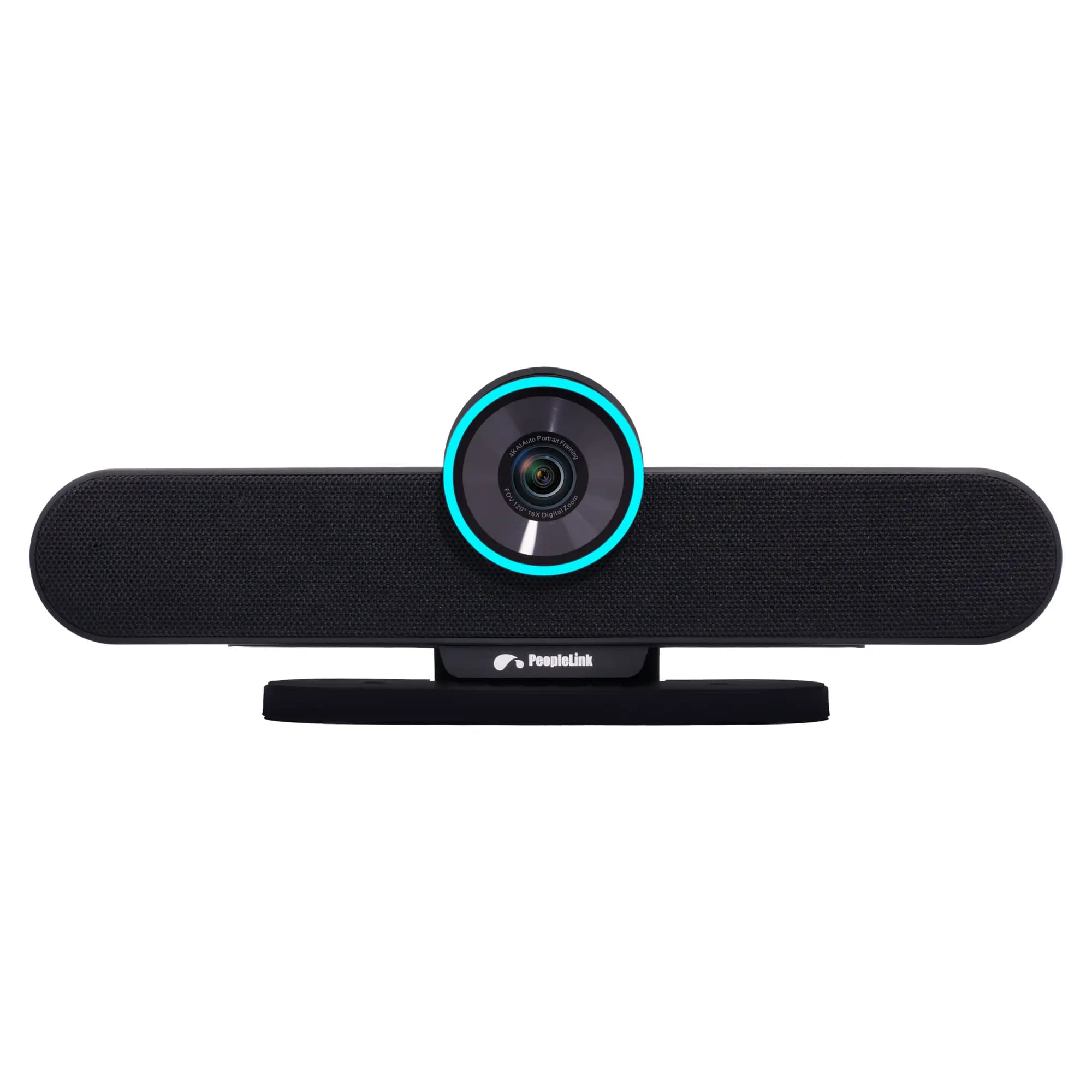
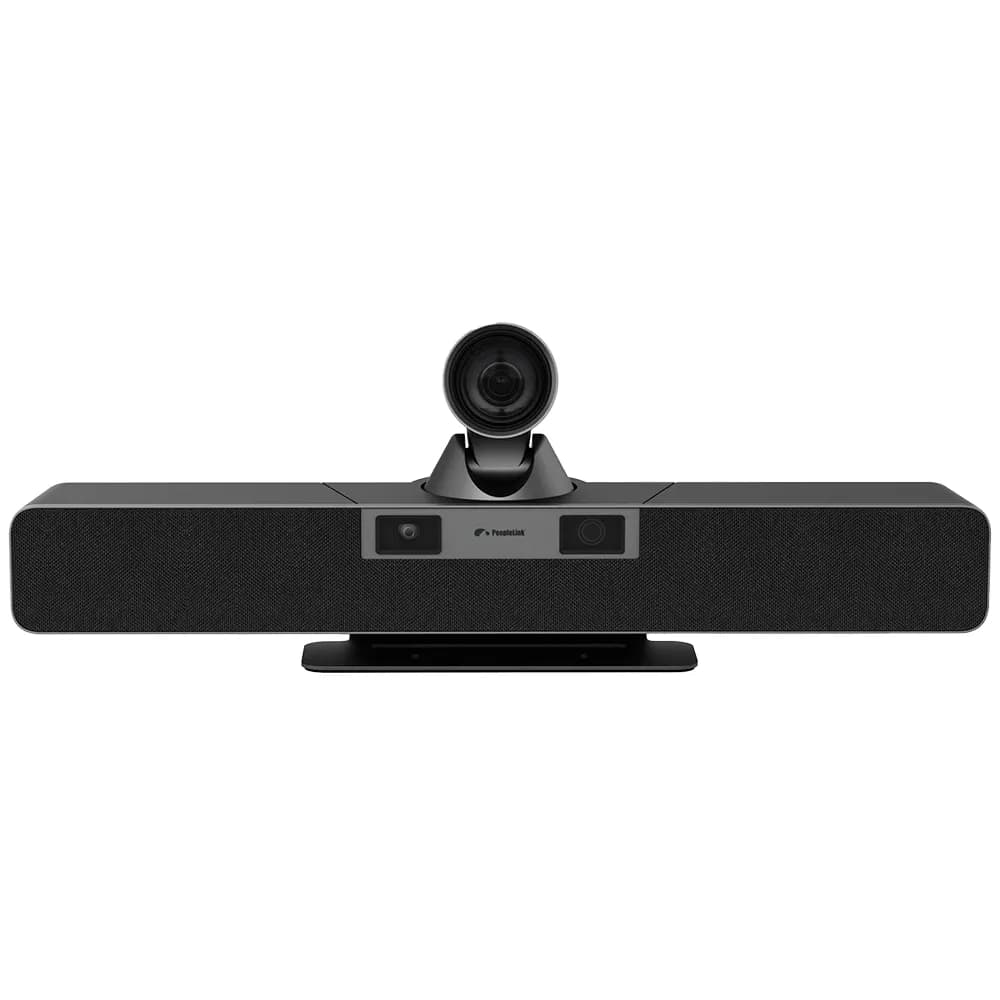
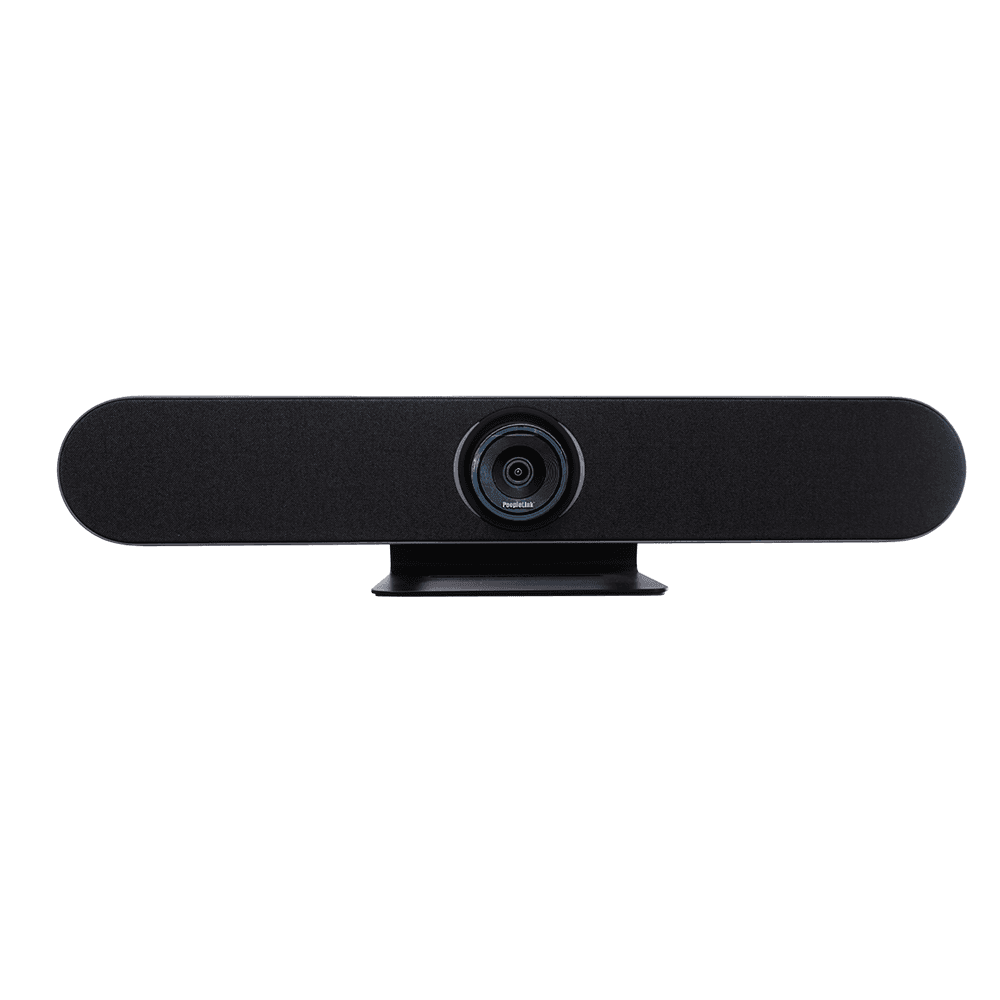
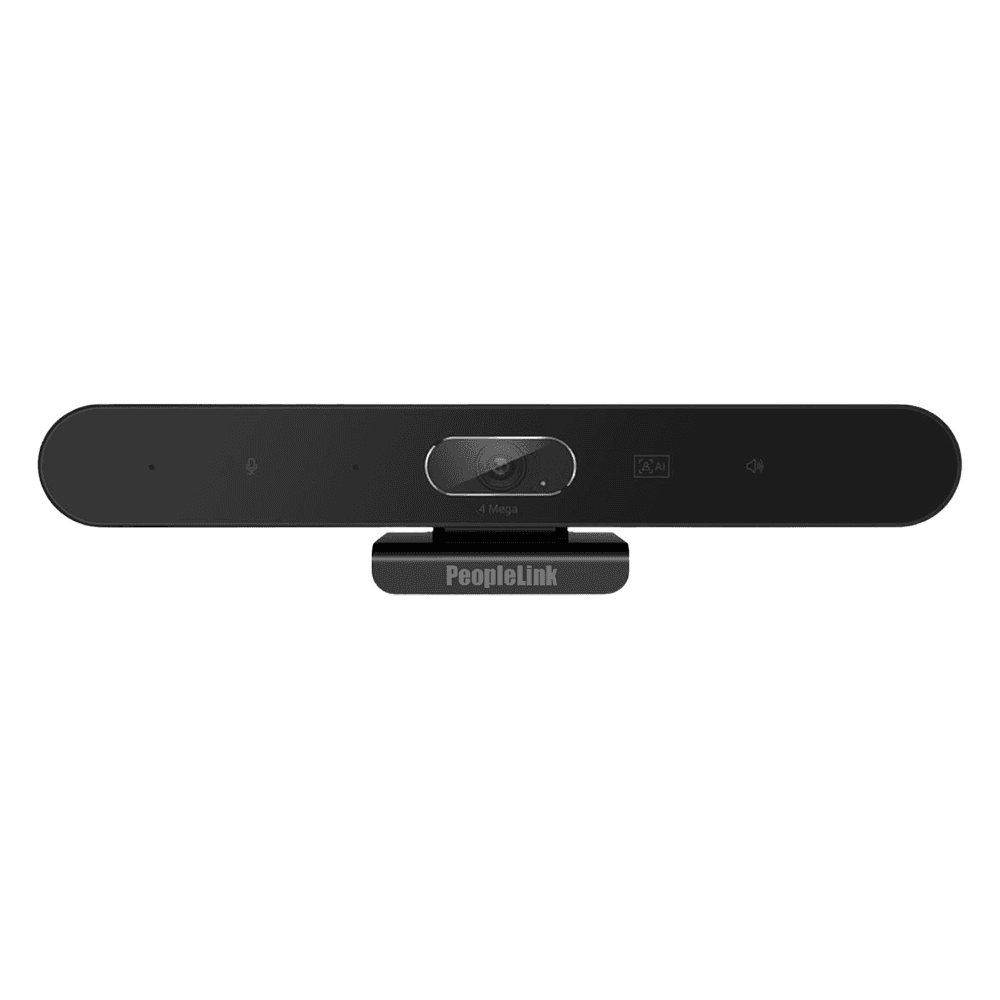
Camera, microphones and speakers in a single bar for huddle and meeting rooms. PeopleLink builds its video bars as one OEM, so the camera, AI framing and audio are tuned to work together.

One OEM video bar range
Built for
Huddle Rooms
Small Meeting Rooms
Mid-size Rooms
Classrooms
One OEM
What is a video bar

Camera, mic and speaker in one bar.

A video bar is an all-in-one device that combines a camera, microphones and speakers in a single bar that mounts above or below a screen. It replaces a separate camera, speakerphone and the cabling between them, so a room is set up in minutes and looks consistent from room to room. PeopleLink builds its video bars as one OEM, so the camera, AI framing and audio are designed to work together for huddle and meeting rooms.

AI auto-framing

Automatically frames the room and the people in it, with speaker tracking on supported models.

4K UHD camera

High resolution capture for a sharp, true-to-life image in the meeting.

Integrated microphones

Built-in microphone array picks up voices clearly across the table.

Built-in speakers

Full-range speakers for clear, room-filling audio without extra hardware.

Plug-and-play

Connect over USB and start a meeting in minutes, with minimal cabling.

One OEM

Camera, audio and framing from a single OEM, designed to work as one unit.

Why it matters

Separate AV setup or a video bar?

CapabilitySeparate devicesVideo bar
Single all-in-one device
Typical setup effortHigherLower
CablingMultiple cablesSingle USB
AI auto-framingDepends on parts
Consistent room-to-room look
Best room sizeAny, with integrationHuddle to mid-size

Tell us your room size and platform, and we will recommend a video bar.

Talk to Sales
The range

Explore the video bar range

Who it serves

Where video bars fit

Huddle Rooms

  • One device covers the whole table
  • Set up in minutes over USB
  • AI framing keeps everyone in shot

Small and Mid Meeting Rooms

  • Clear pickup across the room
  • Consistent look room to room
  • Less cabling and clutter

Classrooms and Training

  • Frame the trainer and the room
  • Support hybrid and recorded sessions
  • Pair with the smart classroom solution

Hybrid Workspaces

  • Quick to deploy at scale
  • Plug-and-play for any host
  • Reliable audio and video as standard
35+
Countries served
Thousands
Classrooms deployed
4K
UHD video clarity
One OEM
Camera, framing and audio

Rolling out video bars across many rooms?

Request a Quote
FAQs

Questions, answered.

A video bar is an all-in-one device that combines a camera, microphones and speakers in a single bar mounted above or below a screen. It replaces a separate camera and speakerphone, so a meeting room is quick to set up and consistent to use.

Start with room size: a compact bar suits huddle and small rooms, while a 4K auto-focus bar with wider pickup suits mid-size rooms. Then decide whether you want AI auto-framing and speaker tracking, the resolution you need such as 4K UHD, and confirm it connects the way you work, usually over USB. PeopleLink can match a model to your room.

A separate AV setup uses an individual camera, speakerphone, microphones and cabling that are integrated together. A video bar combines all of that in one unit, which reduces cabling, speeds up setup and gives a consistent experience across rooms. Larger or specialised rooms may still benefit from separate components.

Yes. Models in the range include AI auto-framing that detects the people in the room and frames them automatically, with speaker tracking on supported models, so meetings look professional without an operator.

PeopleLink video bars connect over USB and work with common video conferencing platforms, so they fit into the tools your teams already use. Because the range is one OEM, they also pair cleanly with PeopleLink displays, control and room solutions.

Video bars are used in huddle rooms, small and mid-size meeting rooms, classrooms and training rooms, and across hybrid workspaces where many rooms need a quick, consistent and reliable setup.

Find the right video bar for your rooms

Tell us the room size, the platform you use and how many rooms you are fitting. We will recommend a model and a complete setup.

Explore more

Explore related products and solutions

A video bar works best as part of a complete PeopleLink room.

Want a recommendation for your exact room and budget?

Book a Demo

Request Demo

Loading reCAPTCHA...

WhatsApp Updates

Get PeopleLink AV and Collaboration Updates on WhatsApp

Product Launches, Datasheets, Solution Guides for Meeting Rooms and Classrooms, Event Invitations and Partner Programme news from PeopleLink, a global AV and Unified Communications OEM. For CIOs, IT Heads, AV Consultants, System Integrators and Channel Partners.

  • Video Conferencing Cameras
  • Interactive Flat Panels
  • LED Video Walls
  • Digital Podiums
  • Audio Conferencing
  • Smart Classroom Solutions
  • Partner Programme
  1. 1. Scan or openScan the QR Code with your phone camera, or open visit.peoplelinkvc.com.
  2. 2. Fill the short formTick "Stay in Touch" and PeopleLink updates reach you on WhatsApp.

By ticking "Stay in Touch" on the form you agree to receive WhatsApp and email messages from PeopleLink Unified Communications about Products, Solutions, Events and Partner updates. You can opt out at any time.

Scan to join PeopleLink WhatsApp Updates

visit.peoplelinkvc.com