
PTZ, AI auto-tracking, webcams, videobars and document cameras, engineered as one OEM range so the optics, tracking and audio work together.
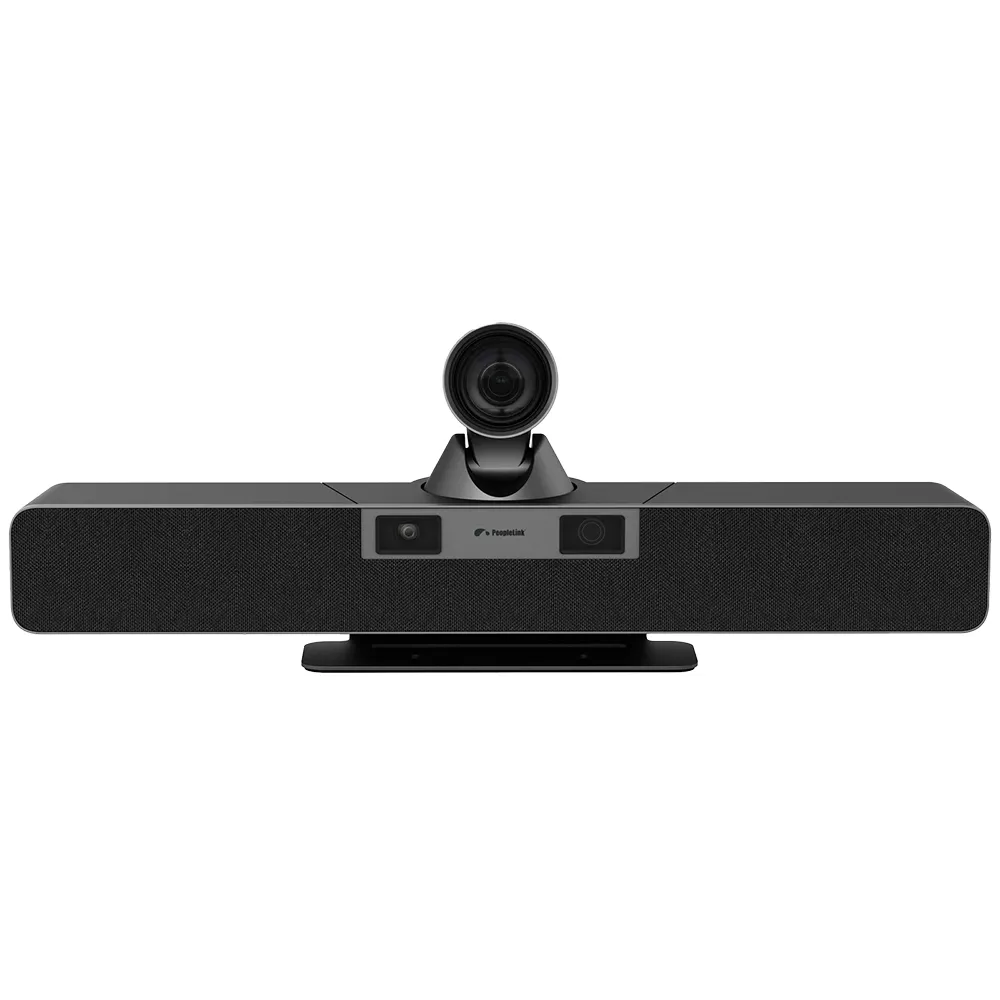
PeopleLink Conferencing Cameras span PTZ, AI auto-tracking, webcams, videobars, tracking and document cameras. Because the optics, tracking and audio are designed by a single OEM, the range works together across huddle rooms, classrooms, boardrooms and auditoriums. Choose a camera type below to see the full lineup.
Every model is engineered to capture a whole room clearly, and to pair cleanly with PeopleLink Audio, control and room solutions.
Wide-angle coverage for small rooms or optical zoom to reach the back of large ones.
AI that frames the group or follows the active speaker without an operator.
High resolution capture so faces and content stay sharp for remote participants.
Video bars include microphones and speakers; larger setups pair with PeopleLink Audio.
Connect over USB, HDMI and IP and work with common video conferencing platforms.
Camera, audio, control and room solutions from a single source for clean integration.
Every PeopleLink conferencing camera, organised by use case, so you go straight to the right lineup.
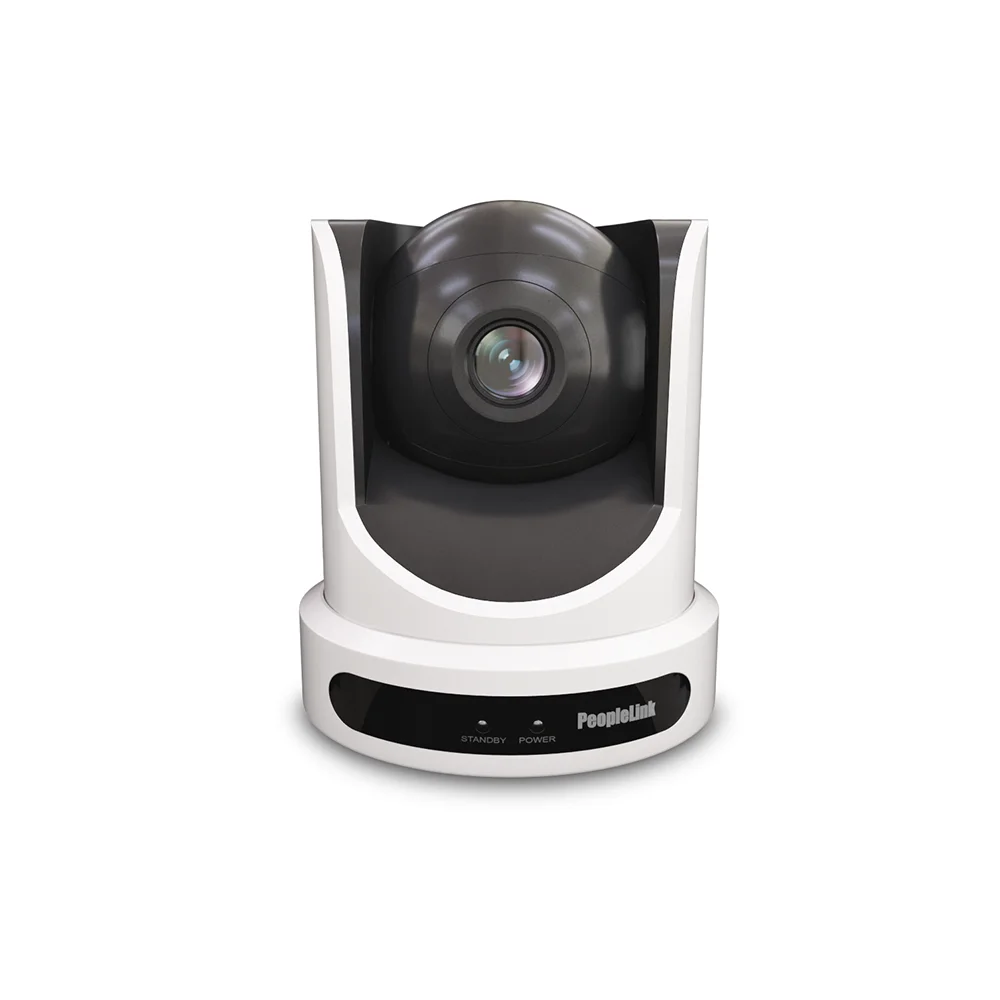
Professional pan-tilt-zoom cameras with tracking and optical zoom for large rooms and auditoriums.
View lineupIntelligent cameras with auto-framing, speaker and teacher or student tracking.
View lineupPlug-and-play webcams for individuals, desktops and small meeting rooms.
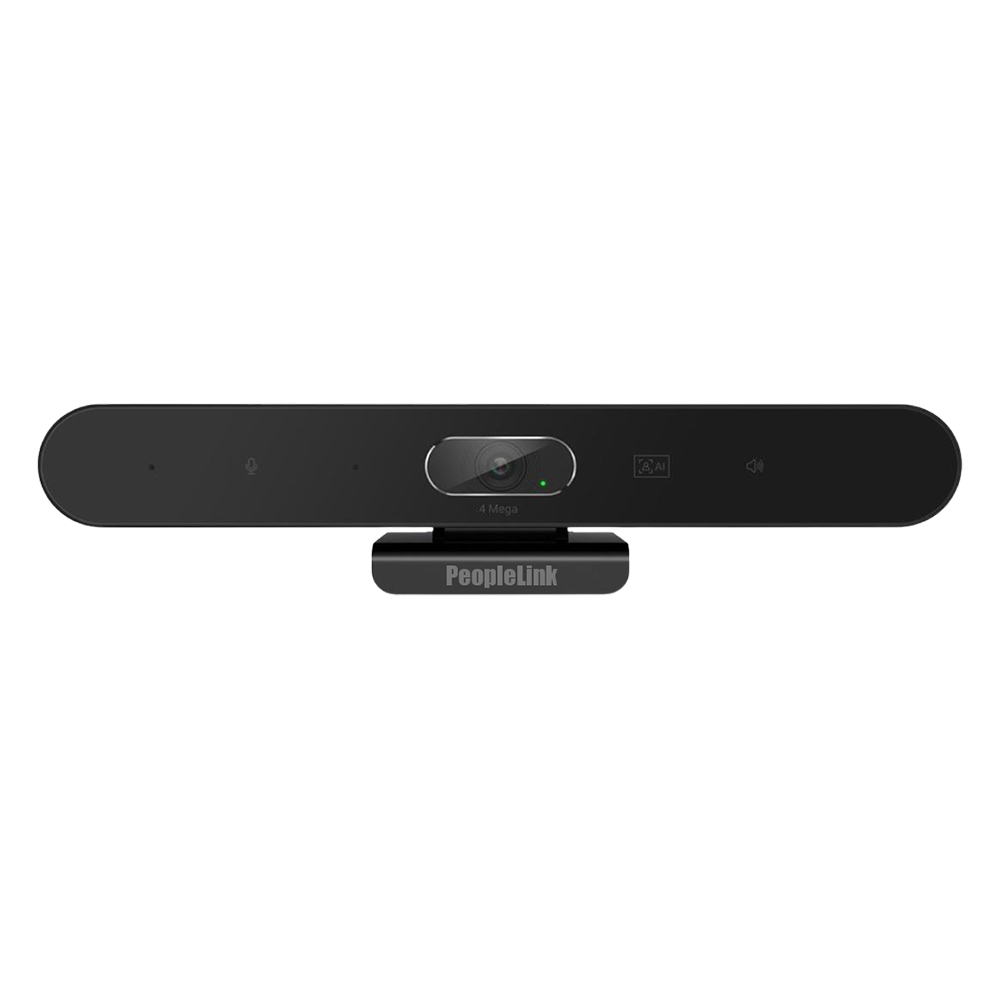
View lineupAll-in-one camera, microphone and speaker bars for huddle and mid-size rooms.
View lineupAuto-tracking cameras that follow the presenter for hybrid and recorded sessions.
View lineupVisualizers that present documents, objects and specimens in fine detail.
View lineup| Capability | Webcam | Video Bar | PTZ Camera |
|---|---|---|---|
| Best room size | Desktop and focus | Huddle and small | Mid, large and auditoriums |
| Built-in microphone and speaker | ✗ | ✓ | ✗ |
| Optical zoom | ✗ | ✗ | ✓ |
| Pan and tilt | ✗ | ✗ | ✓ |
| AI auto-framing or tracking | ✗ | ✓ | ✓ |
| Covers large rooms | ✗ | ✗ | ✓ |
Tell us the room and how you meet, and the range has a camera engineered for it.
A selection from the range. Every model is one OEM, so the optics, tracking and audio are built to work together.
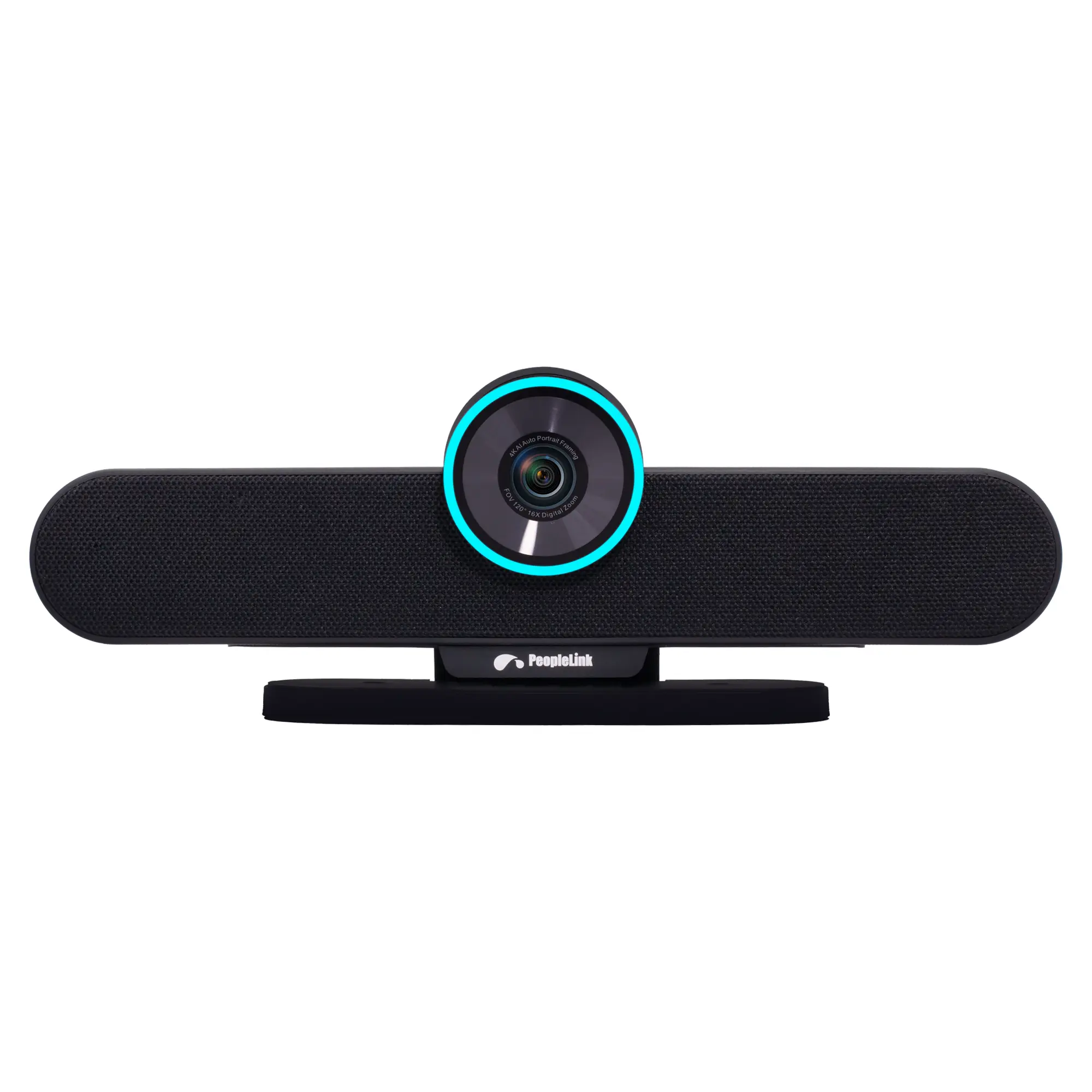
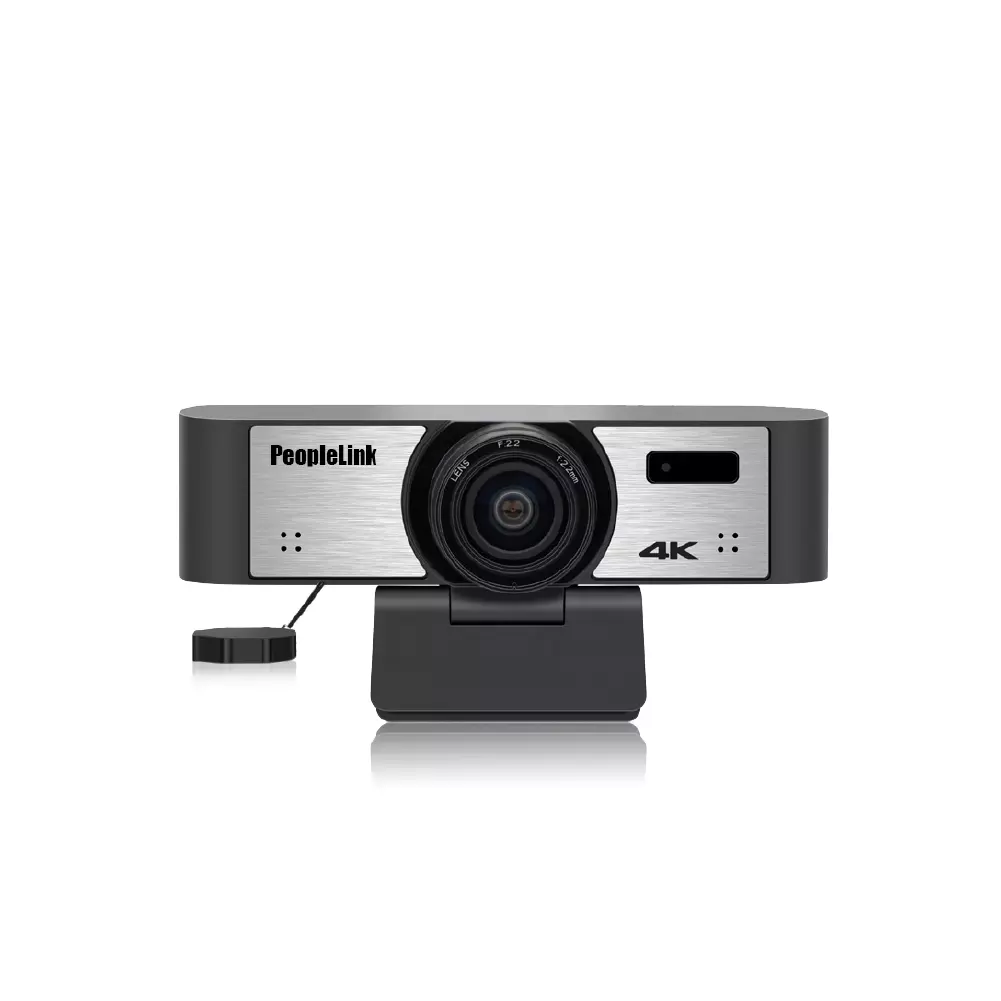
PeopleLink is ISO certified; product certifications include BIS, CE, FCC, RoHS (CB on select products). That means the equipment in your rooms is independently audited, not self-declared.
PeopleLink designs both the hardware and the software as one OEM, trusted across enterprise, government, education, healthcare, defence and BFSI environments, and deployed across 30+ countries.
A conference room camera is a camera designed to capture everyone in a meeting space clearly so remote participants can see and follow the room. It comes in several form factors, including all-in-one video bars for small rooms, PTZ cameras with optical zoom for large rooms, and AI cameras that auto-frame and track the speaker.
Start with the room size. For huddle and small rooms, an all-in-one video bar or a webcam is usually enough. For medium rooms, a video bar with auto-framing keeps everyone in shot. For large rooms, boardrooms and auditoriums, a PTZ camera with optical zoom and speaker tracking reaches the back of the room. PeopleLink can recommend a model for your exact room.
A webcam has a fixed lens and is made for one person at a desktop. A conference room camera is built to capture a whole room, with a wider field of view, and in many cases optical zoom, auto-framing or speaker tracking, plus integrated or matched audio so a group can be seen and heard clearly.
A video bar is an all-in-one device that combines a camera, microphones and speakers in one unit, which suits huddle and small meeting rooms where simple setup matters. A PTZ camera adds motorised pan, tilt and optical zoom to cover large rooms and auditoriums, and is usually paired with separate room audio. The right choice depends on room size and how you want to set up.
Yes. Models across the range include AI auto-framing that keeps the group in shot and speaker or presenter tracking that follows the active talker, which suits hybrid meetings and recorded sessions where no operator is available.
Yes. PeopleLink Cameras connect over USB, HDMI and IP and work with common video conferencing platforms. Because the range is one OEM, the cameras also pair cleanly with PeopleLink Audio, control and room solutions for a complete meeting room.
Tell us the room size, how many people meet and whether you need zoom or tracking. A PeopleLink specialist will recommend a camera and a complete room setup. No obligation.
Share your room type and how your teams meet.
Get a camera recommendation matched to each room.
Receive a quote and a complete room setup you can take to your team.
Prefer to talk first? Message us on WhatsApp.
A specialist will get back to you within one business day.