AV Control Systems · PTZ Camera Controller

PeopleLink Look At Me ControllerWireless PTZ Camera Controller with 28 Presets for Conference Rooms and Classrooms

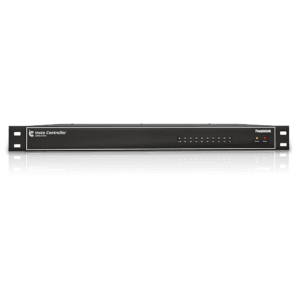
The PeopleLink Look At Me Controller is a Camera Controller for Conference Rooms and Classrooms.

  • Up to 28 (wireless) Presets
  • Less than 2W Power
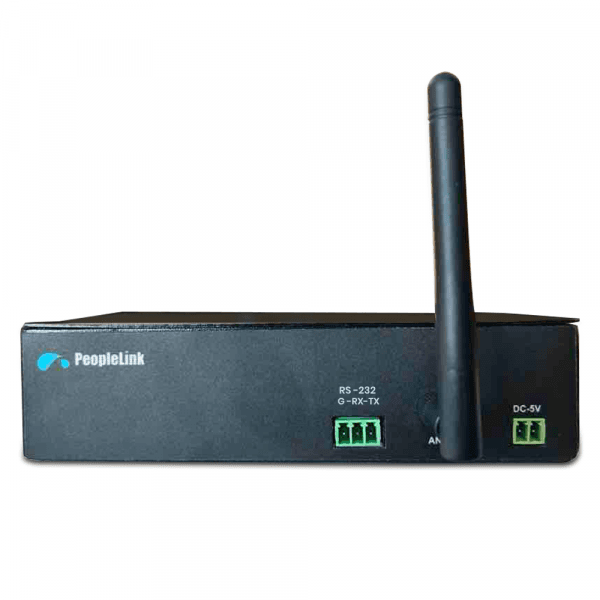
  • Wired and wireless Models
PeopleLink Look At Me Controller
1 / 3
  • One OEM

    Hardware and Software from a single vendor

  • Deployed Globally

    Enterprise, Government, Education and Healthcare

  • Regional Partner Support

    Service and Support through PeopleLink Partners and Resellers in your region

  • Published Specifications

    PDF Datasheets available for PeopleLink products

Overview

What a Camera Controller does for a Presenter

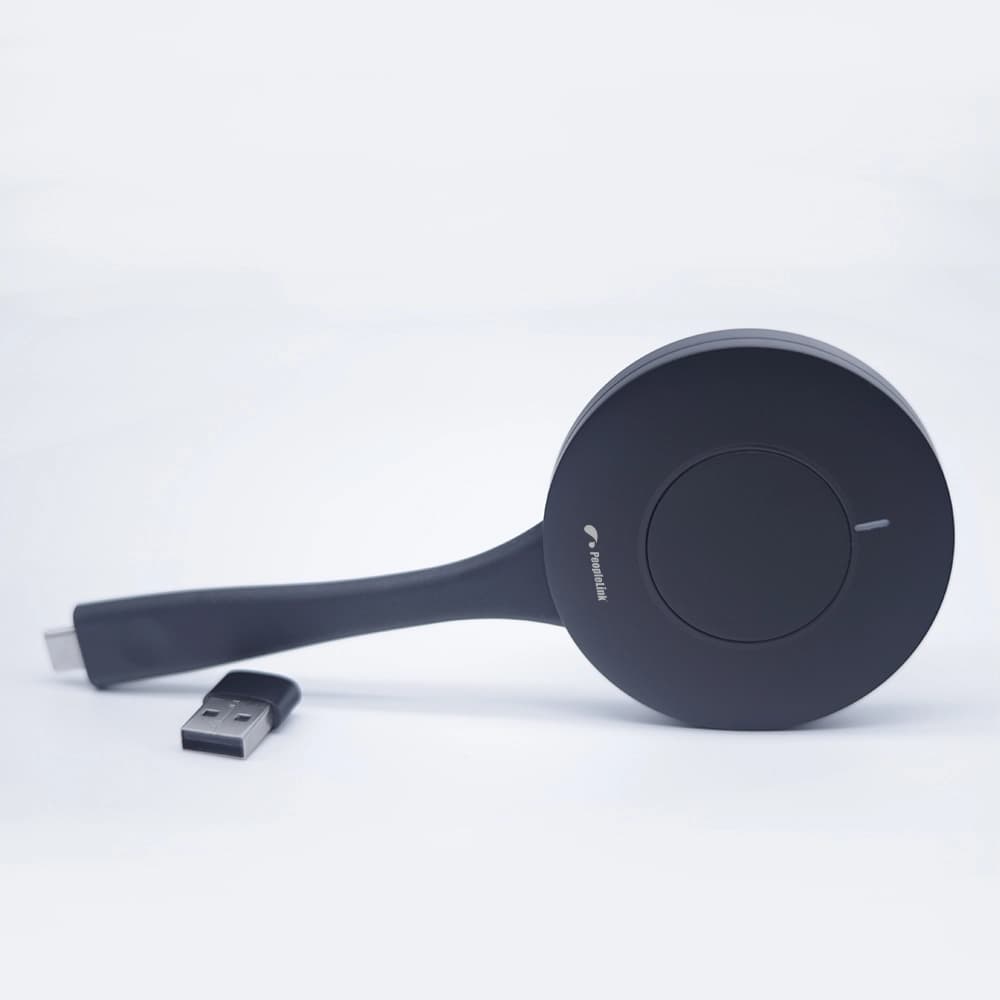
The PeopleLink Look At Me Controller is a Camera Controller for Conference Rooms and Classrooms. Control buttons are paired with the camera, so a press switches and focuses it on the person who is currently speaking. The wireless model stores up to 28 Camera Presets, enough to give each seat at a table its own view, and the controller draws less than 2W. It works with a PeopleLink Camera in the room and comes in Wired and Wireless models to suit a fixed lectern or a cable-free table. Rooms get speaker-focused video without an operator sitting at the back.

PeopleLink Look At Me is a camera controller for conference rooms and classrooms. The camera can be paired with control buttons, which make the camera switch and focus on the person who is currently speaking. Available in both wired and wireless models, it is easy to install and operate with intuitive controls.
  • Camera Preset Support: Up to 28 Presets (Wireless)
  • Collaboration: Drive faster ROI with enhanced and elevated collaboration experience
  • Energy efficient: Consumes less than 2W
  • Flexibility: Easy to switch camera view with highly intuitive controls
  • Visibility: Focus on the active speaker for enhancing conferencing experience

Key Specifications

Headline specifications from the product Datasheet. Full model-by-model detail is in the PDF.

ItemPeopleLink Look At Me Controller
PresetsUp to 28 (wireless)
PowerLess than 2W
ModelsWired and wireless

Rooms It Serves

Conference rooms

Switch and focus the Camera on the Active Speaker in meetings, at the press of a button.

Classrooms

Intuitive Control Buttons to follow the speaker during lessons, in Wired or Wireless form.

Training spaces

Up to 28 Wireless Presets for quick Camera View changes.

Where a Controller Fits in Your Organisation

How organisations deploy a Controller, and what changes for the teams that use it

Enterprise

Boardroom Camera Control for a Holding Company

A holding company fits the PeopleLink Look At Me Controller into its Boardroom table so the camera follows the discussion. A press of a control button switches the camera to the person speaking and holds focus there, which spares the far end a picture that drifts. The wireless model stores up to 28 presets, enough for each seat and for the screen at the head of the table. Drawing less than 2W, the controller stays ready through the working day.

Education

Lecture Room Camera Control for a University

A university adds the PeopleLink Look At Me Controller to its recorded lecture rooms. The lecturer switches the camera between the board, the bench and the class with a single button, so remote students see what matters without an operator in the room. The wired model suits a fixed lectern position. Installation is straightforward and the controls are plain enough that a visiting lecturer needs no briefing.

Government

Committee Room Camera Control for a Municipal Corporation

A municipal corporation uses the PeopleLink Look At Me Controller in its Committee Room, where members speak from fixed seats. Each seat is given a preset, and the camera switches and focuses as the chair moves around the table. The wireless model keeps the table clear of cabling. Paired with a PeopleLink Camera, the room produces a usable record of proceedings with nobody operating the equipment.

Not sure which model fits your Conference rooms or Classrooms?

Tell us the room size and seating. A PeopleLink specialist will recommend the right model.

Talk to Sales

How It Compares

CapabilityPeopleLink Look At Me ControllerTypical Alternative
Speaker FocusSwitches camera to active speakerManual repositioning
PresetsUp to 28 on wireless modelFew or no presets
PowerLess than 2WHigher consumption
ModelsWired and wirelessWired only

Why PeopleLink

Hardware plus Software

Cameras, Audio, Control and Collaboration Platforms, built by one OEM.

Integrates Cleanly

PeopleLink Accessories pair with PeopleLink Cameras, Audio and Room Solutions out of the box, and the control buttons pair directly with the room camera.

Deployed Globally

Used across Enterprise, Government, Education and Healthcare environments.

Specialist Support

Talk to PeopleLink AV Specialists for sizing, integration and rollout.

Planning a multi-room or campus rollout?

Get one consolidated quote covering Hardware, Software and Installation from One OEM.

Request a Quote

Frequently Asked Questions

In the Room

Controlled Rooms, Photographed on Site

Council chambers, committee rooms and auditoriums fitted by PeopleLink.

Government council chamber fitted with a U-shape delegate microphone array and PeopleLink display
Council Chamber DeploymentDelegate Microphone Array and Display
Ultra-wide view of a committee room with three wall displays and delegate monitors
Committee RoomMulti-Display, Delegate Monitors
Training auditorium with tiered seating facing a PeopleLink interactive display
Training AuditoriumInteractive Display for Group Training

Talk to a PeopleLink AV Control Specialist about Camera Controllers

Devices, rooms and control requirements in one message. We reply with the right Controller and integration.

Request Demo

Loading reCAPTCHA...

WhatsApp Updates

Get PeopleLink AV and Collaboration Updates on WhatsApp

Product Launches, Datasheets, Solution Guides for Meeting Rooms and Classrooms, Event Invitations and Partner Programme news from PeopleLink, a global AV and Unified Communications OEM. For CIOs, IT Heads, AV Consultants, System Integrators and Channel Partners.

  • Video Conferencing Cameras
  • Interactive Flat Panels
  • LED Video Walls
  • Digital Podiums
  • Audio Conferencing
  • Smart Classroom Solutions
  • Partner Programme
  1. 1. Scan or openScan the QR Code with your phone camera, or open visit.peoplelinkvc.com.
  2. 2. Fill the short formTick "Stay in Touch" and PeopleLink updates reach you on WhatsApp.

By ticking "Stay in Touch" on the form you agree to receive WhatsApp and email messages from PeopleLink Unified Communications about Products, Solutions, Events and Partner updates. You can opt out at any time.

Scan to join PeopleLink WhatsApp Updates

visit.peoplelinkvc.com