Service and Support through PeopleLink Partners and Resellers in your region
Published Specifications
PDF Datasheets available for PeopleLink products
Overview
What a 21.5 inch Interactive Touch Screen does at a Lectern
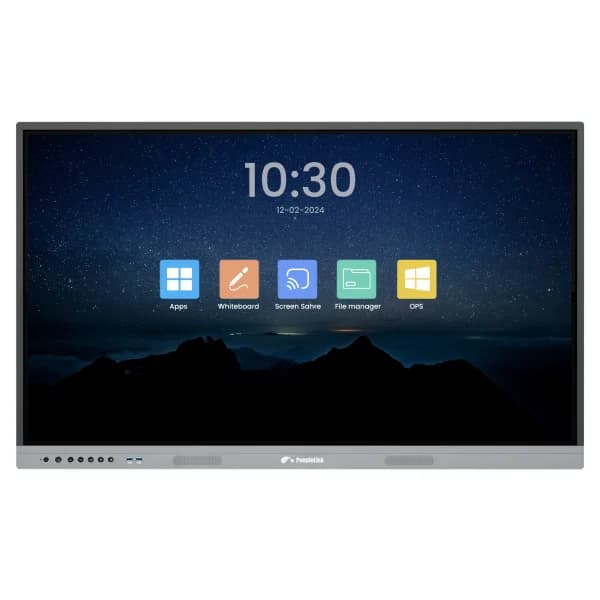
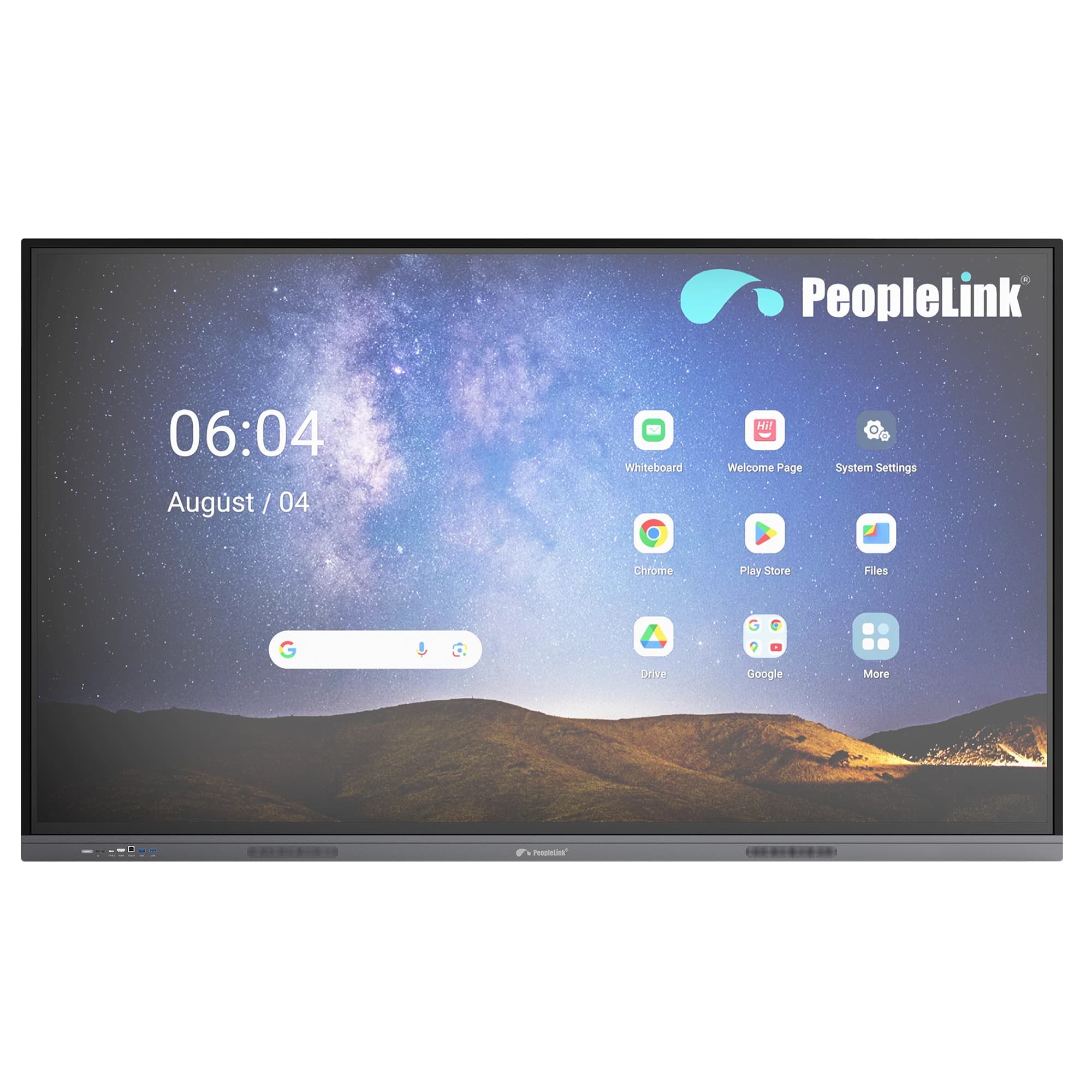
The PeopleLink Interact 21M is a 21.5 inch Interactive Display for Classrooms, Meeting Rooms and lectern positions. It runs 1920 by 1080 at 350 cd/m² with 178 degree viewing angles, and 10 Point Projected Capacitive Touch accurate to 2mm using a finger or the supplied pen. VGA, HDMI, DVI or DP plus USB Touch connect Windows, Linux, Mac, Android and Chromebook machines, and two 5W speakers cover a desk. Presenters pair it with PeopleLink Cameras and Audio when the whole room needs to see and hear the session. At 5kg with a 100 by 100mm wall mount pattern, it can sit on a lectern, a desk or a wall as the room requires.
The PeopleLink Interact 21M is a 21.5 inch Touchscreen Display with Full HD resolution (1920×1080) and support for up to 10-Point Multi-Touch input. Tapping, pinching and swiping gestures feel natural, and the display responds to a Stylus or to the hand for precise selection, dragging and drawing.
It is compatible with major operating systems including Windows, macOS, Android, Chrome OS and Linux, and connects over VGA, USB, HDMI and DVI ports. A built-in Tempered Cover Glass resists surface damage from sharp objects, and Vibrant True Colours keep content clear on a desk, a lectern or a Meeting Room table.
Key Specifications
Headline specifications from the product Datasheet. Full model-by-model detail is in the PDF.
Item
PeopleLink Interact 21M
Resolution
1920 (H) ×1080 (V)
Display Color
1.07 Billon colors
Brightness
350 cd/m² (OD18)
View Angle
R/L 178 (Min.), U/D 178 (Min.)
Technical Specifications
Display
Resolution
1920 (H) ×1080 (V)
Display Color
1.07 Billon colors
Brightness
350 cd/m² (OD18)
View Angle
R/L 178 (Min.), U/D 178 (Min.)
Inputs & Outputs
VGA Input
1
USB touch
1
HDMI in
1
DVI in / DP in
1
Speakers
2 x 5W
Touch screen
Induction Method
Projected capacitive touch
Touch points
10 points
Response Time
5ms
Writing Style
Finger or Pcap touch pen
Tolerance
±2mm, edge area ±5mm
Support Operation System
Windows 10/8/7/XP/ Linux, Mac / Android / Chrome Book
Wall mount
100 x 100mm
Input voltage
AC:100~240V 60/50HZ
Accessories
Power cable x 1, active pen x 1
Environmental factors
Working Temperature
-10℃~40℃
Working Humidity
10%~80%
Structural Info
Dimension: (L x H x W)
529.5 x 320.6 x 63.5mm
N.W
5kg
Rooms It Serves
Classrooms
Interactive Teaching and collaboration on a 10 Point Projected Capacitive Touch Display.
Meeting Rooms
Works with common video conferencing platforms over VGA, HDMI, DVI and USB Touch.
Front of Room Display
Tempered Cover Glass on a compact 21.5 inch panel weighing 5kg for desks and lecterns.
Where an Interactive Display Fits in Your Organisation
How organisations deploy an Interactive Display, and what changes for the teams that use it
Education
Lectern Display for a University
A university places the Interact 21M on the lectern in each lecture theatre as the presenter's working screen. The 21.5 inch Full HD panel sits comfortably on the lectern top, and the lecturer annotates slides with the included Active Pen through 10-Point Projected Capacitive Touch, with the marked-up image sent to the main room display over HDMI. Because it runs with Windows, Mac and Chromebook, visiting lecturers plug in whatever laptop they carry. A PeopleLink Camera records the session, so students revisit the annotated lecture later.
Enterprise
Huddle Desk Screen for a Consulting Firm
A consulting firm fits the Interact 21M at shared huddle desks where two or three people work through a problem together. The 10-point touch surface lets the group drag and mark up documents side by side, and the built-in 2 x 5W Speakers carry a quick Video Conferencing call on a common platform without a separate audio unit. The Tolerance of ±2mm keeps handwriting accurate for note-taking. Staff connect over HDMI or USB Touch and are working within a minute of sitting down.
Healthcare
Tele-Consultation Desk for a Private Hospital
A private hospital uses the Interact 21M at a tele-consultation desk where a doctor reviews scans with a specialist at another site. The 1920 x 1080 panel shows images at 350 cd/m² brightness with 178 degree viewing angles, so a colleague beside the desk sees the same detail. The doctor circles areas of interest by finger or Pcap Touch Pen while a PeopleLink Camera carries the conversation over a common Video Conferencing platform. Tempered Cover Glass stands up to regular wiping between consultations.
Not sure which model fits your Classrooms or Meeting Rooms?
Tell us the room size and seating. A PeopleLink specialist will recommend the right model.
It is a 21.5 inch Interactive Display with 10 Point Projected Capacitive Touch, built for Classrooms, Meeting Rooms and lectern positions. A Full HD panel, two 5W speakers and a full set of inputs sit in a 5kg unit, so it works as a presenter's screen rather than a room display. Tempered Cover Glass suits a surface that is touched and wiped many times a day.
The specification table on this page covers display, inputs and outputs, touch, environment and structural details. The full PDF datasheet is available from the download section. A PeopleLink specialist can confirm mounting and accessory options for the way you plan to use it.
Two 5W Speakers are built in, which covers a desk or lectern position where one or two people are working through content together. Touch stays accurate to ±2mm across the screen and ±5mm at the edges, so annotation and handwriting hold their place. Where a whole room has to hear the session, pair the display with PeopleLink Audio.
Yes. It supports Windows 10, 8, 7 and XP, Linux, Mac, Android and Chromebook, and connects over VGA, HDMI, DVI or DP with a single USB cable for touch. It ships with an Active Pen and a 100 x 100mm wall mount pattern for desk, lectern or wall placement. Share how many desks or lecterns you need to equip with a PeopleLink specialist for a deployment recommendation.
Installation, service and support are delivered through PeopleLink Partners and Resellers in your region, with PeopleLink AV Specialists supporting them on sizing and integration.
Get PeopleLink AV and Collaboration Updates on WhatsApp
Product Launches, Datasheets, Solution Guides for Meeting Rooms and Classrooms, Event Invitations and Partner Programme news from PeopleLink, a global AV and Unified Communications OEM. For CIOs, IT Heads, AV Consultants, System Integrators and Channel Partners.
By ticking "Stay in Touch" on the form you agree to receive WhatsApp and email messages from PeopleLink Unified Communications about Products, Solutions, Events and Partner updates. You can opt out at any time.