
Web Cameras · 1080p Webcam

PeopleLink i8 Webcam1080p Conference Webcam with 120 degree Field of View and 4x Digital Zoom

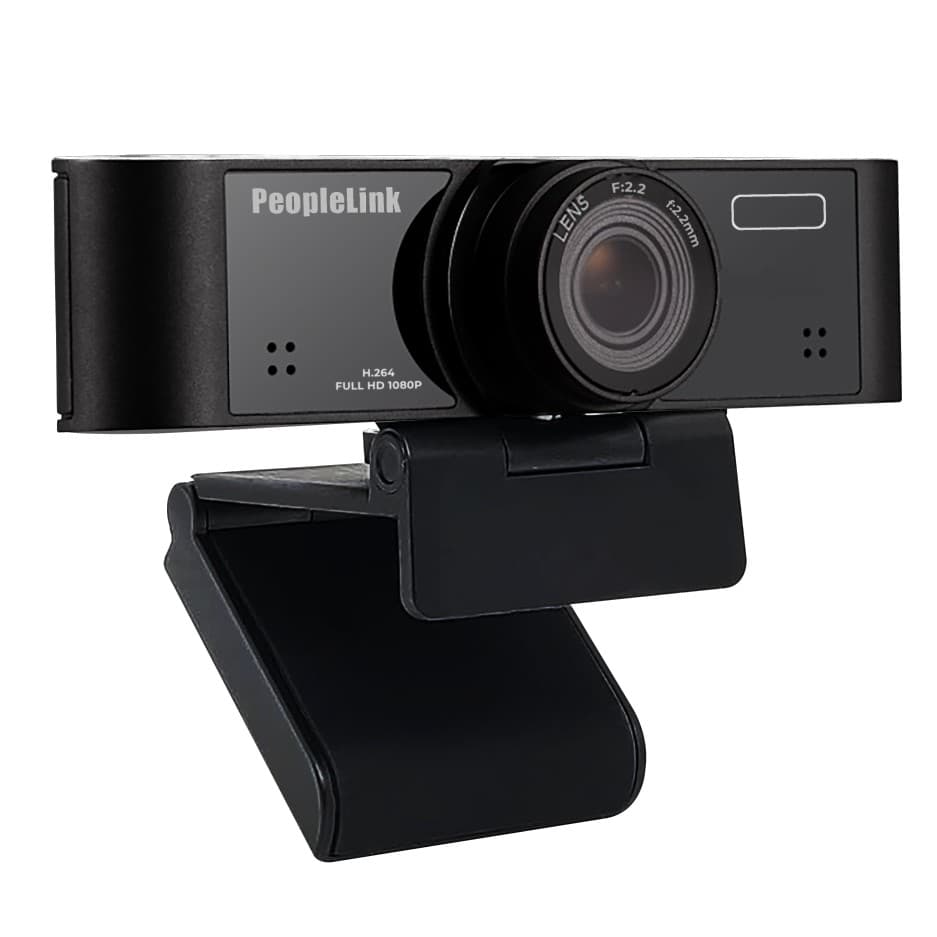
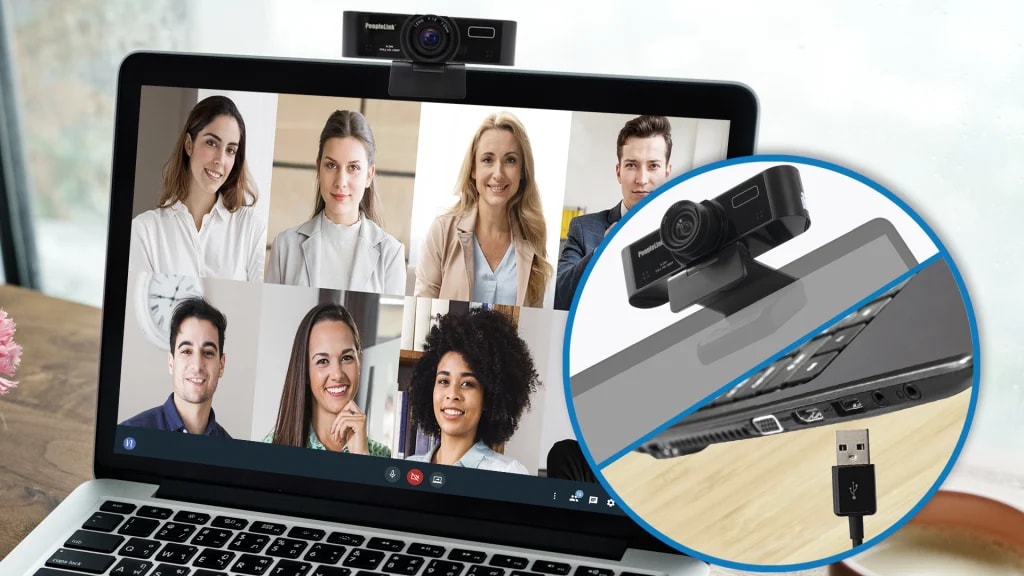
The PeopleLink i8 Webcam is a Webcam for Home Video Conferences, Online Meetings, Live Streaming and Gaming.

  • 1080p30 Resolution
  • 120° Field of view
  • 4x Digital zoom
i8 Webcam View
1 / 3
  • One OEM

    Hardware and Software from a single vendor

  • Deployed Globally

    Enterprise, Government, Education and Healthcare

  • Regional Partner Support

    Service and Support through PeopleLink Partners and Resellers in your region

  • Published Specifications

    PDF Datasheets available for PeopleLink products

Overview

What a 120 degree Conference Webcam does for Online Meetings

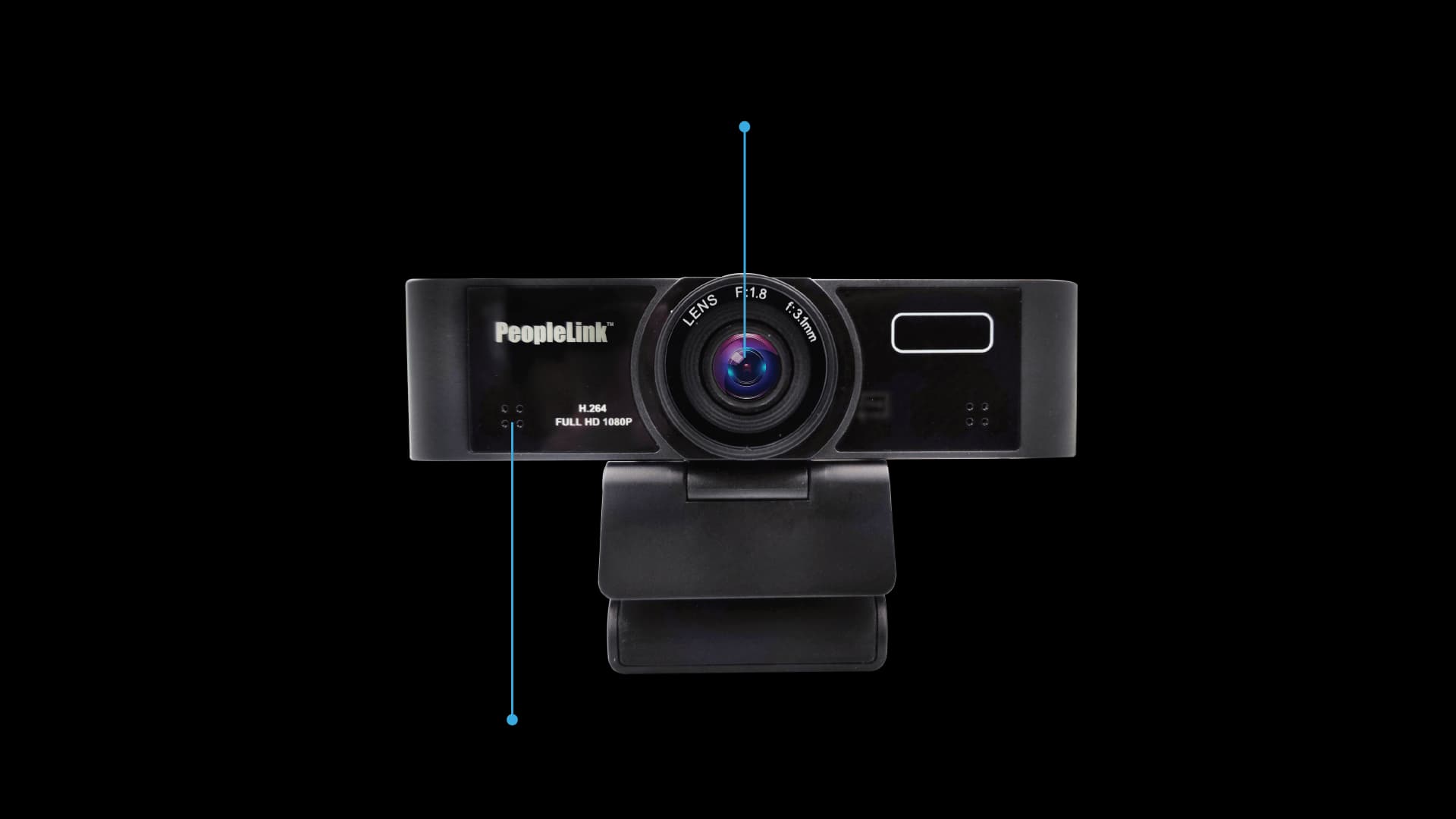
The PeopleLink i8 Webcam is a Webcam for Home Video Conferences, Online Meetings, Live Streaming and Gaming. A 1/2.7 inch 2.07 Megapixel CMOS sensor captures FHD 1080P at 30fps through a 120 degree fixed lens, with 4x Digital Zoom. Minimum illumination of 0.05 Lux and Auto Light Correction hold the picture on a dimmed night shift, and a Built-in Microphone reaches 3 metres. USB 2.0 Type A makes it Plug and Play in YUY2, H.264 or MJPEG on Windows, Linux, Mac OS and Android TV. A Privacy Shutter and a damped Camera Bracket suit an open desk where the camera stays in place between calls.

  • FHD 1080p @30fps
  • 120° Field of View
  • Built in Microphone
  • 4X Digital Zoom
  • YUY2 / H.264 / MJPEG
  • USB 2.0, Type-A
  • Plug & Play
Features

i8 Webcam features

Full HD capture, 120 degree field of view and 4x digital zoom, explained.

HD Video Calls
Features

Video Calls in HD Imaging

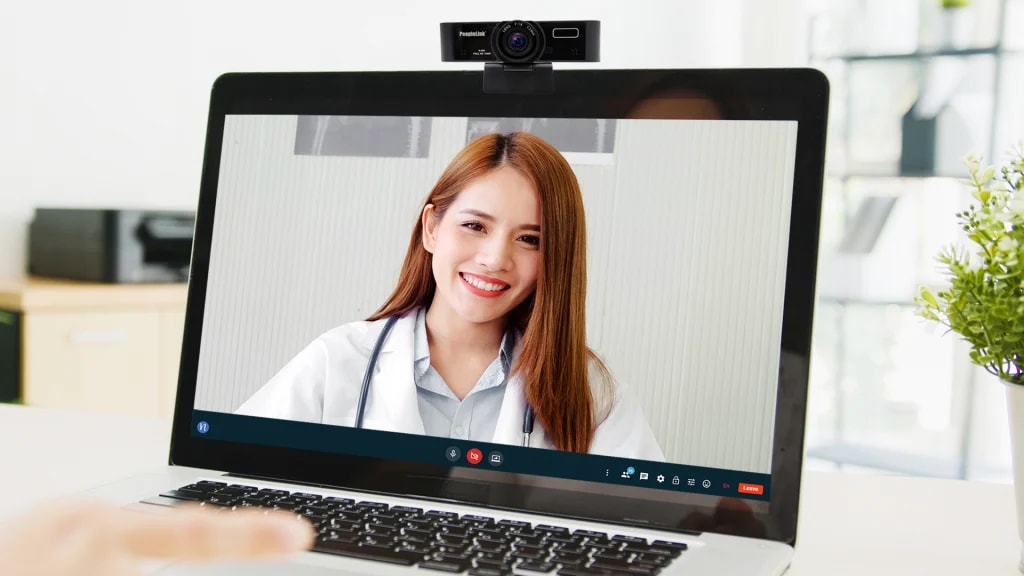
The i8 Plus Webcam helps to conduct crystal clear video calls in full HD webcam quality at 1080p @ 30 frame rate. The Webcam is set to capture details and is compatible with all major video applications. It ensures a realistic yet virtual collaboration.

Low Light Correction
Features

FoV with Low Light Detection

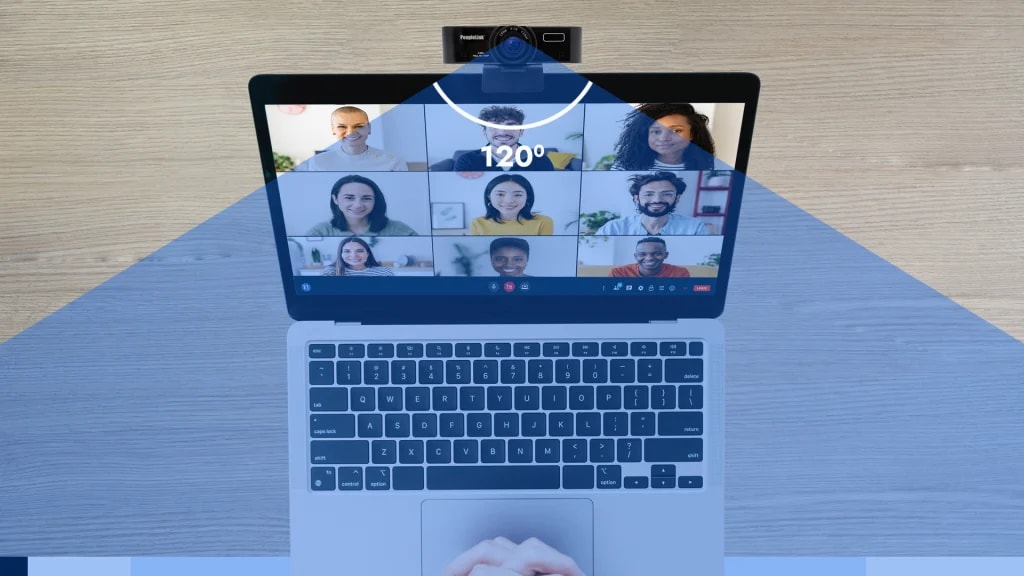
i8 Plus Webcam provides a 120° diagonal field of view, fixed focus, and auto light correction that adjusts to the illumination of your meeting space, making you see clearly, even with poor back-lighting. The Webcam can record every motion of the presenter with ease. With the pre-adjustments, it is much more of an asset for the meeting rooms.

Microphone
Features

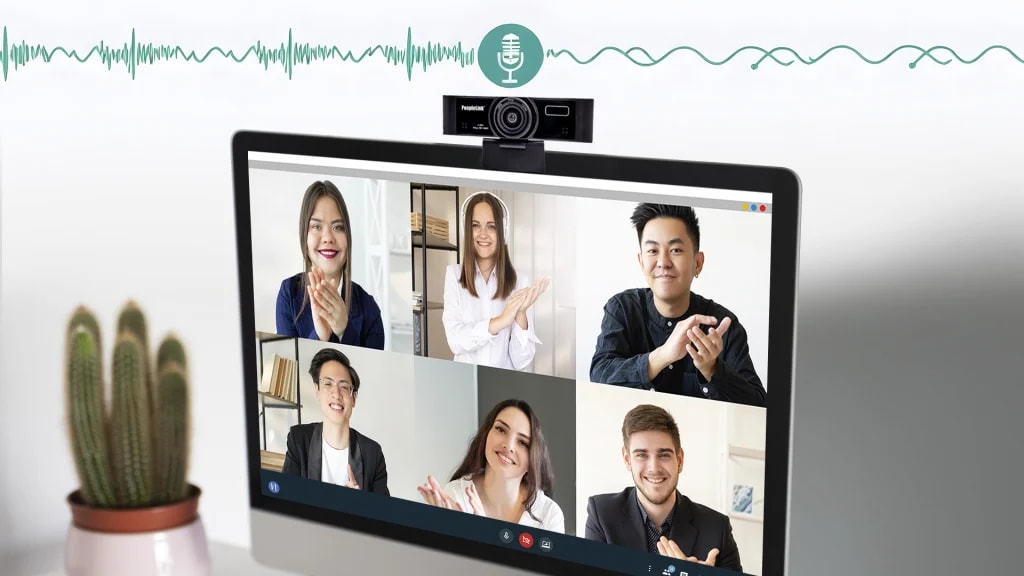
Built-in Omni-Directional Microphones

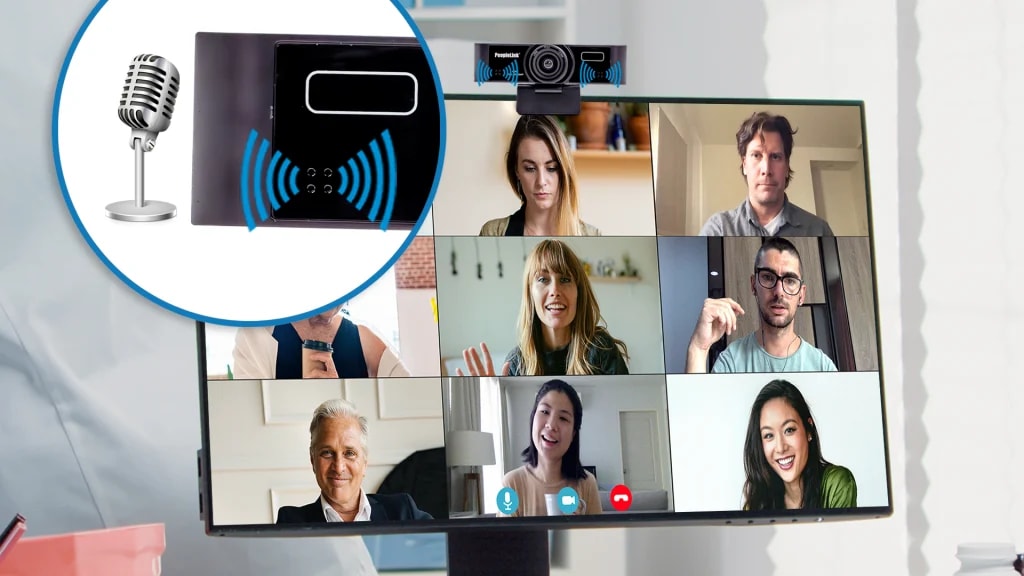
The i8 Plus Webcam has a built-in stereo dual microphone that catches high-quality audio by picking up clear sound from multiple paths. This meeting room camera supports natural conversations from up to 3 meters away. The fantastic audio output makes it more convenient for the listener to catch up on the tiniest details.

Audio Output
Features

Clear and Natural Audio Output

Integrated microphones with automatic noise reduction make the sound clearer and more natural. It picks up your voice and filters out background noise, which allows for precise and natural sound recording. The omni directional microphones take every ounce of voice in the ambiance to deliver excellence.

Compatibility
Features

High Compatibility with Multi-Application

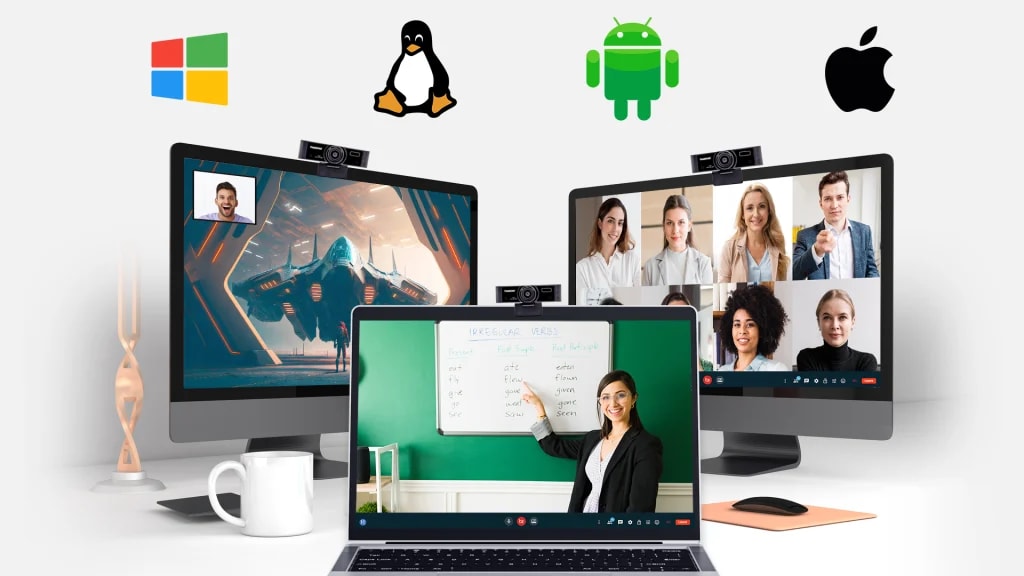
It is the perfect choice for taking audio & video anywhere. The Webcam is applied in live streaming, gaming, video conferencing, streaming/recording, and online school. The broad compatibility makes i8 Plus support Windows XP, win7, win8, Win10, LINUX, Android TV, and Mac OS.

Privacy Shutter
Features

Privacy Shutter for Every User

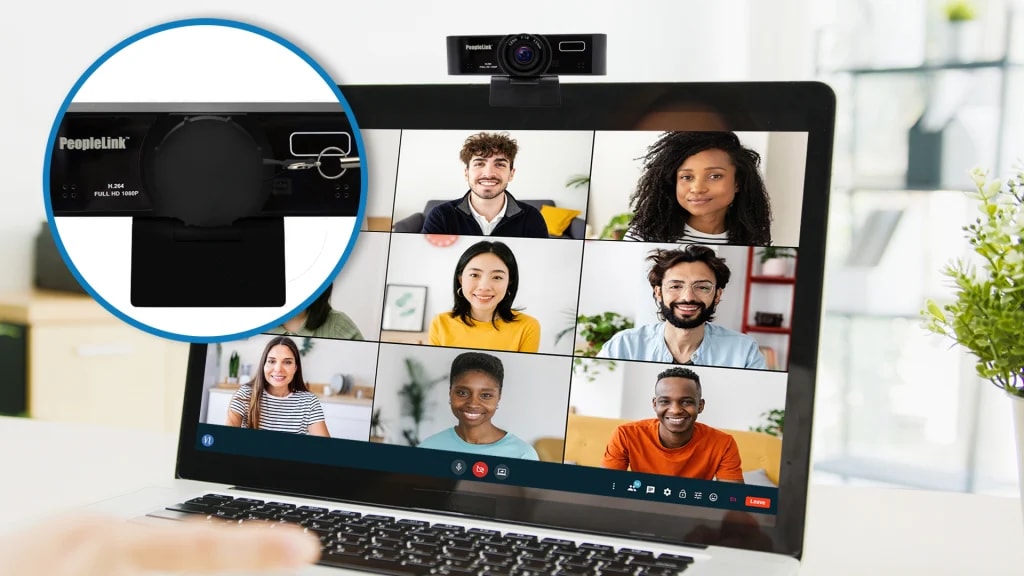
The i8 webcam has a privacy shutter, which helps with all levels of privacy for the user. It helps even to take care of the lens of your webcam. The shutter is provided along with this device to help live streamers maintain a high sense of safety.

Optimized Video Formats
Features

Optimized Video Formats

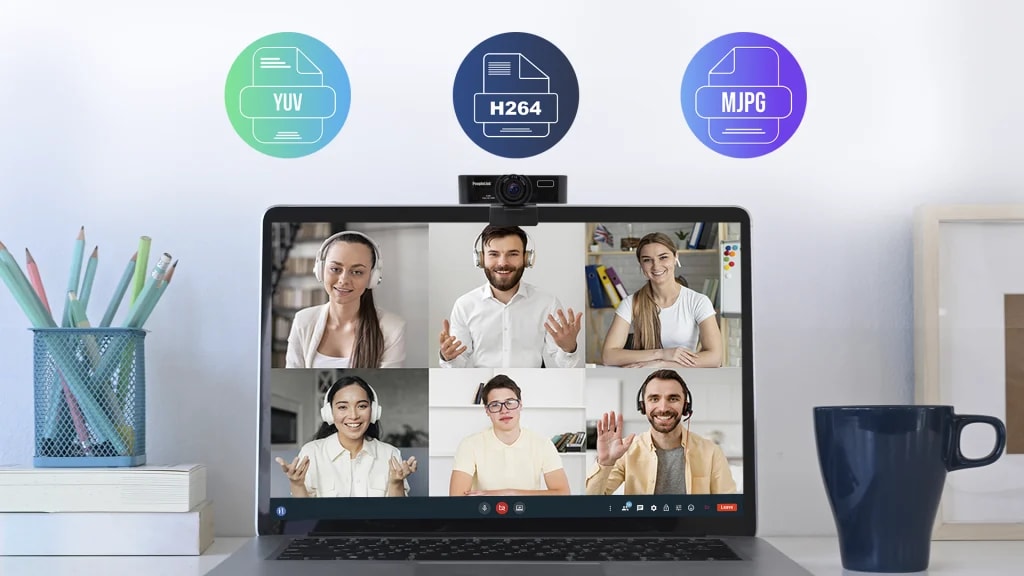
Due to the YUV, MJPG, and H.264 video image formats, the webcam optimizes bandwidth usage while maintaining high-quality video output, making it efficient for online communication.

Plug and Play Setup
Features

Easy to Setup, Plug & Play

Compact design, lightweight and portable, easy to carry and store. Setup takes just 2 minutes with no additional drivers or software required. Easily mountable on desktops, displays, or tripods for flexible usage.

How it Works

Key Specifications

Headline specifications from the product Datasheet. Full model-by-model detail is in the PDF.

ItemPeopleLink i8Webcam
Resolution1080p30
Field of view120°
Digital zoom4x
Sensor2.07 MP

Rooms It Serves

Home video conferences

FHD 1080P at 30fps with a wide 120 degree field of view.

Online meetings

A Built-in Microphone with a 3 metre pickup range and 4x Digital Zoom.

Live streaming and gaming

Plug and Play over USB with a Privacy Shutter that closes the lens.

Where a Webcam Fits in Your Organisation

How organisations deploy a Webcam, and what changes for the teams that use it

Healthcare

Nursing Station Video Point for a Hospital Group

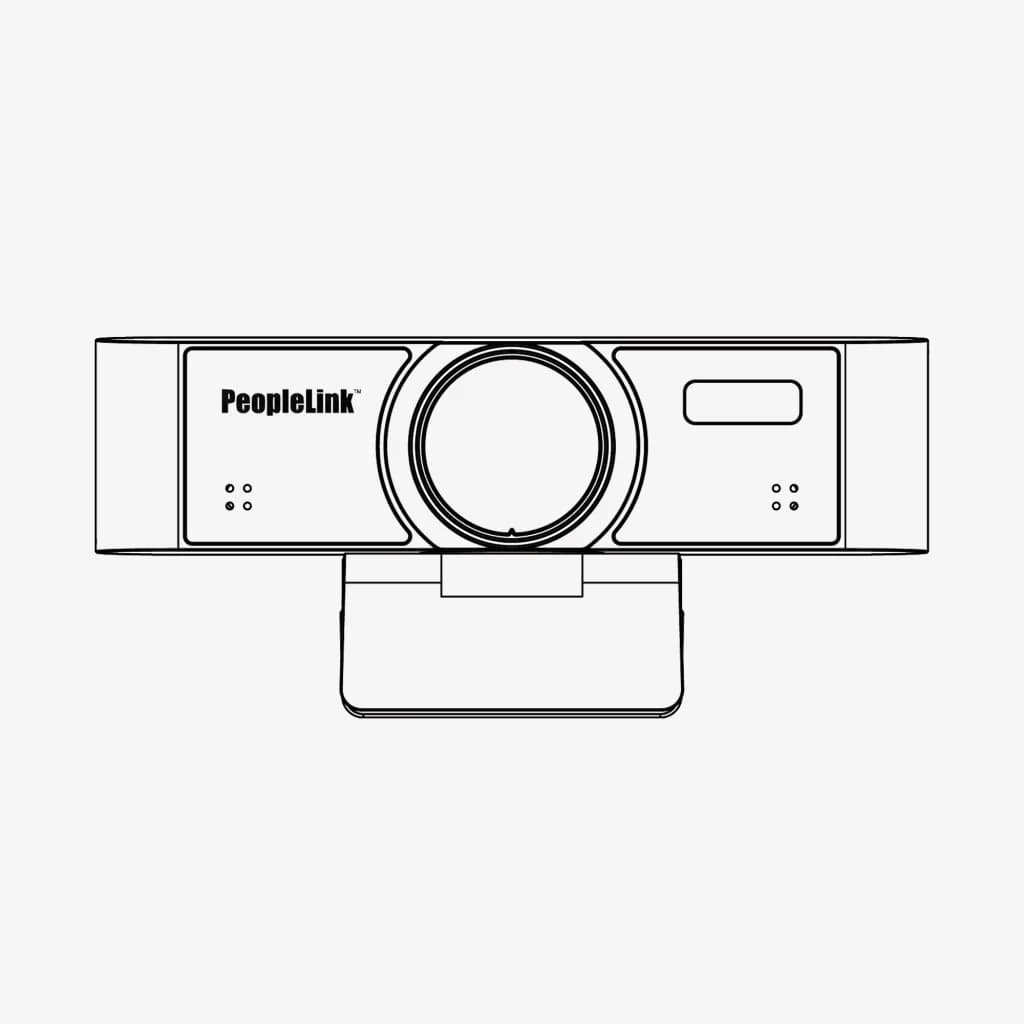
A hospital group in Europe puts a video point at each ward's nursing station so staff can reach duty consultants without leaving the floor. The PeopleLink i8 Webcam sits on its Camera Bracket with damper, and the 120° Field of View covers the whole station rather than one seat. The Privacy Shutter closes between calls, which matters at a desk in an open ward. Auto Light Correction and a minimum illumination of 0.05 Lux keep the picture usable on dimmed night shifts.
Enterprise

Confidential Review Desks for a Bank's Back Office

A national bank runs review calls from Back Office desks that also handle confidential files. The PeopleLink i8 Webcam gives each desk Full HD 1080p at 30fps and a Privacy Shutter the officer closes the moment a call ends. Where a document has to be shown, 4x Digital Zoom tightens the frame on it without anyone moving the camera. The built-in microphone picks up speech across 3 metres, and the USB 2.0 Type A connection leaves the standard desktop build unchanged.

Manufacturing

Line Supervisor Video Desk for a Manufacturing Plant

A manufacturing plant keeps a video desk in the line supervisor's office for calls with remote engineering teams. The PeopleLink i8 Webcam gives a 120° Fixed Lens view of the desk and the board beside it, while 4x Digital Zoom brings a part held up close enough to discuss. The damped Camera Bracket holds the chosen angle in a busy room. YUY2, H.264 and MJPEG output lets the plant match whichever format its conferencing software prefers.

Not sure which model fits your Home video conferences or Online meetings?

Tell us the room size and seating. A PeopleLink specialist will recommend the right model.

Talk to Sales

How It Compares

CapabilityPeopleLink i8WebcamTypical Alternative
Field of view120 degreesNarrow frame typical
Digital zoom4x digital zoomNone typical
PrivacyBuilt-in privacy shutterNone on some webcams
ResolutionFHD 1080p at 30fps720p typical
SetupPlug and play over USBDriver install typical

Why PeopleLink

Hardware and Software

Cameras, Audio, Control and Collaboration Platforms, built by one OEM.

Integrates Cleanly

PeopleLink Cameras pair with PeopleLink Audio, Control and Room Solutions out of the box.

Deployed Globally

Used across Enterprise, Government, Education and Healthcare environments.

Specialist Support

Talk to PeopleLink AV Specialists for sizing, integration and rollout.

Planning a multi-room or campus rollout?

Get one consolidated quote covering Hardware, Software and Installation from One OEM.

Request a Quote

Frequently Asked Questions

Specifications

Sensor: 1/2.7", CMOS, Effective Pixel: 2.07M
Image Resolution: FHD 1080p@30fps
Zoom: 4x Digital Zoom
FoV: 120° FoV Fixed lens
Focus: Focal length: f=3.1mm
Microphone: Built-in Microphone
Audio Pickup: 3m audio Pickup range
Interface: USB 2.0: Type A, Plug & Play
Shutter Speed: 1/30s ~ 1/10000s
White balance: Auto, Manual,VAR
Min Illumination: 0.05 Lux @ (F1.8, AGC ON)
Video Compression: YUY2 / H.264 / MJPEG Compression
Mounting bracket: Camera Bracket with damper
Plug & Play: USB
Privacy Shutter: Yes
Certifications: CB,CE, ROHS and FCC
Applications: Home Video Conferences, Online Meetings, Live streaming, Gaming
i8 Specifications

Find the Right Product

Product

i8 Webcam

Fusion 16

Eagle 4K Camera

Auto FramingN/Alandscape and portrait switchingAuto Framing, Al Humanoid Tracking
Sensor1/2.7", CMOS, Effective Pixel: 2.07M1/2.8 inch, CMOS.: 2.07MP Sensor1/2.7" CMOS, Effective Pixel: 8.29M sensor
Image ResolutionFHD 1080p@30fps1080p@30fps4k@30fps
Zoom4x Digital Zoom4x Digital Zoom8x Digital Zoom
FoV120° FoV Fixed lens90° Horizontal FoV110° Field of View
FocusFocal length: f=3.1mmFocal length: f=2.8mmFocal length: f=2.2mm
ePTZN/Ae-PTZ SupportsUVC ePTZ Support
MicrophoneBuilt-in MicrophoneBuilt-in Omnidirectional MicrophoneBuilt-in Microphone
Audio Pickup3m audio Pickup range3m audio Pickup range6m Audio pickup range
SpeakerN/ABuilt-in Speaker with 82 dB Speaker OutputN/A
InterfaceUSB 2.0: Type A, Plug & PlayUSB 2.0: Type-AUSB 3.0: Type C
Shutter Speed1/30s-1/10000s1/30s-1/1000051/30s - 1/10000s
White balanceAuto, Manual, VARAuto, Manual, VARAuto, Indoor, Outdoor, One push, Manual
Min Illumination0.05 Lux @ (F1.8, AGC ON)0.5 Lux @ (F2.0, AGC ON)0.05 Lux @ (F1.8, AGC ON)
Video CompressionYUY2/H.264/MJPEG Compression.YUY2/H.264/MJPEG CompressionH.264/MJPEG/YUY2/NV12 color system
Mounting bracketCamera Bracket with damperStandard Damped Rotary SupportCamera Bracket with damper
Plug & PlayUSB Plug & PlayUSB Plug & PlayUSB Plug & Play
Privacy ShutterPrivacy ShutterPhysical Privacy ShutterPrivacy Shutter
CertificationsCB,CE, ROHS and FCCCE, FCC, RoHSCE, FCC, RoHS
ApplicationsHome Video Conferences, Online meetings, Live streaming, GamingHome Video Conferences, meetings, Live streaming, GamingHome Video Conferences, Online meetings, Live streaming, Gaming

Disclaimer: Features and specifications are subject to change without prior notification. Images shown are for representational purposes only; actual may vary.

In the Room

Small Rooms and Desks, Photographed on Site

Compact spaces where a compact camera does the work.

PeopleLink product range set out on a partner demonstration desk in the USA
Partner Demo DeskUSA
Huddle room with a PeopleLink display, camera and speakerphone
Huddle RoomDisplay, Camera and Speakerphone
Meeting table with speakerphone facing an interactive display and camera
Meeting Room StackSpeakerphone, Display and Camera
Videos

See the i8 Webcam in action

Documents

Product Datasheet
Download
User Manual
Download

Talk to a PeopleLink Video Specialist about Conference Webcams

Desk, room and platform in one message. We reply with the right Webcam.

Request Demo

Loading reCAPTCHA...

WhatsApp Updates

Get PeopleLink AV and Collaboration Updates on WhatsApp

Product Launches, Datasheets, Solution Guides for Meeting Rooms and Classrooms, Event Invitations and Partner Programme news from PeopleLink, a global AV and Unified Communications OEM. For CIOs, IT Heads, AV Consultants, System Integrators and Channel Partners.

  • Video Conferencing Cameras
  • Interactive Flat Panels
  • LED Video Walls
  • Digital Podiums
  • Audio Conferencing
  • Smart Classroom Solutions
  • Partner Programme
  1. 1. Scan or openScan the QR Code with your phone camera, or open visit.peoplelinkvc.com.
  2. 2. Fill the short formTick "Stay in Touch" and PeopleLink updates reach you on WhatsApp.

By ticking "Stay in Touch" on the form you agree to receive WhatsApp and email messages from PeopleLink Unified Communications about Products, Solutions, Events and Partner updates. You can opt out at any time.

Scan to join PeopleLink WhatsApp Updates

visit.peoplelinkvc.com